Participant
December 22, 2017
Answered

Paste Multiple Objects into Vanishing Point Filter

  • December 22, 2017
  • 3 replies
  • 1706 views

Hello all,

This is my first post, hope one of y'all can help:

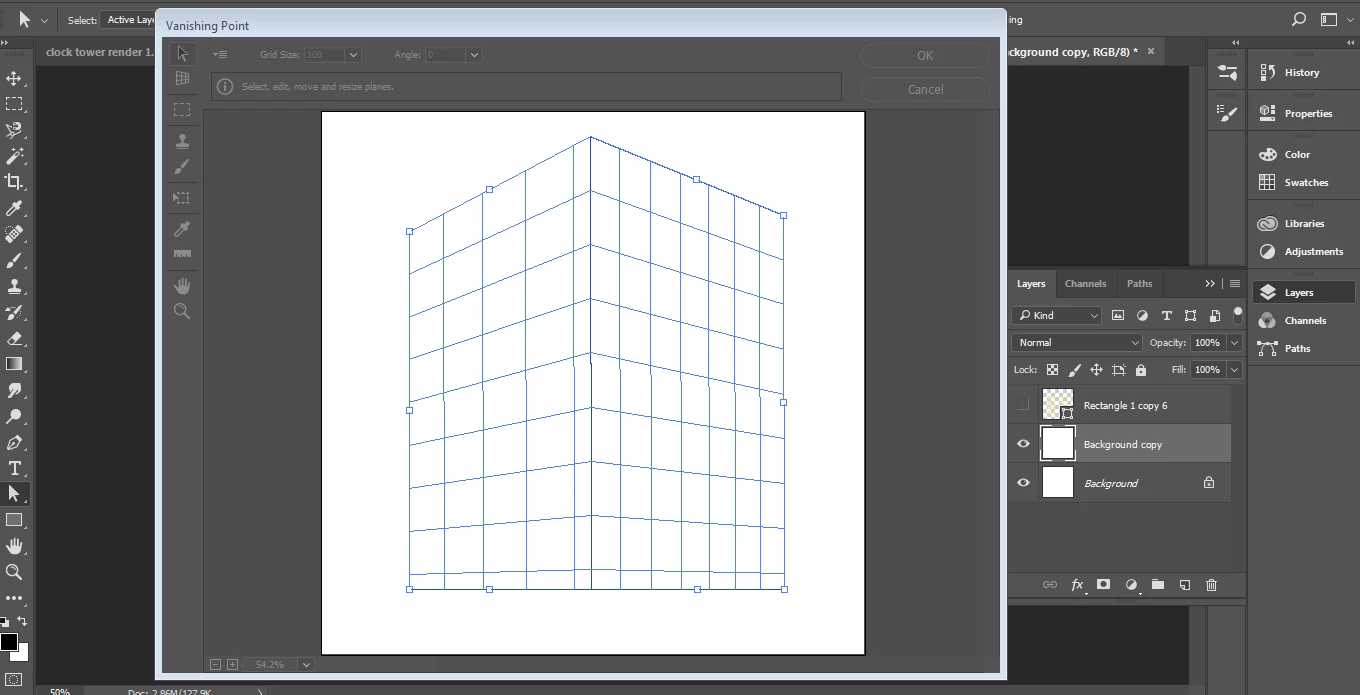
I'm trying to use the Vanishing Point Filter tool in PS (CC 2017/Windows 7) to paste a series of "windows" onto the corner of a "building".

I understand that the only way to do this is to marquee-select the object to be pasted, enter the VP Filter paste and place on any of the established planes. Issues:

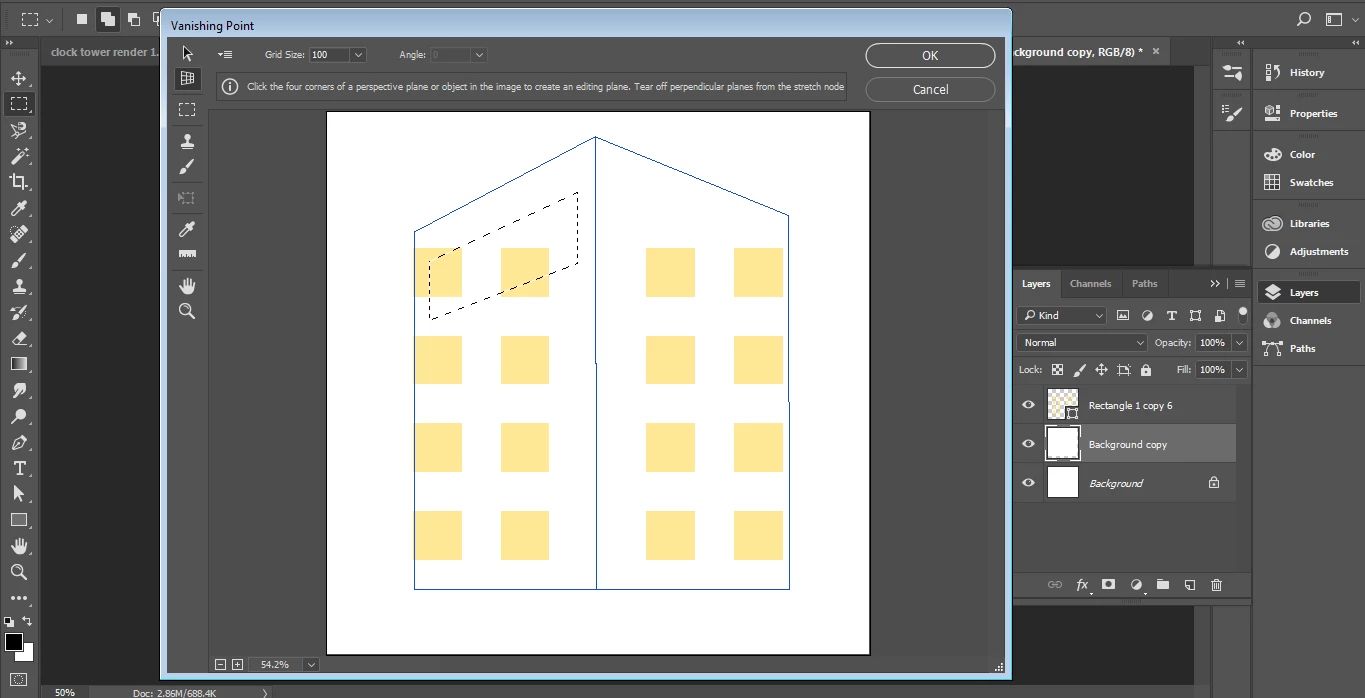
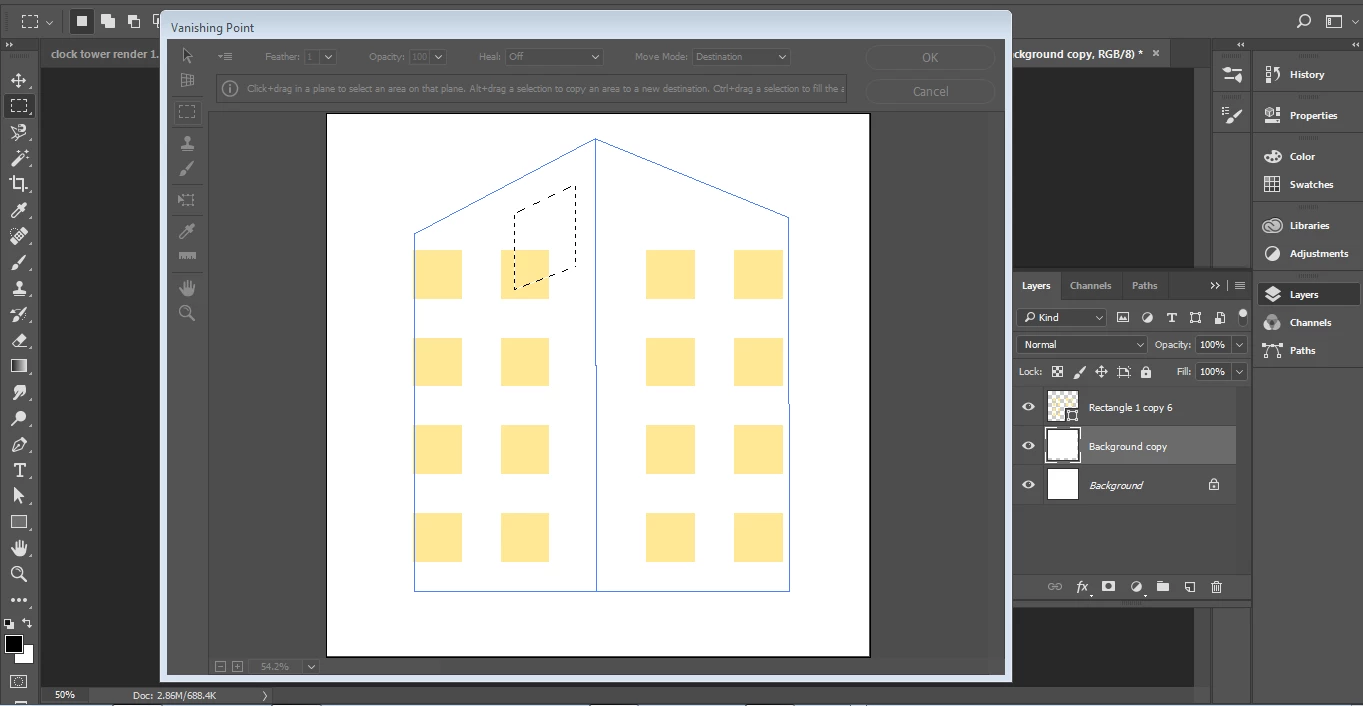
1. When I go to paste a single window into the VP filter, the result is only an empty bounding box of size and shape selected. How do I fix this, so that my object (window) is pasted with all of its pertinent stroke and fill information?

2. I would like to be able to paste in a whole batch of my windows at once. I have tried to marquee-select several of the windows, but when I paste the result is still a single bounding box that looks like it represents the total area selected. In the example, I've selected two horizontally-consecutive windows.

3. I would ultimately like to have continued individual control over each of the windows even after they've been successfully pasted into the VP filter. Is this possible?

Very much appreciating any insight.

Thanks,

Nihco
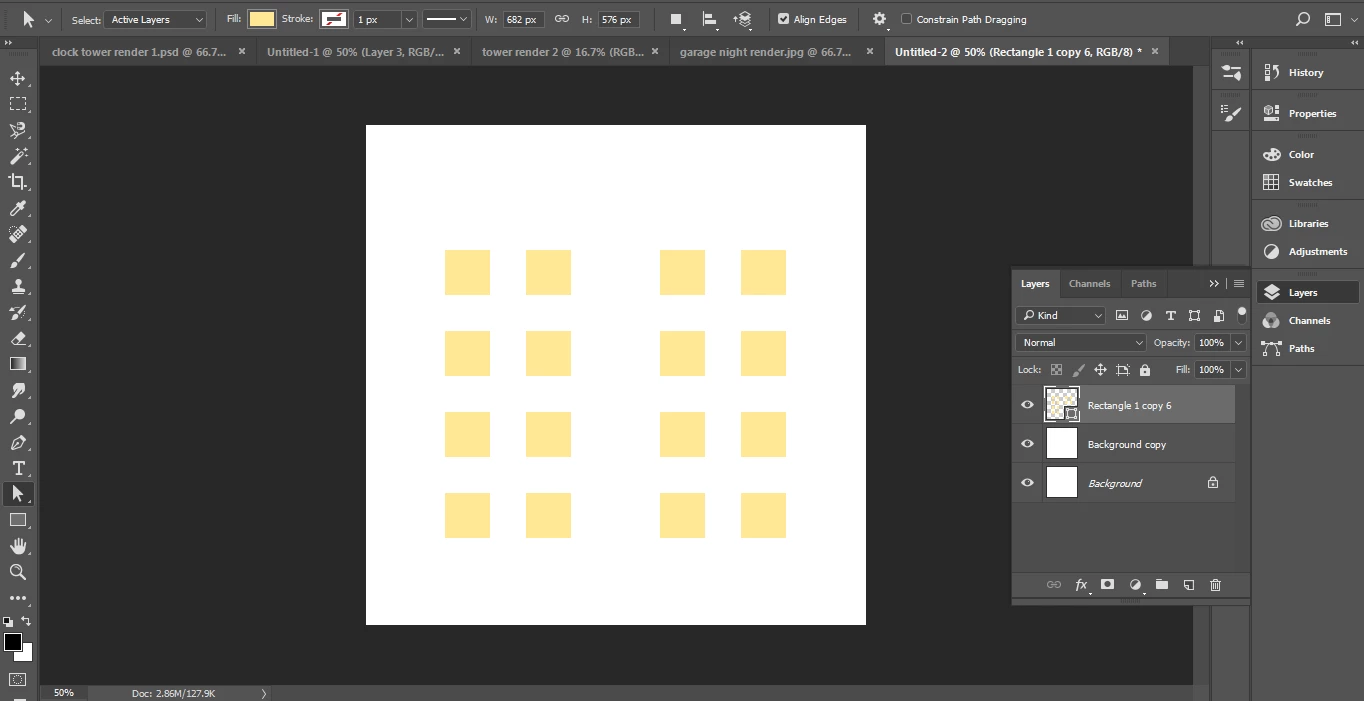
Issues 1 and 2:
This topic has been closed for replies.
Correct answer barbara_a7746676

The windows you are pasting are vector. They need to be raster.

Target the layer with the windows you want to copy, right-click on the layer and choose Rasterize.

Then select the windows and copy them.

It's optional, but I always like to create a new blank layer, and make that the active layer before choosing the Vanishing Point filter.

3 replies

barbara_a7746676
Community Expert
Community Expert
December 22, 2017

Just read the last part of your question that you want individual control over the windows. That is not possible in Photoshop. You would need to paste the windows again in the Vanishing Point filter, basically you re-do if you need to make changes.

Sounds like you would be better off following Mylenium's advice and use Illustrator instead.

barbara_a7746676
Community Expert
barbara_a7746676Community ExpertCorrect answer
Community Expert
December 22, 2017

The windows you are pasting are vector. They need to be raster.

Target the layer with the windows you want to copy, right-click on the layer and choose Rasterize.

Then select the windows and copy them.

It's optional, but I always like to create a new blank layer, and make that the active layer before choosing the Vanishing Point filter.

Participant
December 22, 2017

That did it, thanks Barbara!

barbara_a7746676
Community Expert
Community Expert
December 22, 2017

You're welcome!

Mylenium
Legend
December 22, 2017

Apparently no. You have a total misunderstanding of PS' layer concept to begin with. Selections select pixels, not individual "objects". What you want to do could however be done with the perspective grid in Illustrator...

Mylenium

Participant
December 22, 2017

Thanks for the tip, I'll have to check out the Perspective grid in Illustrator.

I'm new to PS. Thanks for your patience.