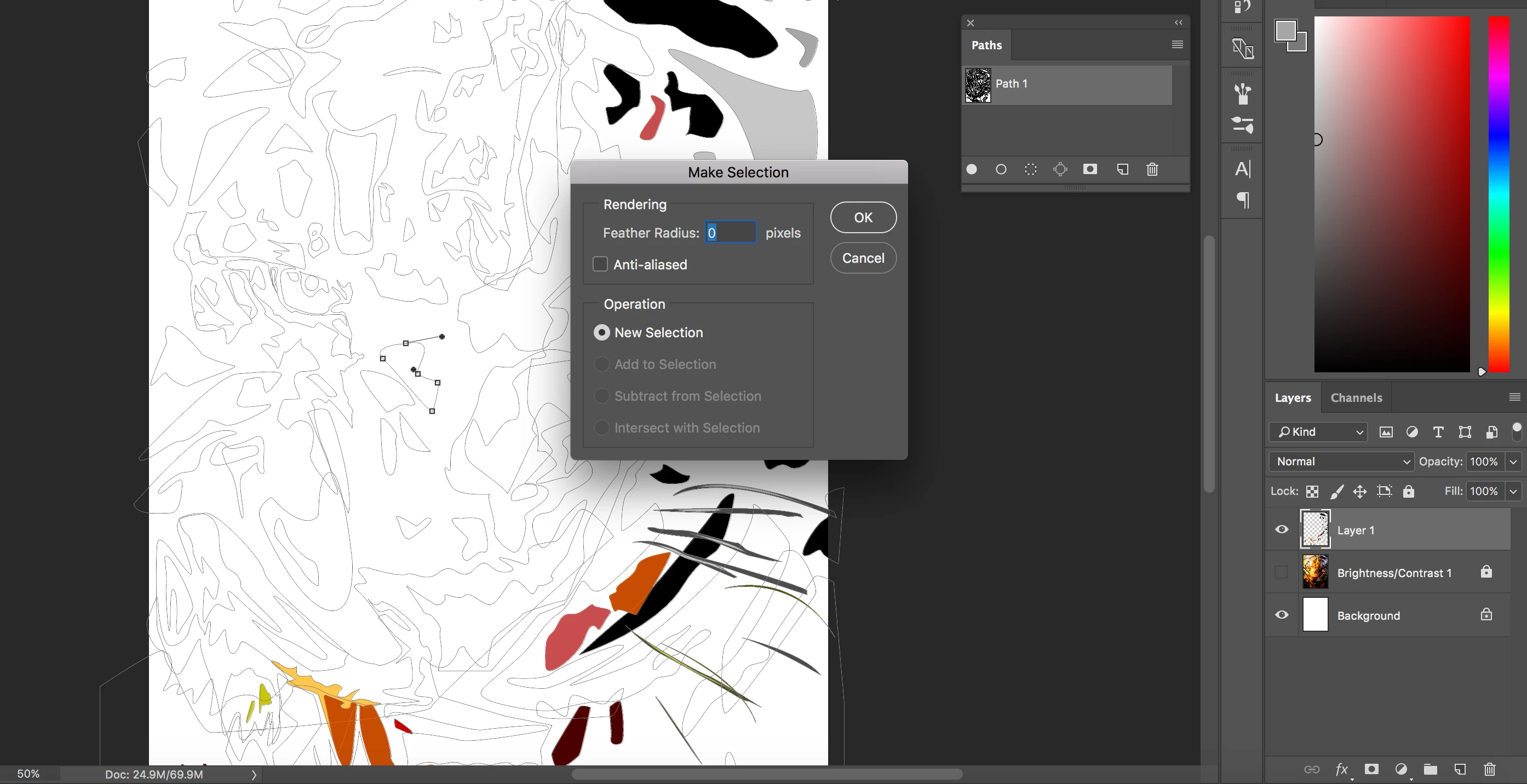
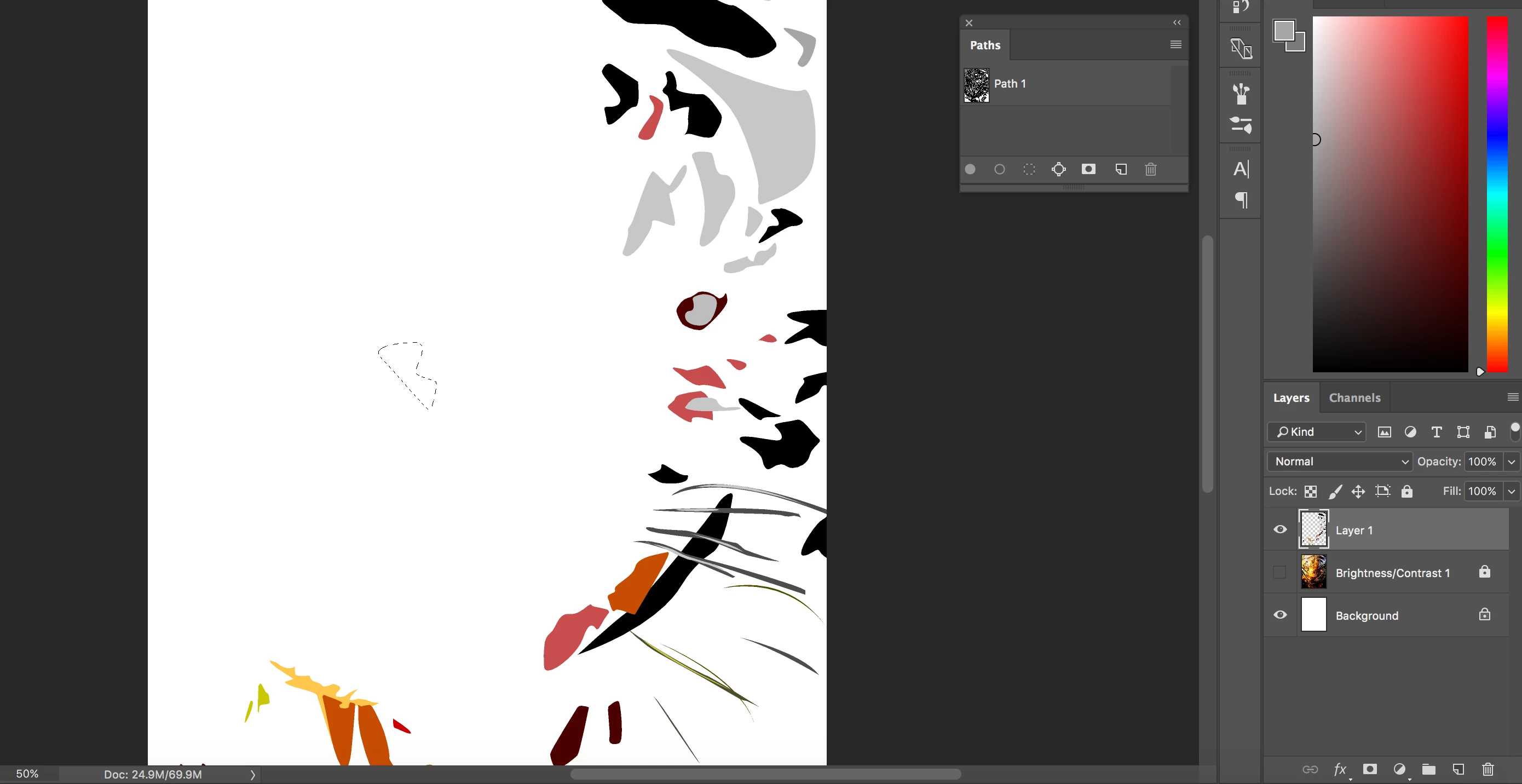
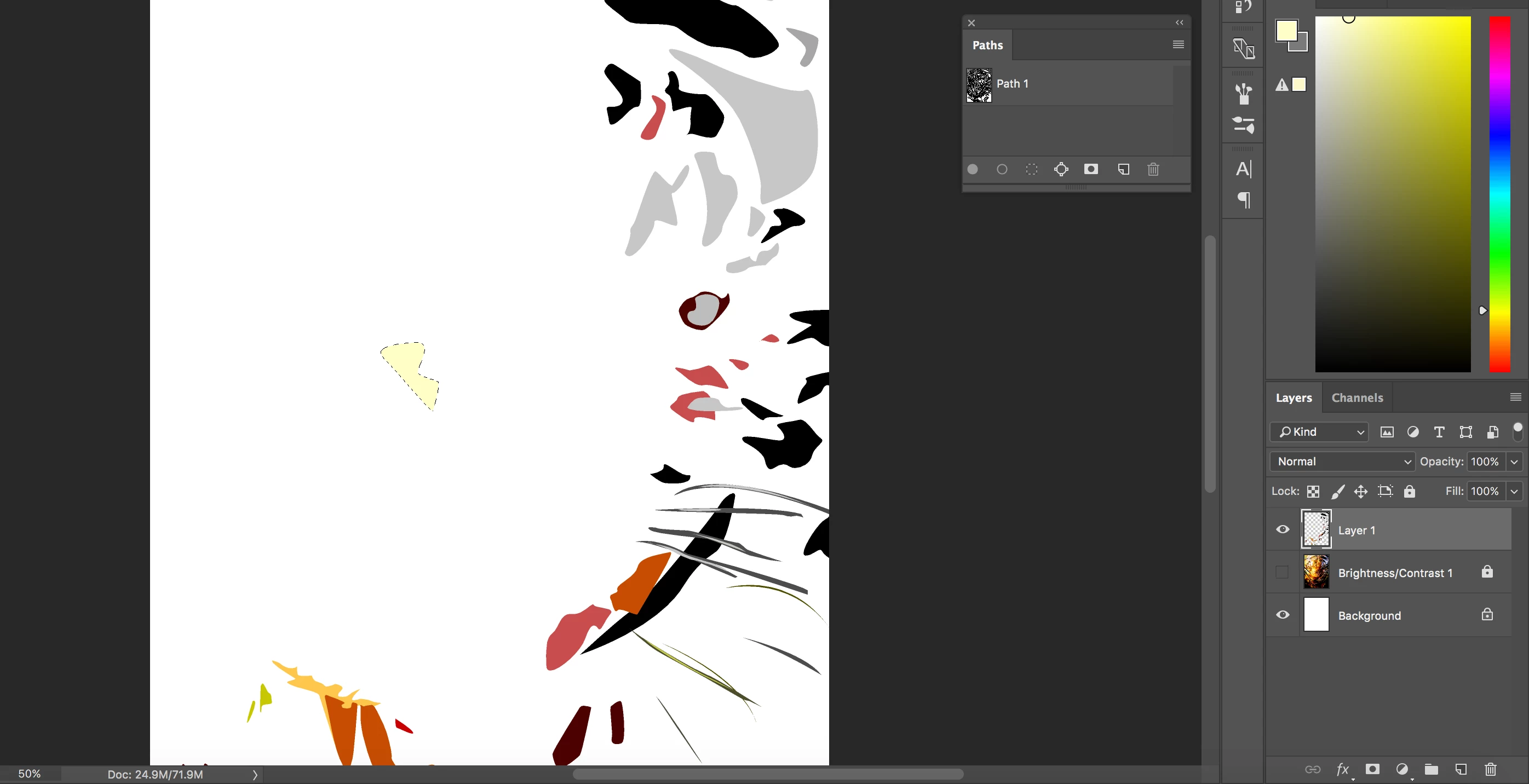
sorry to bother you again.. I've added the stroke to the path, but now I can't select the individual areas of the path, which puts me back to square one. I still have to re-select the path to add a fill to an individual area.
A couple things:
1. You might have to press Ctrl+H to unhide the paths. They may be hidden. If you're on mac, it's CMD+H. You can also enable paths in the view dropdown and select Show Extras.
2. Make sure you have your path selected in the paths tab. If you don't have this, you can select it from the Window drop down. Use the path or direct selection tool to select the shapes.
3. Instead of selecting the path and doing "make selection", simply select the path you'd like to fill, and the color you'd like to fill the path with and click the fill path with color button in the paths window. It's a solid white circle on the bottom of the panel. Secondly, there is no reason to stroke each path. There is no reason the paths should be deselecting using the method I've just explained.

Let me know if this works for you.




 AdChoices