Participant
October 24, 2017
Answered

'Path options' greyed out?

  • October 24, 2017
  • 3 replies
  • 18846 views

Hey all

Amazed to see we FINALLY have coloured paths on photoshop... although, it doesn't work for me! the options seemed to be greyed out, unable to change anything!
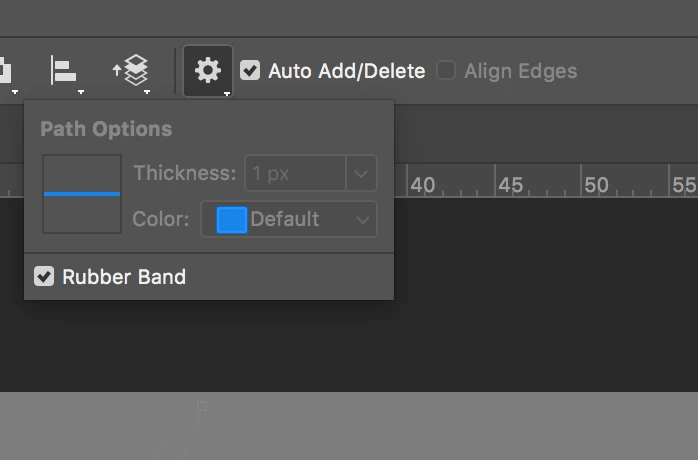

Help much appreciated

    Correct answer Barb Binder

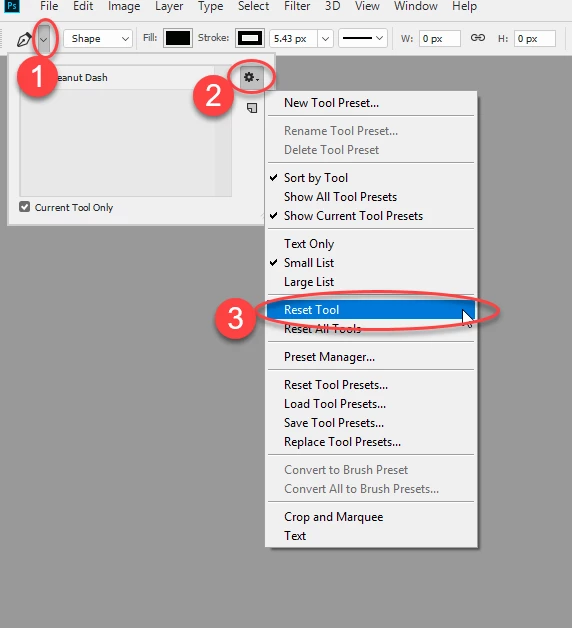
    Try resetting the tool

    Dave


    Dom said he did that, Dave.

    And Dom, I can't seem to do anything to get the commands to gray out like yours. Unless Dave sees something we don't, the next steps I would take would be:

    a.) reset preferences
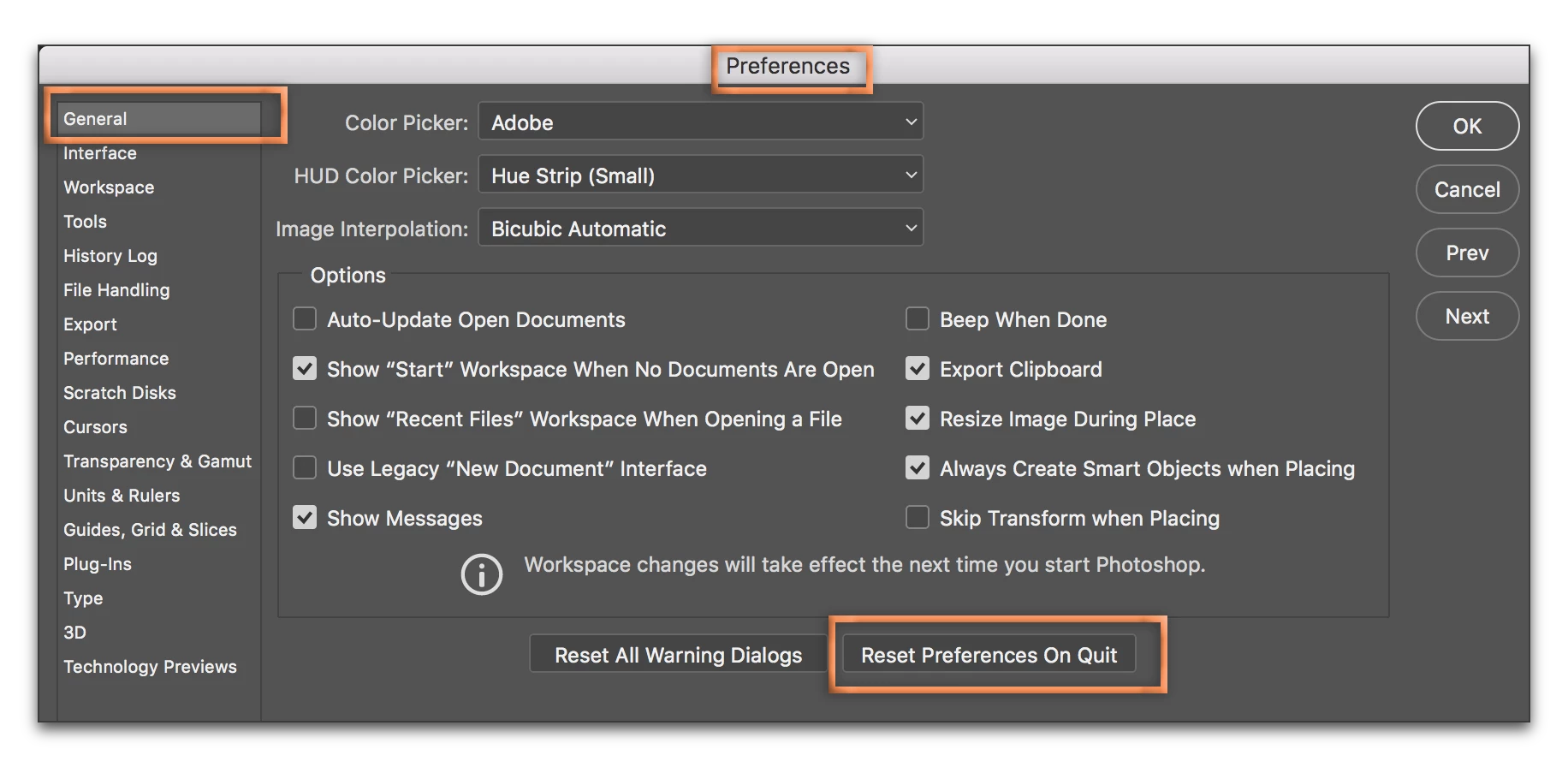
    b.) uninstall/reinstall

    3 replies

    Participant
    July 6, 2021


    Hi! I'm here with the same problem.
    I followed all the solutions you mentioned.
    It all failed in the end 😞
    I'm using Windows 10 Pro, Photoshop cc 2021.
    Is this a technical error?


    aabnasserr
    Participant
    December 3, 2021

    +1


    Participating Frequently
    February 5, 2021

    I tried resetting pen tool , resetting preference and also tried reinstalling photoshop but still path option is greyed out.

    Please suggest me a solution.

    Barb Binder
    Community Expert
    Community Expert
    October 24, 2017

    It's hard to tell what you have going on with the closely-cropped screen shot, but I think you have the Pen tool selected, and the mode is set to Path or Shape? How about resetting that tool (or all tools) by right clicking the tool icon at the far left of the Options bar?

    ~Barb at Rocky Mountain Training
    Dom24Author
    Participant
    October 24, 2017

    hi - have pen tool selected, and on paths! tried resetting, nothing changes

    Participating Frequently
    September 17, 2021

    Hi - has anyone an idea to solve the mentioned problem for me? I tried all this things (resetting preferences, de- and reinstall) and still the path options are grey, only "rubber" can be activated.


    I'm running 22.5.1 on a Windows machine.


    Intel HD graphics 3000 isn't support Windows 10 so that Windows can't access internal graphics and your software, which needs it doesn't work properly or some tools like Pen tool path options and also it stops rotating command "R" in photoshop, after pressing "R" photoshop shows you OpenGL error because every time you rotate your canvas photoshop has to re-render the image and render requires GPU power so.