BarryWhitelaw
Known Participant
March 31, 2021
Answered

Path to selection fail (It'll be me!)

  • March 31, 2021
  • 1 reply
  • 608 views

Hopefully someone can point out my glaring error!


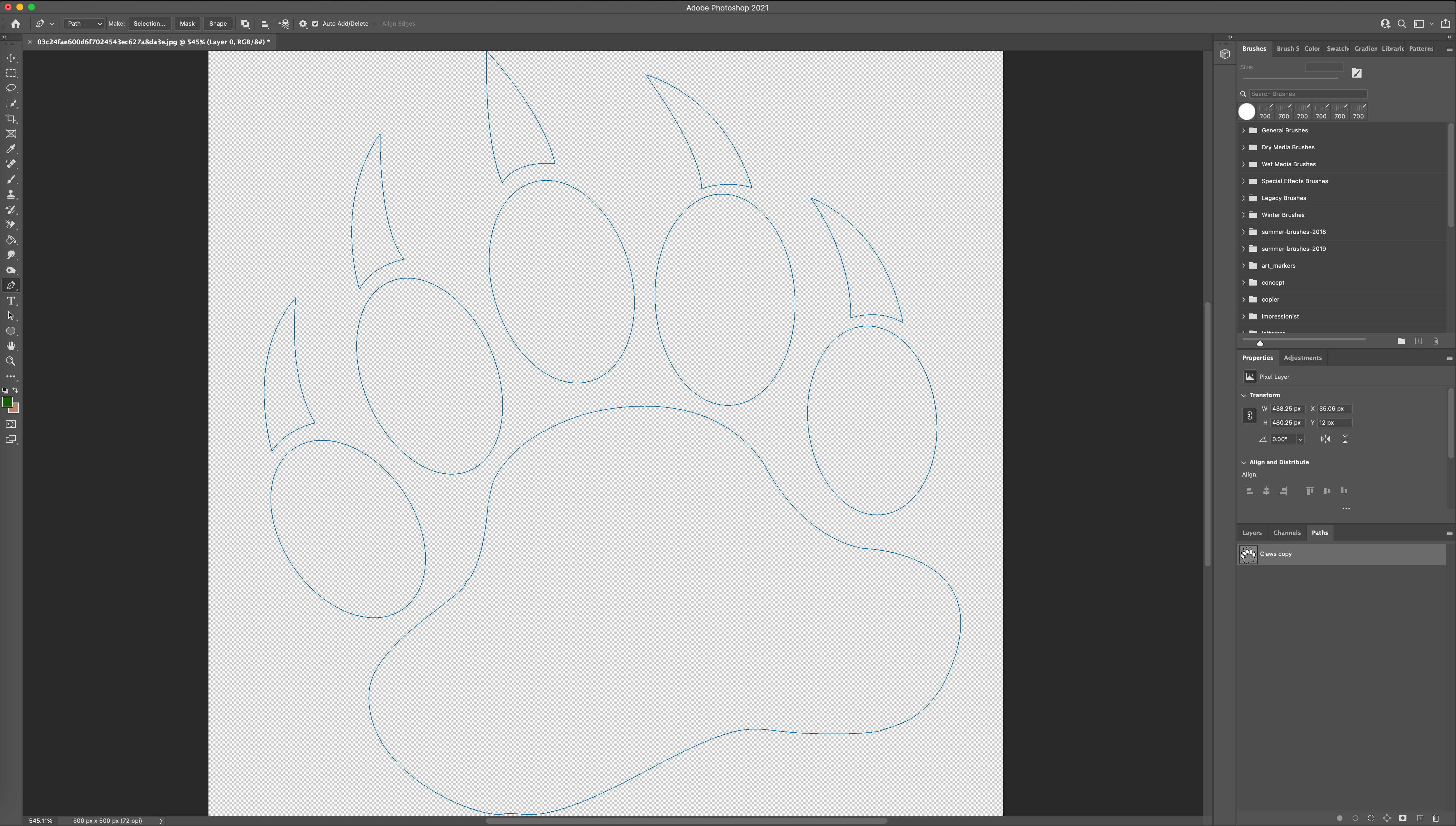
Trying to learn how to use the pen tool, which I struggle with, so tracing an image of a claw I have.


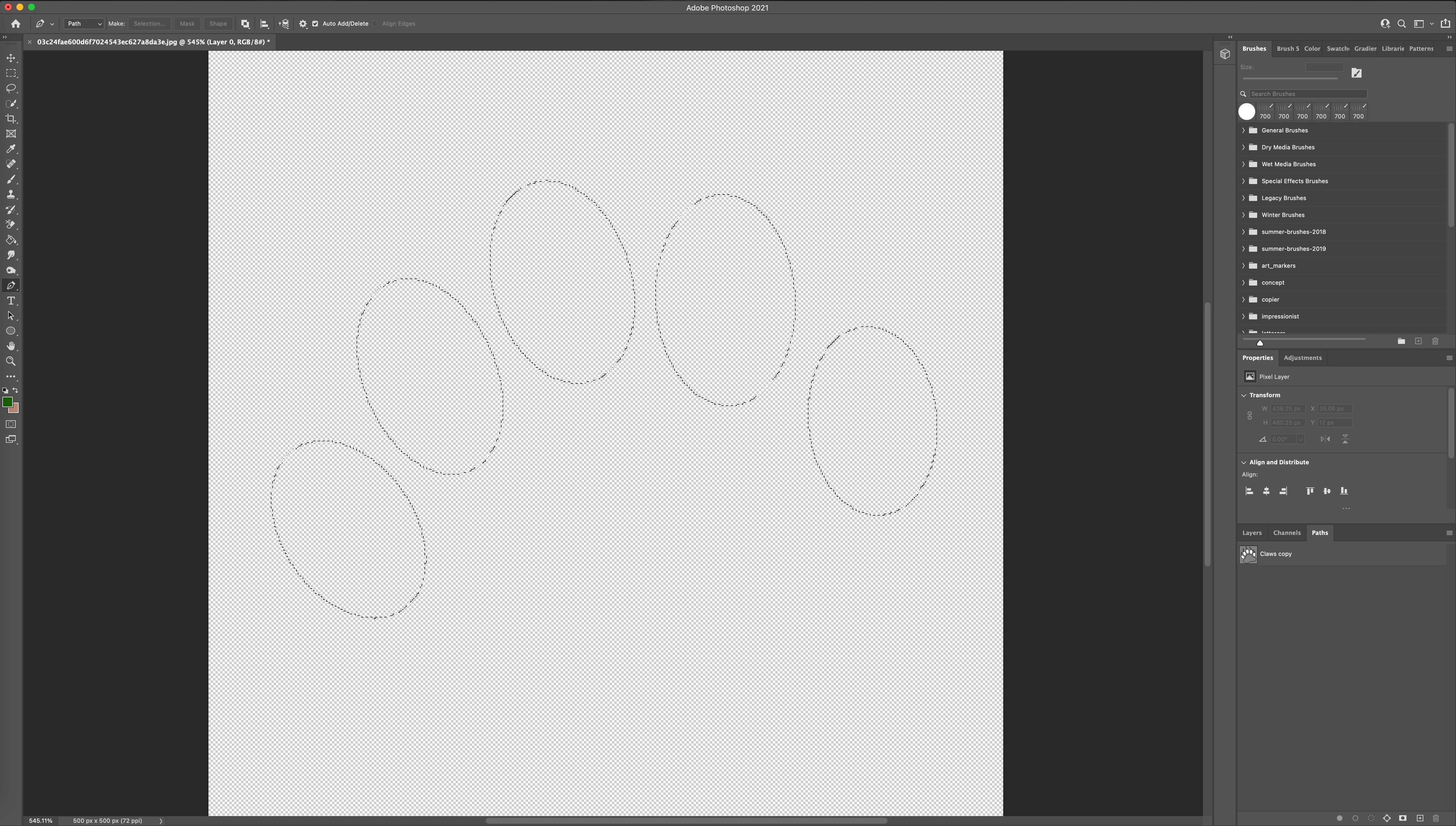
Using the pen tool I traced the claws and the bottom pad, and using the elipse tool I traced the 5 pads on the paw.


When I then select make selection on the path tab, only the 5 elipse tracings actually convert to selection, not the claws or the bottom pad.  I will be doing something wrong, but cannot work it out.  Any ideas?


many thanks 
 

This topic has been closed for replies.
Correct answer c.pfaffenbichler

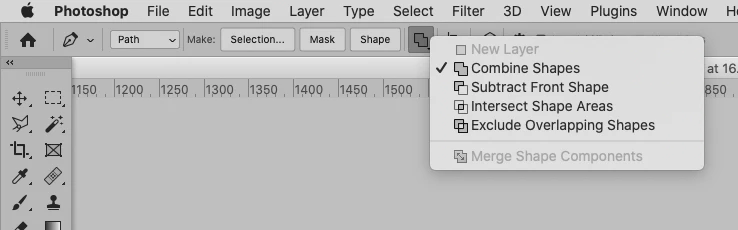
Select all SubPathItems (with the Direct Selection Tool (A) for example) and set them to »Combine Shapes«. 

1 reply

c.pfaffenbichler
Community Expert
c.pfaffenbichlerCommunity ExpertCorrect answer
Community Expert
March 31, 2021

Select all SubPathItems (with the Direct Selection Tool (A) for example) and set them to »Combine Shapes«. 

BarryWhitelaw
Known Participant
March 31, 2021

That worked, thank you.  Was it something I had done wrong do you think, or just the way the software works?


Mant thanks again.

c.pfaffenbichler
Community Expert
Community Expert
March 31, 2021

You may have inadvertently set the Pen Tool to »Subtract …« at some point or duplicated the Paths. 

But it matters little as you can always change the Path Operations later on. 


What do you need the Selection for? 

Might a Vector Mask work, too?