
Answered
Pattern Random Fill - No Overlap
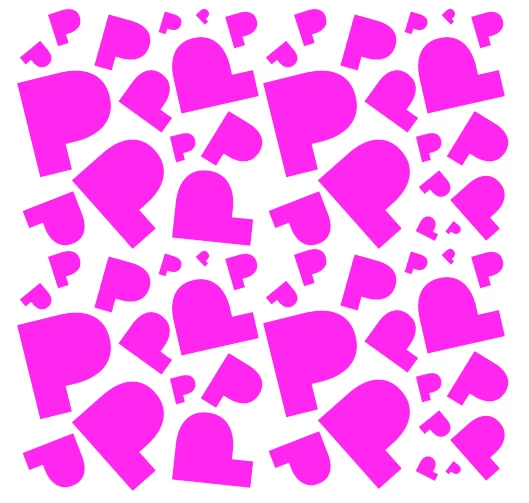
I'm trying to create a randomized background using a pattern I've defined in Photoshop. I tried the random pattern fill built in, but it allows overlapping of the pattern images. How can I perform a random fill that does not allow overlapping?
Attached is an example of what I'm trying to do:
 AdChoices