
PDF Type layers vs Shape layers
Hi,
When you save a PDF from Photoshop, type layers are saved as text that can be recognized (ie, copied, or previewed without opening). If for whatever reason you don't want that, you can convert those type layers to shape before saving your PDF.
However, this method has the unfortunate side-effect of making entire blocks of text the same color, since it applies 1 color per layer and there can be more than one color per type layer to convert. Since Photoshop does not have the ability to apply different colors to different shapes within the same shape layer (though I'm not sure why, text layers have been doing it for decades) you're kind stuck having to create as many duplicates as there are colors used in the converted type layer, and painstakingly repositioning everything manually afterward.
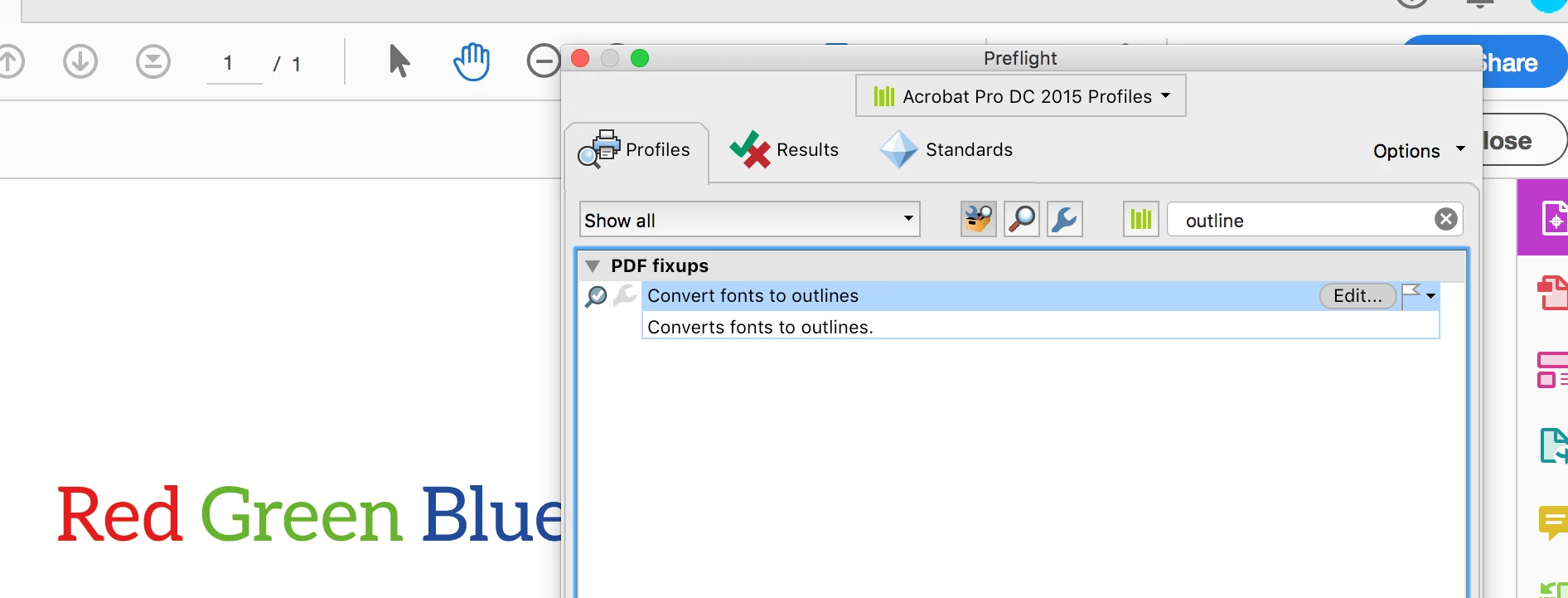
So I was thinking, what if I saved it as-is (type layers and all) and then use something else -- like Acrobat DC -- to convert the type to shapes ("stripping" the type layers of their recognizability, so to speak).
- Is that even doable from Acrobat DC, or is converting to shape before exporting the only way?
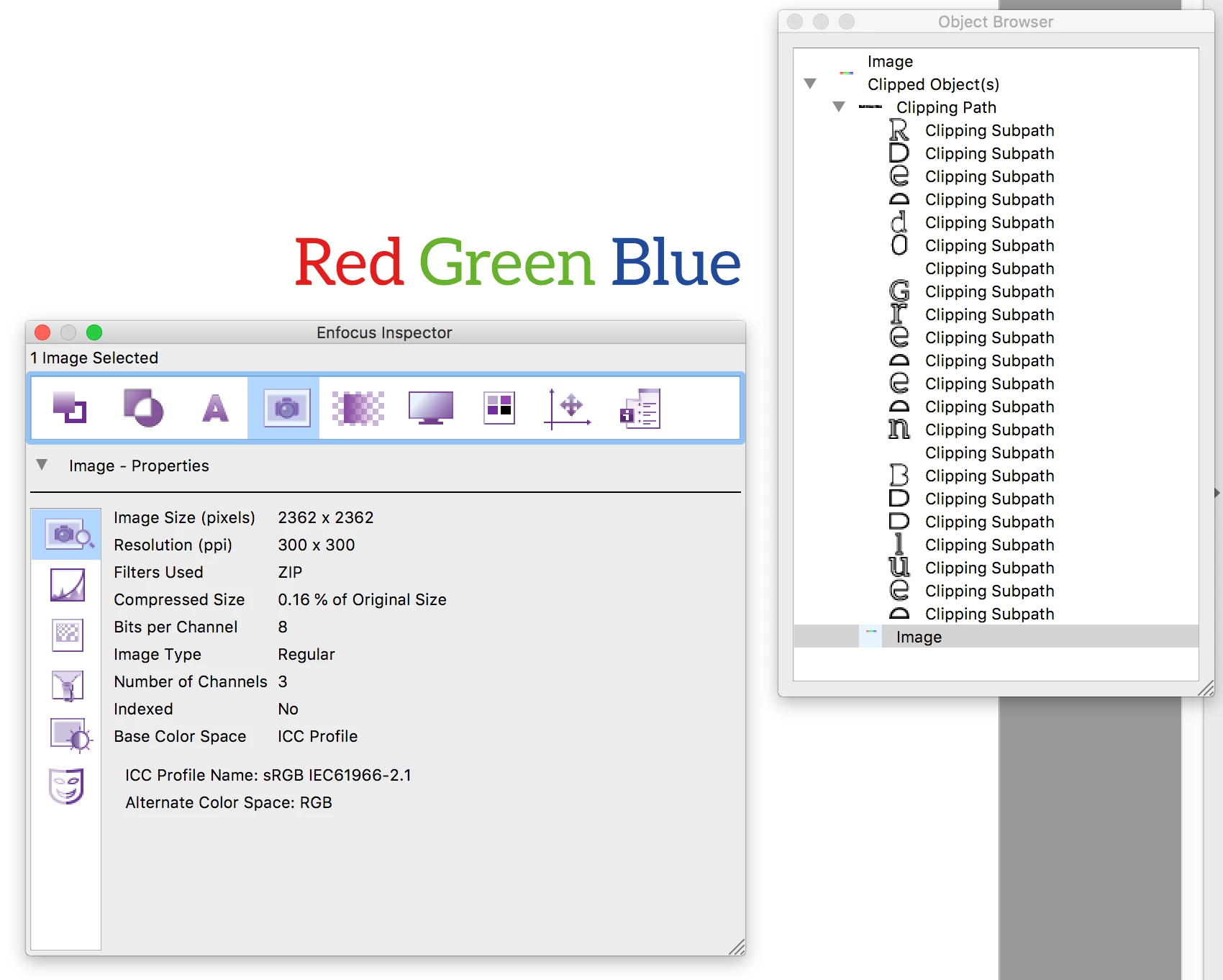
- If it IS doable from Acrobat DC, how would it handle those type layers that had more than one color in them? (Better than Photoshop does, or not?)
(Would be great if there was a way to tell the PS "Convert to shape" option to create as many layers as there are colors in that type layer. You could even group them together on the output, if there's any concern that might create too many layers to keep track of.)
 AdChoices