
Answered
Pen pressure issue on Photoshop
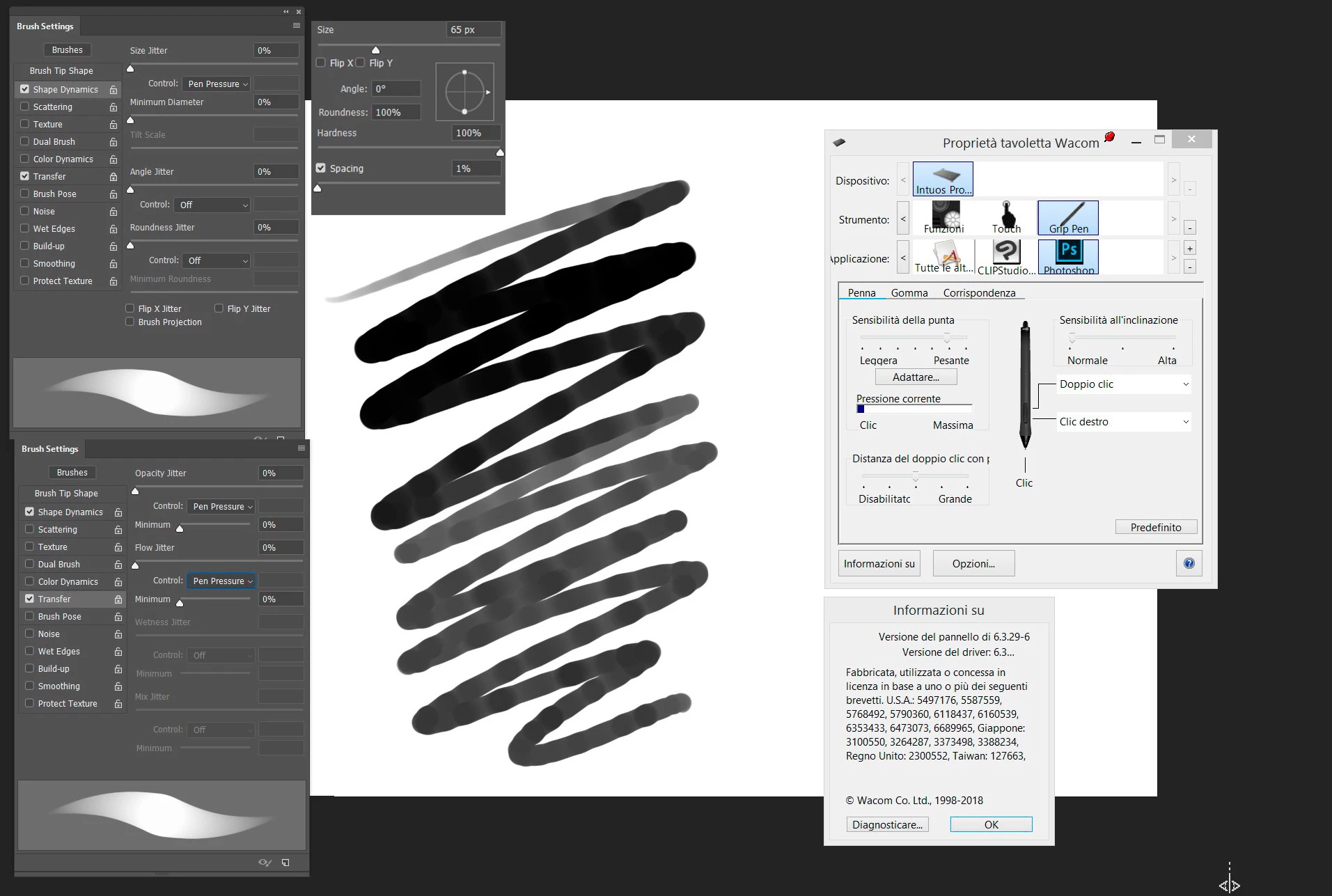
I have this strange trouble for a month with Photoshop CC 2018 (after the latest updates), when I use a Wacom Intuos Pro Medium (I tried two PTH-651/K models and a CTH-690AK-S model, same problem).
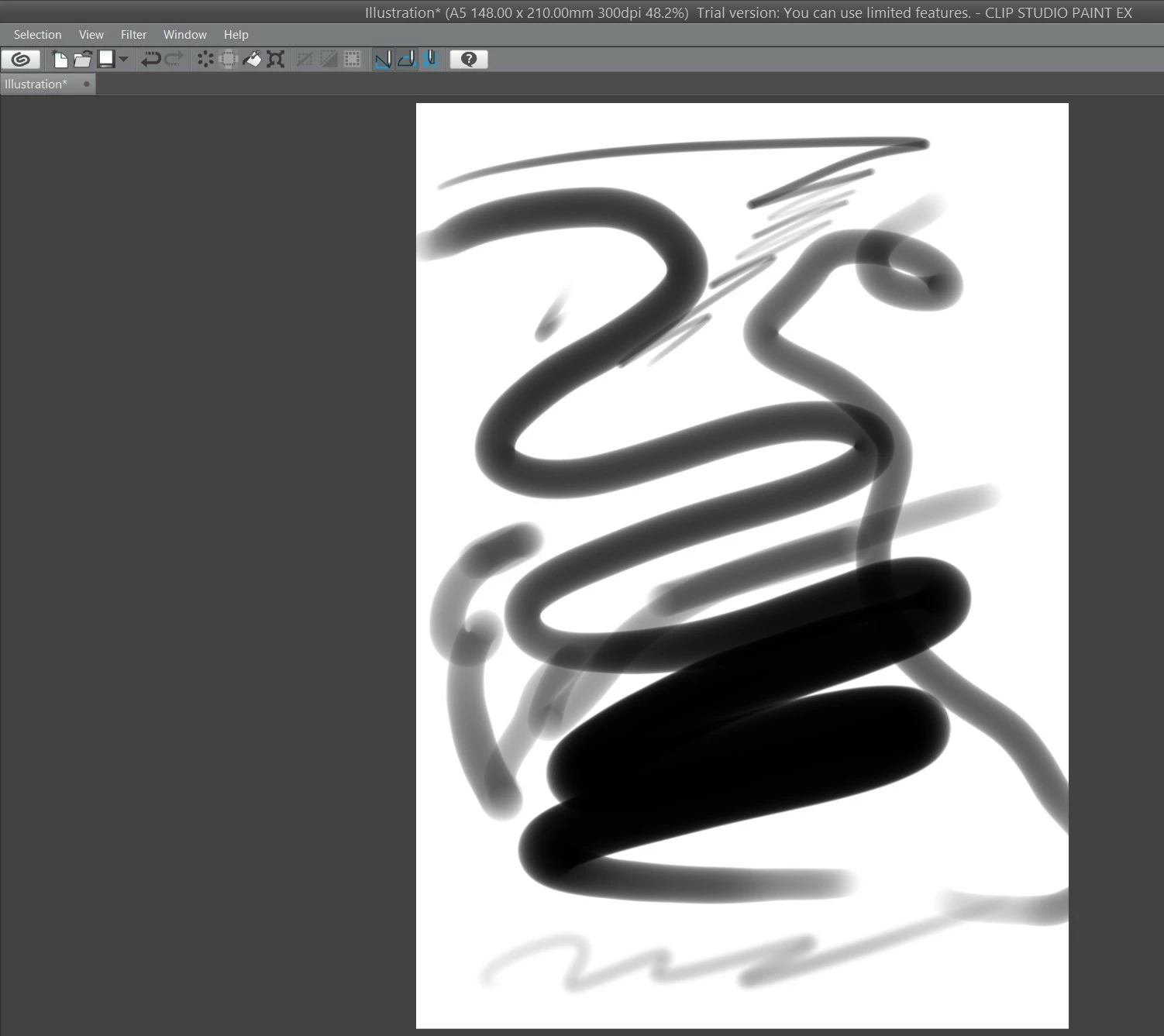
I tried my own tablet on my brother's laptop that has Photoshop CC 2017 and there are no problems there. With Clip Studio Paint no problems too.
I have Windows 8.1.
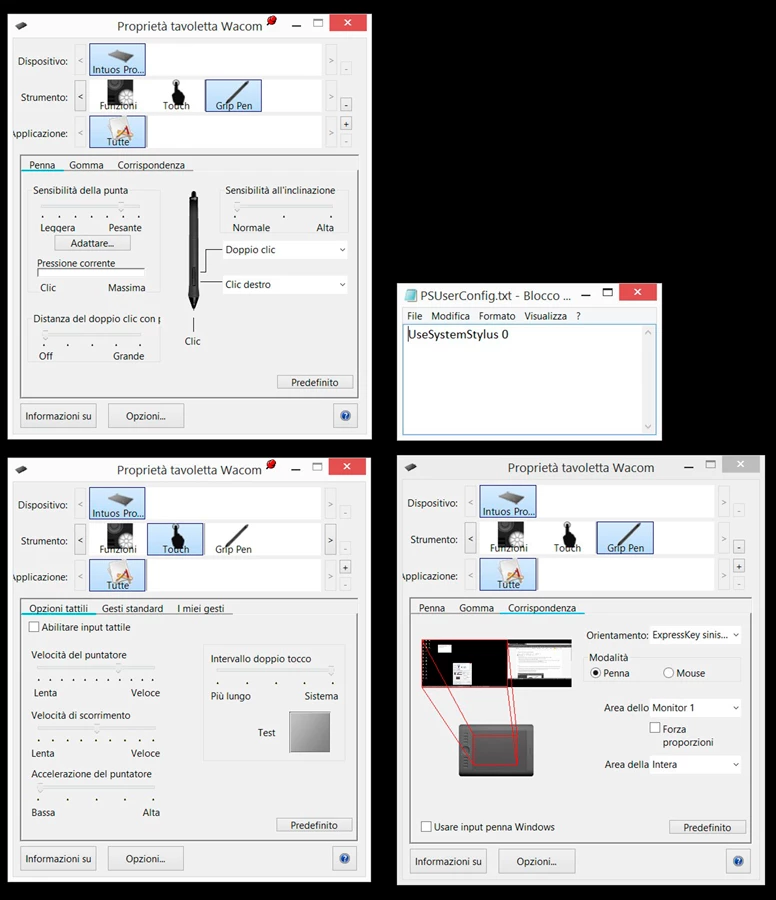
Wacom drivers work well, I've done a lot of testing with Wacom technicians.
Using Photoshop CC 2017 is the only solution, this problem only occurs with Photoshop CC 2018.
How can I solve? Can Adobe solve this bug?
 AdChoices