
Question
Pen Tool Glitch - Double Line Artifact (PLEASE HELP)
Please help.
I just upgraded my setup to this: https://pcpartpicker.com/user/ynny/saved/xGMC8d
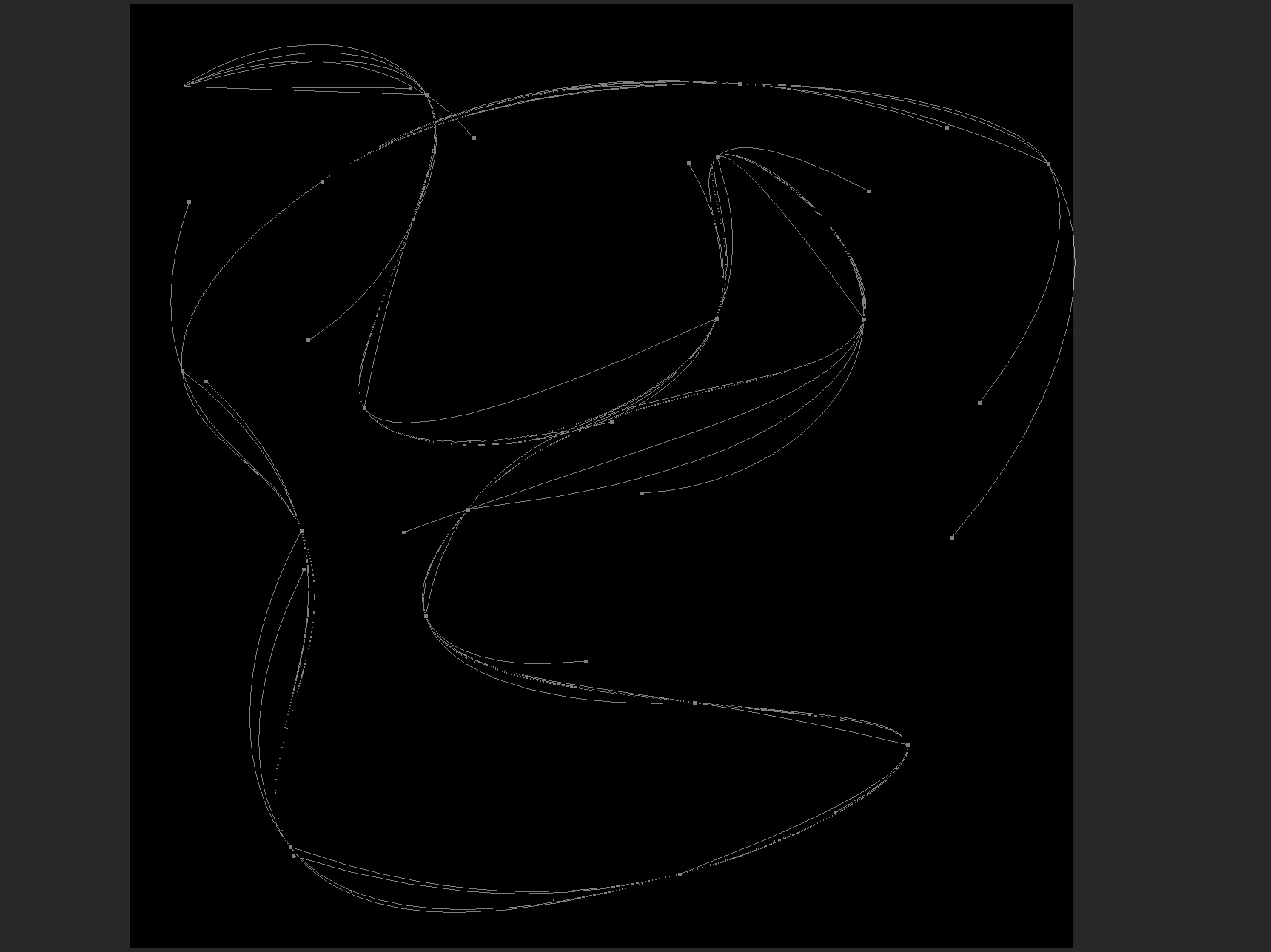
The setup is more than capable of runnings Photoshop. However, I am experiencing a glitch with the pen tool. There is this strange double line tracing artifact effect going on. Whenever I create a line with the pen tool another randomly generated lines is attached to it. When I delete the path, the lines sitll appear on my display, only after I zoom out or in will the lines disappear. It's very strange and makes my design work extremely difficult. If someone could please help me out that would be very appreciated.
Here is a photo of what the glitch looks like.
 AdChoices