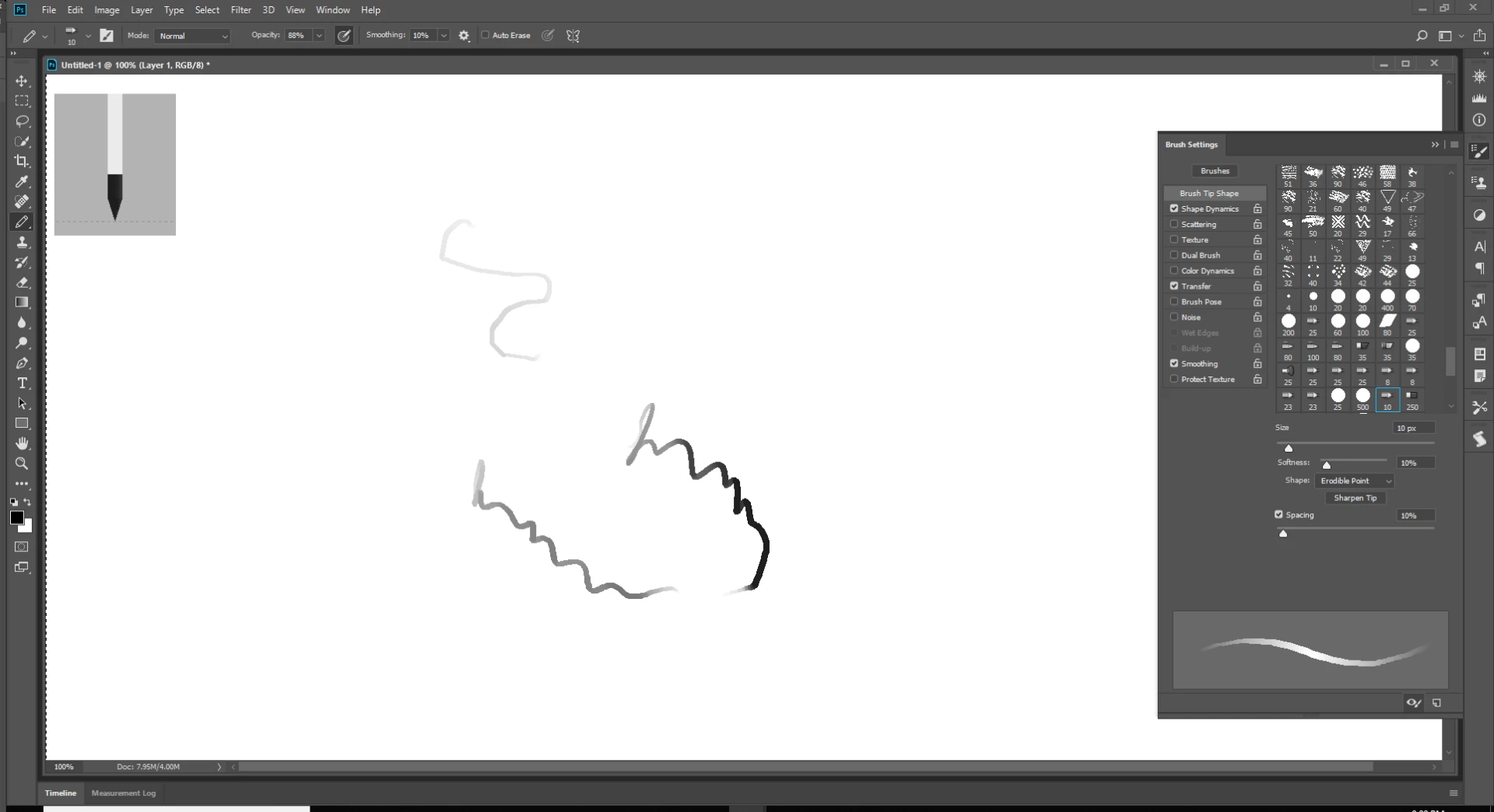
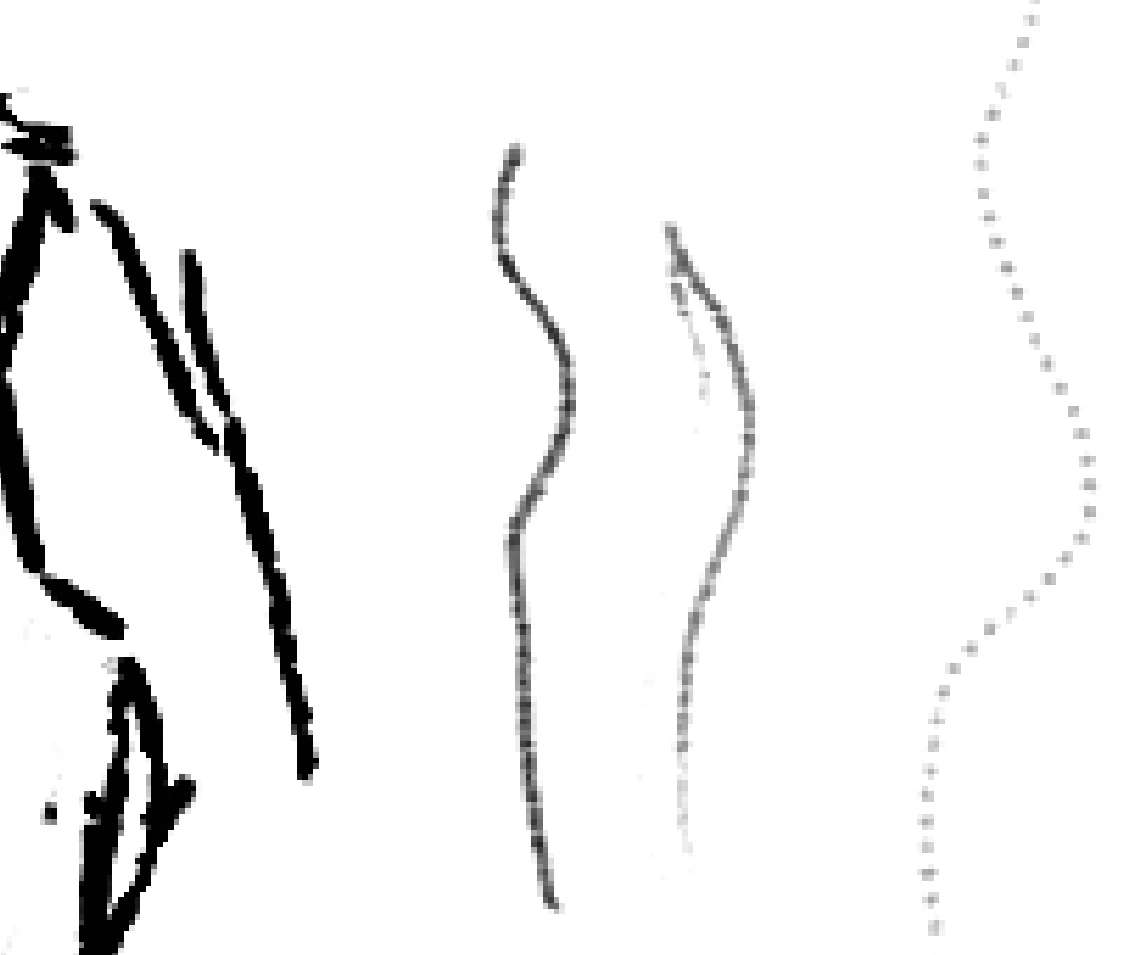
The size has always been 1890:1417, no and no. This effect is still showing up continuously and affects every brush, on every document. It feels like I've activated some keyboard shortcut that affects all brushes, after disabling the "texture" setting for example, all the pencils (by "pencil" I mean the ones with pencils/brushes as thumbnails, as opposed to the ones that show the shape) look like this:
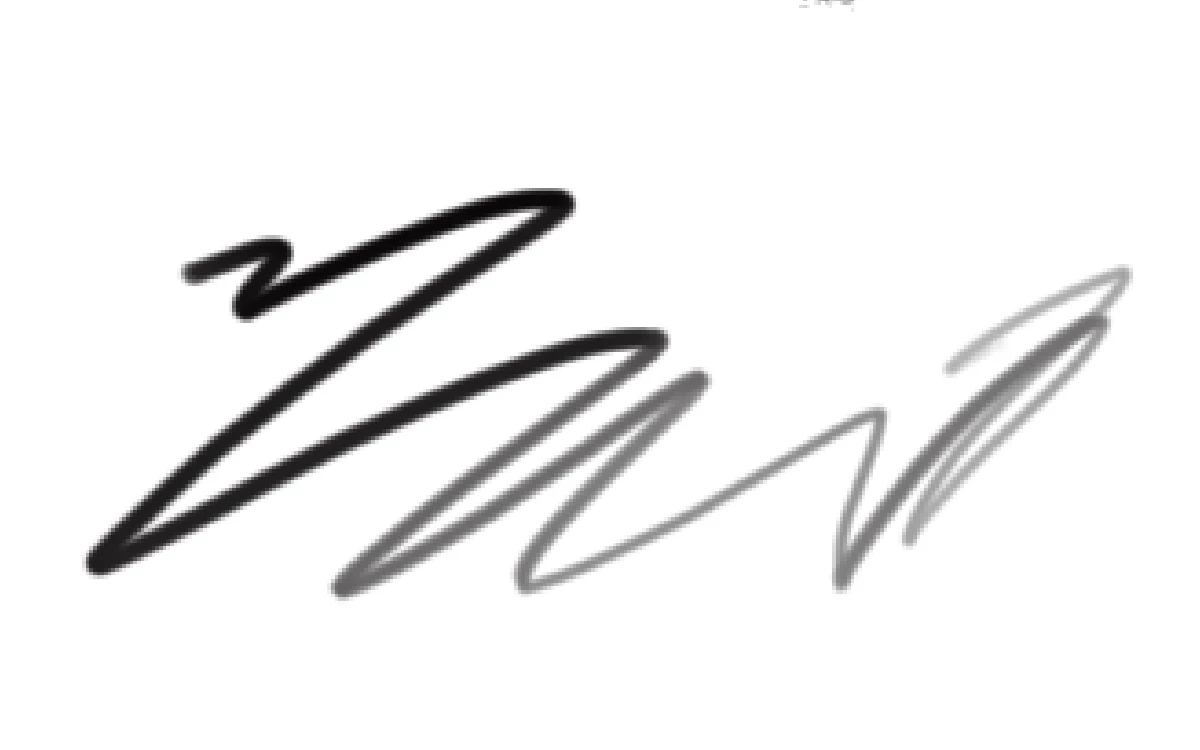
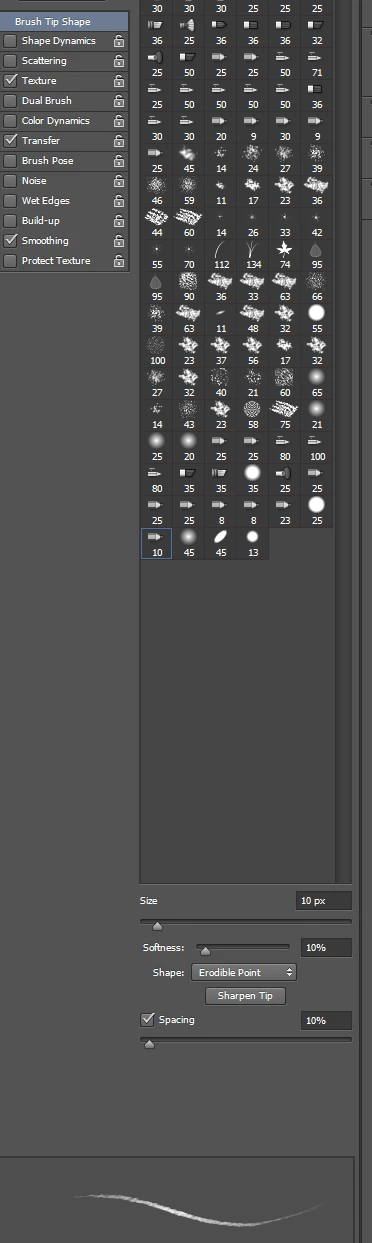
With a document 1890:1417 with a 300DPI resolution with a pencil set to a 10 PX, 10% softness, Erodible Point, Sharpen Tip , 10% spacing. My stroke looks like the preview stroke in the Brush serring palette.
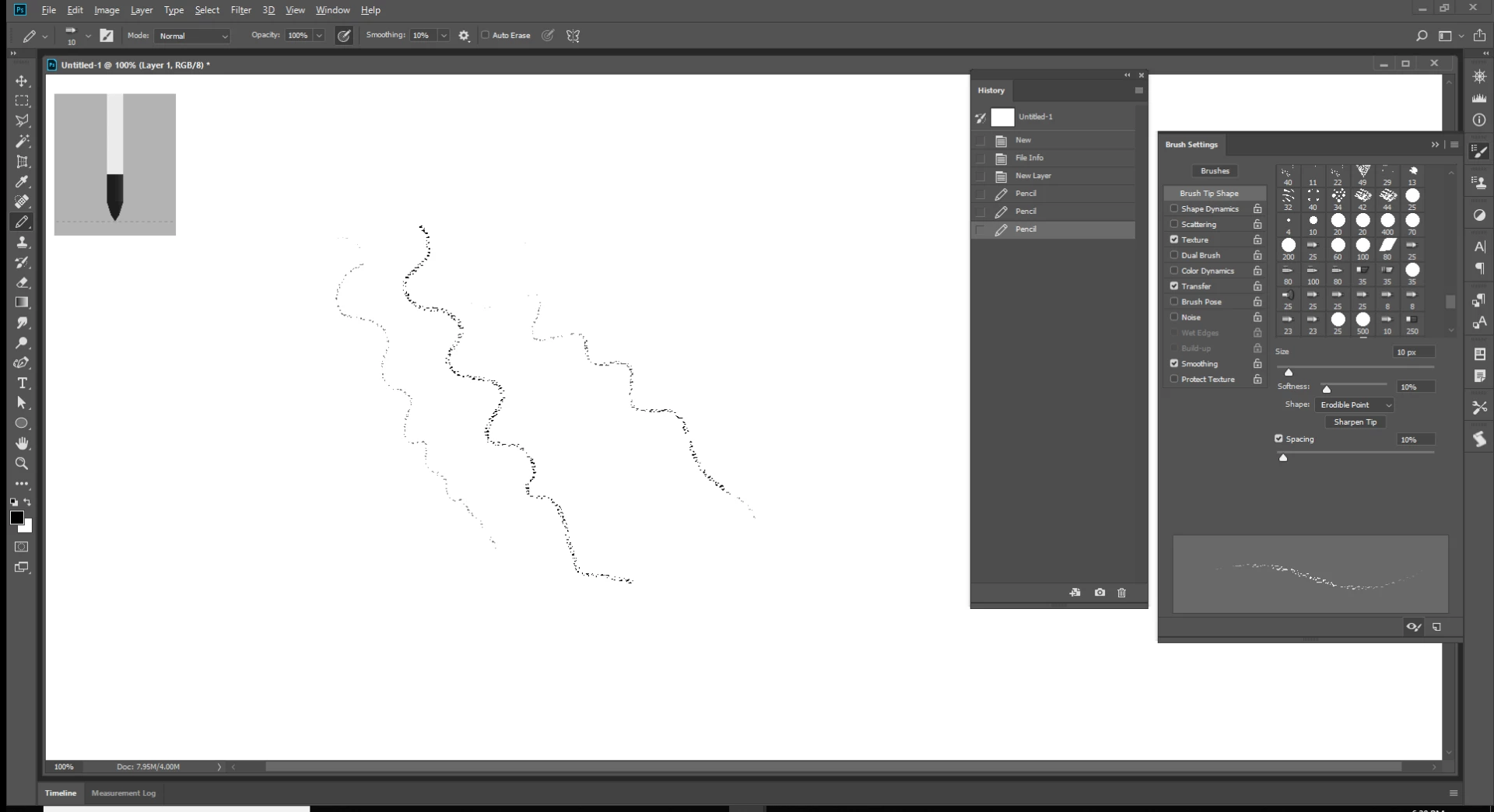
Nothing like you show.
Changing to a 10px Brush with the same setting I see a smoother stroke then you show and you still have not answered what resolution you are editing your document at.
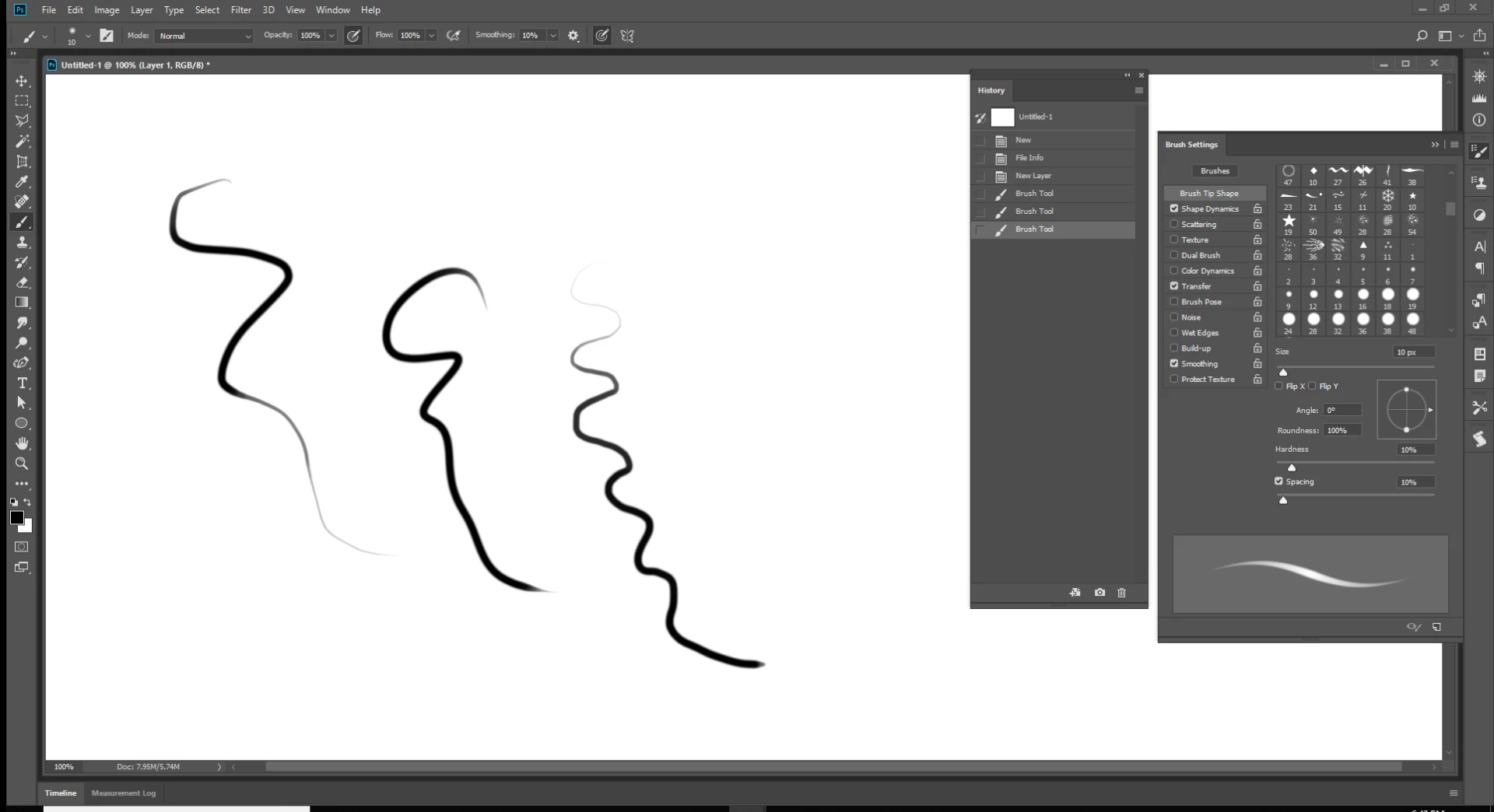
Resetting All tool changed what my pencil does. It now looks more like your's looks. Still the pencil stroke look like the previews stroke in the Brush setting palette.
A bad side effect of resetting all tools is it also turns off my zoom resizes windows preference. Resetting a tool IMO should not change my zoom preference. I have always felt that is a Photoshop bug.
Resolution does not seem to matter like it would for text. Brush and pencil seem to deal with absolute pixel they are not complicated like vector fonts font size where document resolution plays a big part. For you have many more pixel per square inch in a high resolution 6"x4" image then you do in a low resolution image the same 6"x4" size

 AdChoices