Answered
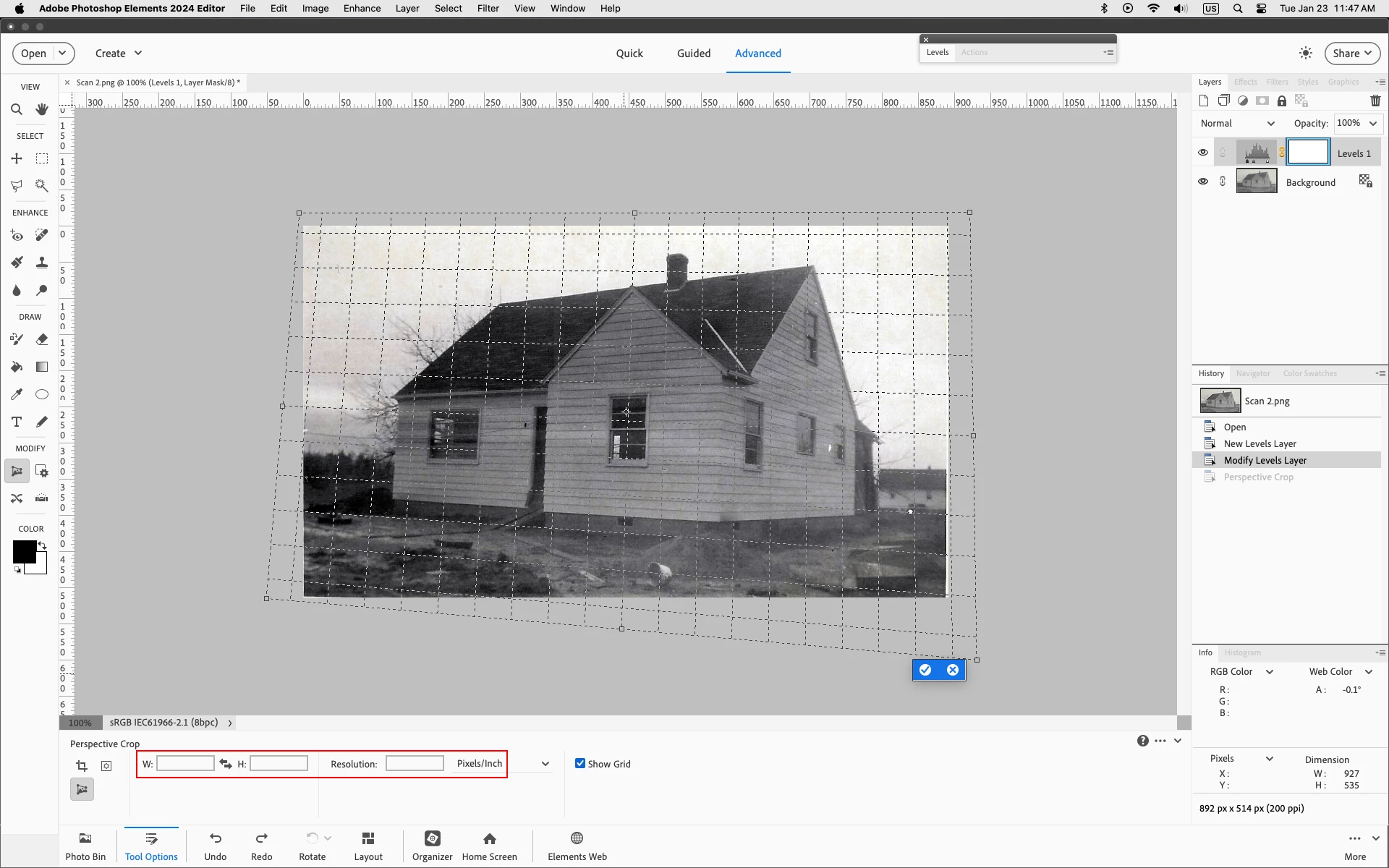
Perspective Crop - Image disappears
Hello,
Using Photoshop Elements 2020 / Expert Mode in Windows 10
After selecting Commit Current Operation in the Perspective Crop function my picture disappears from screen.
Is this a known bug?
Thanks.

Hello,
Using Photoshop Elements 2020 / Expert Mode in Windows 10
After selecting Commit Current Operation in the Perspective Crop function my picture disappears from screen.
Is this a known bug?
Thanks.
Before you draw out your crop, make sure there are no values entered in the Width, Height or Resolution fields
Already have an account? Login
Enter your E-mail address. We'll send you an e-mail with instructions to reset your password.
 AdChoices