Participant
March 1, 2017
Answered

perspective drawing - auto align to vanishing point

  • March 1, 2017
  • 4 replies
  • 1369 views

Corel painter 2017 has a feature in which my pen strokes automatically align to the perspective guides, so my lines automatically (and correctly) go to the vanishing point. Does this feature exist anywhere in photoshop? Thanks.

[Moderator: Moved from non-technical Lounge to Photoshop]
    This topic has been closed for replies.
    Correct answer Trevor.Dennis

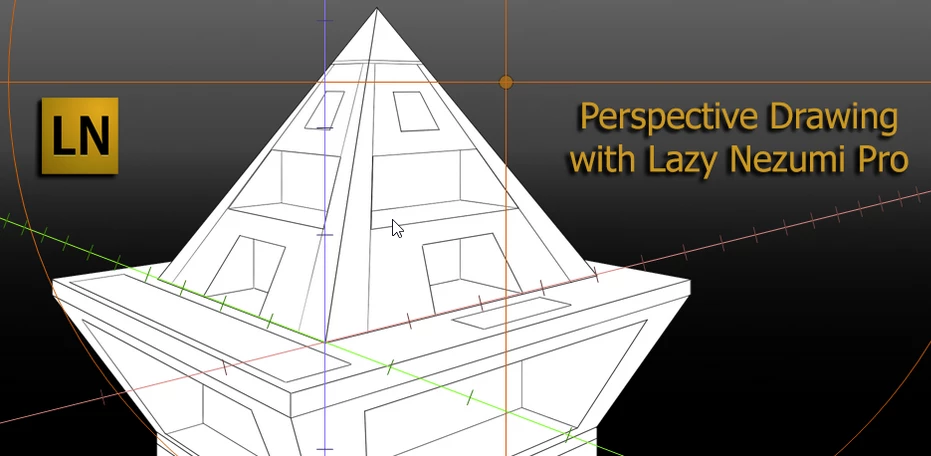
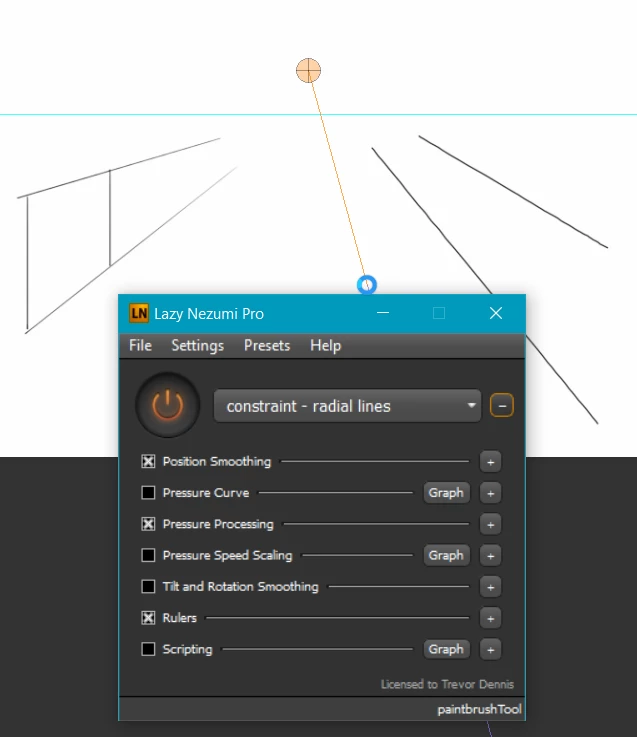
    Lazy Nezumi Pro has a radial line preset

    As well as a full perspective drawing aid

    https://lazynezumi.com/perspective

    It is only available for Windows systems though.

    4 replies

    Ares Hovhannesyan
    Community Expert
    Community Expert
    March 2, 2017

    You can create Vanishing Point for your image than copy and paste any object into perspective grid. Vanishing Point plugin also have move tool  that allows to scale and move selection.

    may be this will help 

    Photoshop tutorial: Using the Vanishing Point filter | lynda.com - YouTube

    Trevor.Dennis
    Community Expert
    Trevor.DennisCommunity ExpertCorrect answer
    Community Expert
    March 1, 2017

    Lazy Nezumi Pro has a radial line preset

    As well as a full perspective drawing aid

    https://lazynezumi.com/perspective

    It is only available for Windows systems though.

    davescm
    Community Expert
    Community Expert
    March 1, 2017

    In Photoshop you can render the grid to an empty layer to use as a guide - but the pen tool won't snap to it.

    The perspective tool in illustrator works the way you describe.

    Dave

    Chuck Uebele
    Community Expert
    Community Expert
    March 1, 2017

    No, that doesn't exist in Photoshop.