

Answered
Perspective Warp tool not operating correctly - no pins or grid!
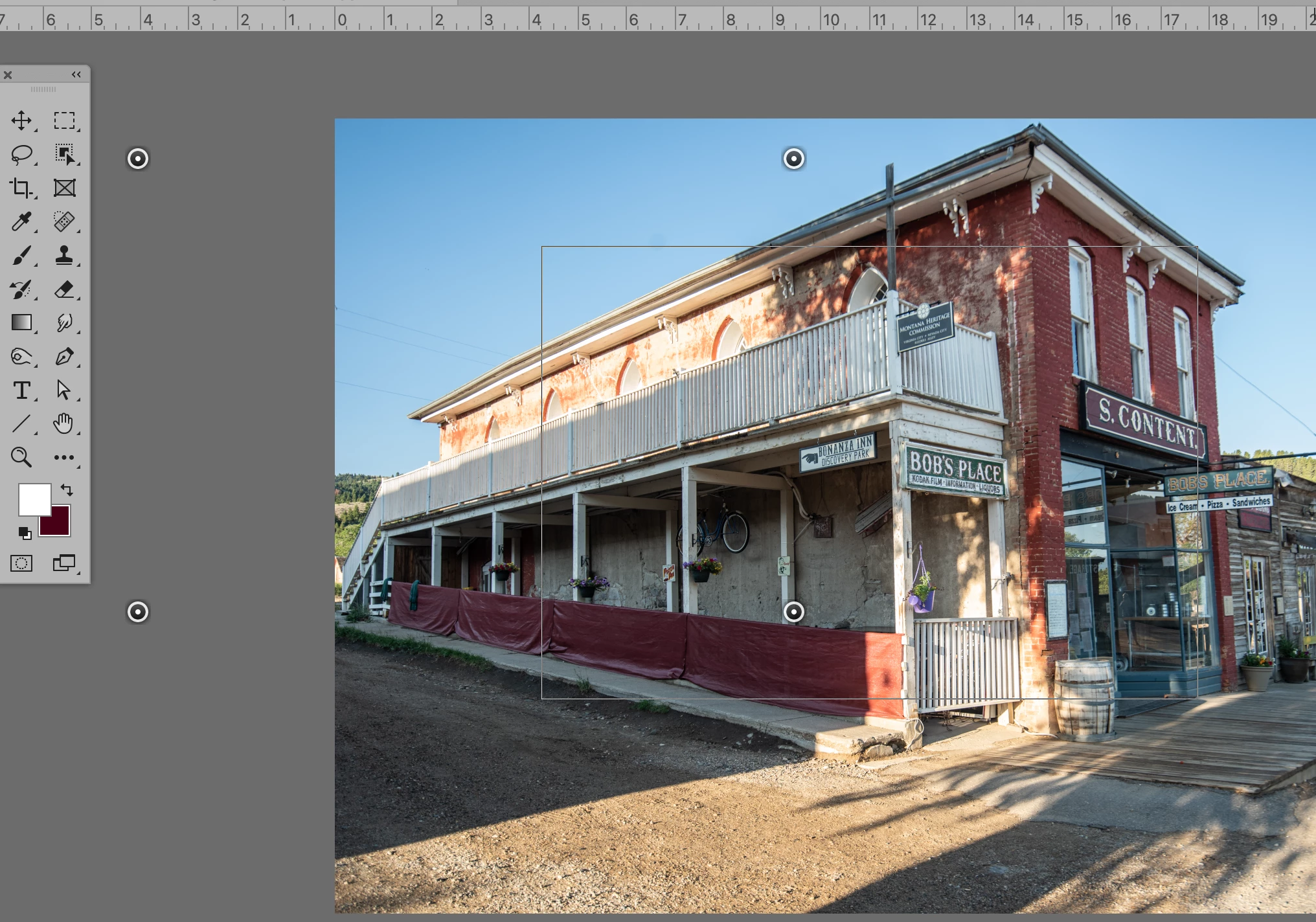
Argh! I am so frustrated with trying to use Perspective Warp in PS 2023. It is not functioning correctly on either my 2017 or 2020 macbook pro. It works fine on the Mac 1 at work. I have updated the OS, and checked the GPU compatibility but does not help at all. The grid is very weird - it is a simple square of a very fine line with no grid, and without pins. The pins appear left of the grid - floating on their own about 20% away from the box/grid. The tool sort of works - I can drag the corners around if I can see one, but it is not responding easily or predictively.
Here is a screen shot of what I see when I try to use the tool! HELP!
 AdChoices