

Question
photoshop 20.0.4.. transparency issues on RGB images. bug?
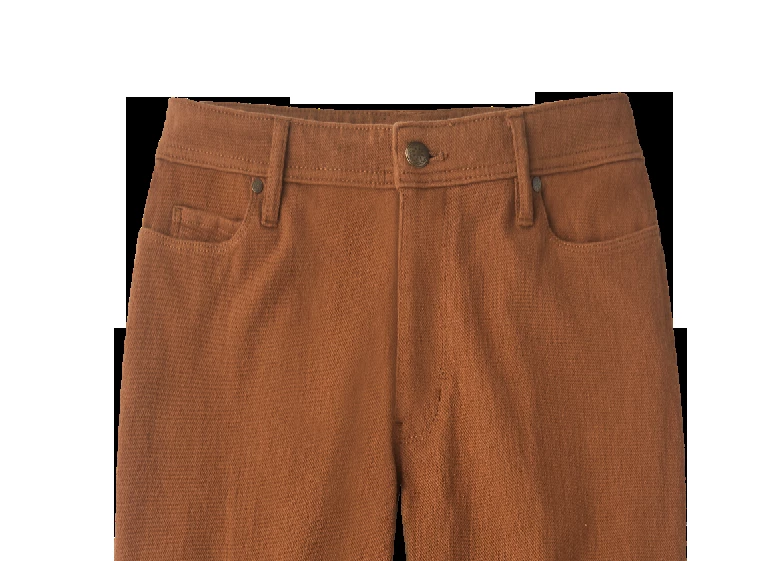
The black area should be transparent. (outlined the image and command J, hide the layers below it).
In cmyk it displays as it is supposed to.
This is happening on the computers at work and at home running the new photoshop.
Older versions work as they are supposed to.
work arounds are not needed for this post.
putting a white layer underneath makes it display properly, but I would rather have photoshop work properly in RGB mode.
any thoughts?
system 10.13.6 High Sierra
graphics intel Iris 1536 MB
Mac mini late 2014
3ghz intel core i7
 AdChoices