
Answered
Photoshop 2019 cutting pixels off text and shapes
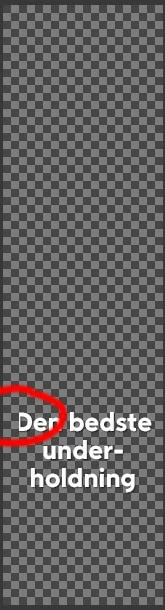
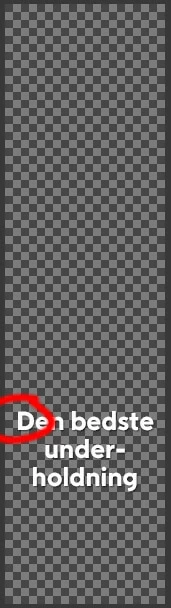
I experience strange behavior with Photoshop 2019... pixels are cut off at random sides. Sometimes from the left, sometimes from the top - sometimes a single pixel, sometimes several. I don't believe, bitmaps are affected; only text and shapes.
If I export it directly or via a third party plugin like TinyPNG, the image is exported as seen on the screen, so it's not just a display-problem.
I can remedy this by moving the layer to either direction; just one pixel and back - but often, the issue will reappear if I turn on/off an arbitrary layer.
It wasn't a problem in the previous version. Have any of you had the same problem?
 AdChoices