
Photoshop 2020: Blank launch screen Mac OS Catalina
Having issues with Photoshop version 21.2.0. When I launch the application all that appears is a blank screen:
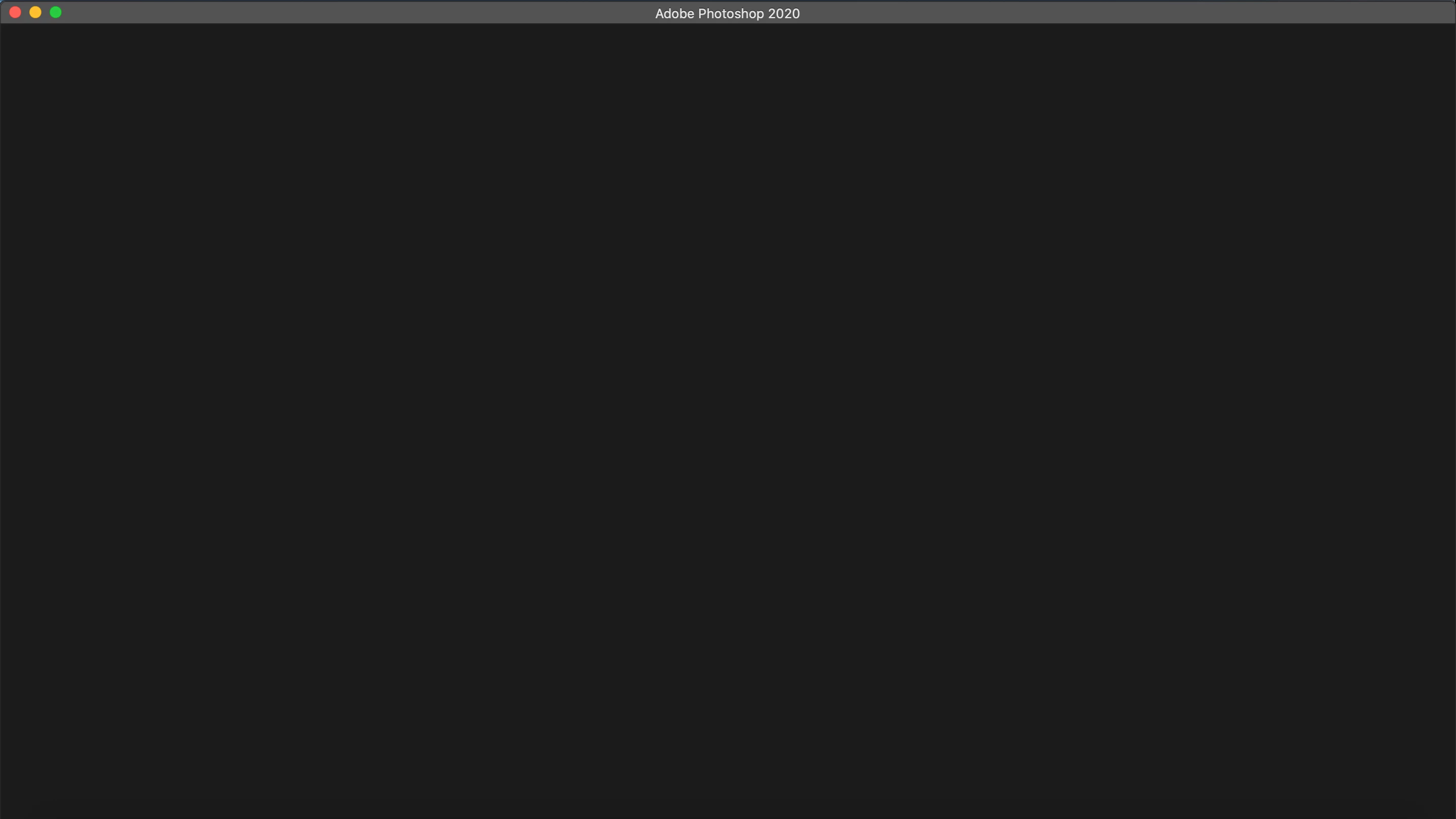
I have no options to create or open a document. The only way I can get into the Photoshop workspace is by opening a .psd file. File>New or Command + N don't do anything either.
Also, none of my keyboard shortcuts work. The File>Save/Save As options do not do anything either.
I have had to start all new documents by opening one of my existing .psd files and changing the document set up from there. I've also had to keep Photoshop running without exiting because I cannot save working files of my work.
I've tried completely uninstalling and then re-installing Adobe CC and all of the applications and I've tried reseting preferences multiple times.
 AdChoices