
Participant
September 18, 2020
Question

Photoshop 2020 crashing on Windows - Fault Module "dynamic-torqnative.dll"

  • September 18, 2020
  • 1 reply
  • 1063 views

so I was using PS for a school project and I opened PS and it crashed. I went to the problem details for PS and here's the crash data: https://pastebin.com/qGKav7x9. Now I can't open photoshop. Now I do have the trial version but I still have a few more days. 

Sometimes this menu comes up and when I click either button it crashes:
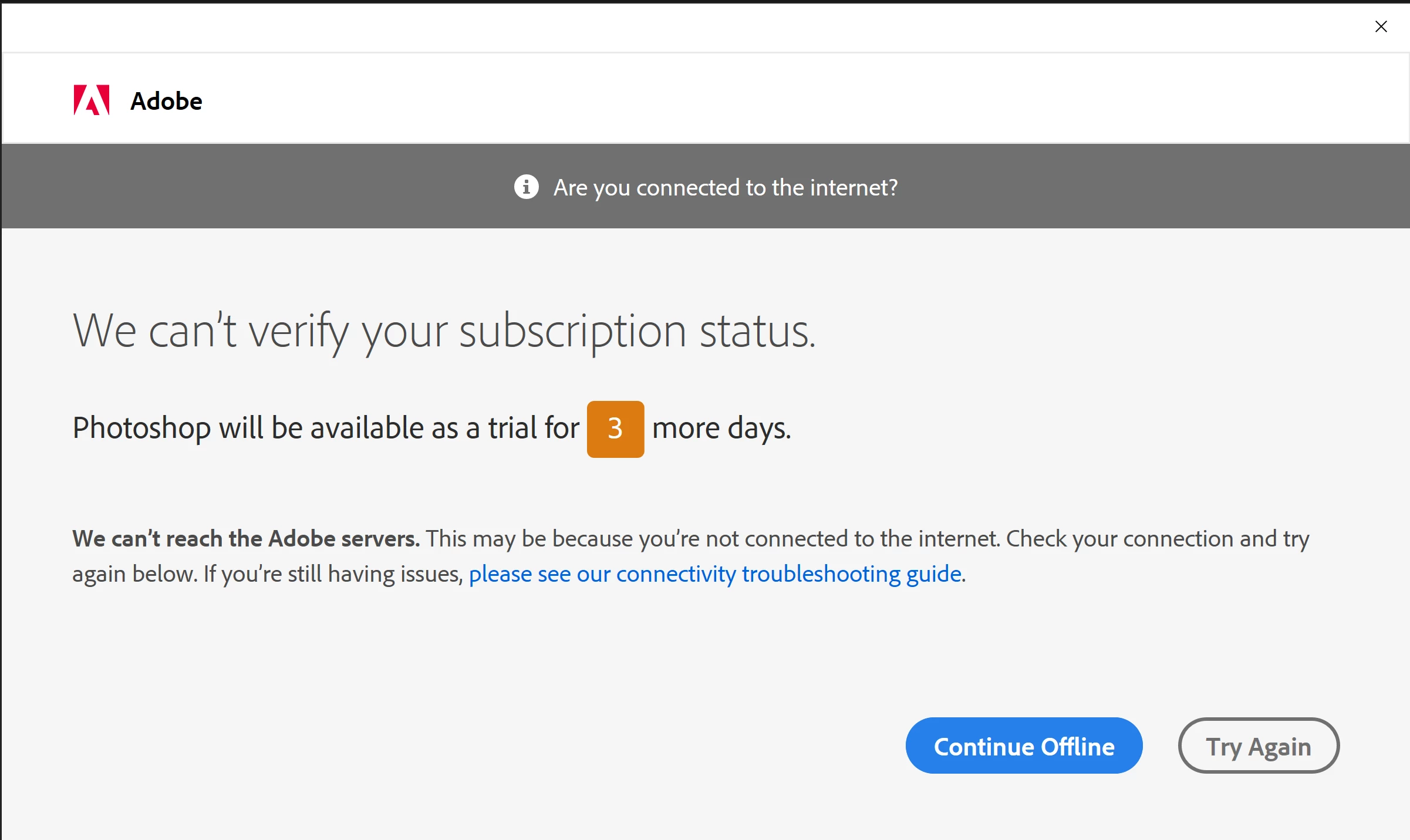
I do have internet.

I've reinstalled creative cloud and photoshop multiple times, I've repaired creative cloud, checked for updates (there weren't any), and restarted my desktop many times. I have more than enough storage for everything too.


NOTE: if this helps, under Fault Module Name, it says "dynamic-torqnative.dll" 


{Thread renamed by moderator}

This topic has been closed for replies.

1 reply

Sahil.Chawla
Adobe Employee
Adobe Employee
September 18, 2020

Hi there,

Sorry to hear about Photoshop crashing. Thanks for sharing all the necessary information.

Do you have any plugins installed?
Do you use any kind of graphics tablet?

Which exact version of Photoshop and the operating system version are you working on?

Could you please try resetting the preferences of Photoshop and see if it helps? https://helpx.adobe.com/photoshop/using/preferences.html


Note: Make sure that you back up all your custom presets, brushes & actions before restoring Photoshop's preferences. Migrate presets, actions, and settings


Regards,
Sahil

Participant
September 19, 2020


  1. I have no plugins
  2. Im using the latest version (Im replying on my phone so I dont have it handy)
  3. I don't have a graphics tablet
  4. Im on Windows 10
  5. I have tried resetting preferences and it didnt do anything

Thanks for the help though!