Dautim Cartoons
Inspiring
November 23, 2019
Answered

Photoshop 2020 eating disk space when open

  • November 23, 2019
  • 1 reply
  • 20796 views

Hello!

Every single time I open Photoshop (the latest version, CC 2020), it takes me away about 14gb of disk space! WTH! I don't have this problem with other CC apps like Illustrator, InDesign and Bridge, as far as I know (I still did not test with premierre, after effects and so on).

When I close Photoshop, the same amount of disk space is liberated from disk, returning to original amount of disk usage before PS was open.

I remember that before the update, a certain amount of disk space was consumed when I open PS. But this time, 14gb is just TOO MUCH for me! I use a 120gb SSD. All the adobe apps are not in SSD, but in a secondary drive (a normal HD), but we all know about adobe files created in program files, AppData etc...

Additionaly, PS gets too slow for maximize/minimaze!


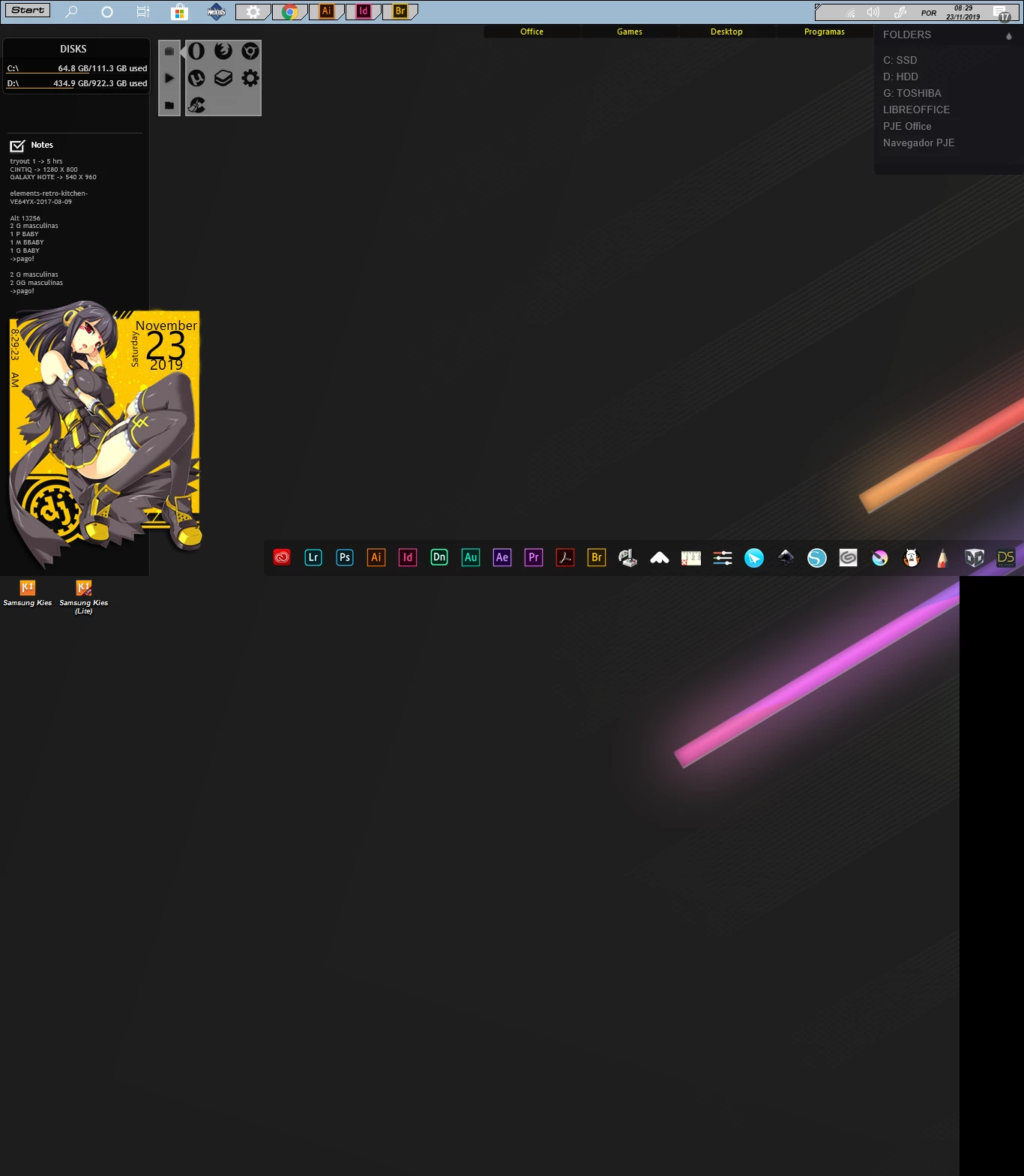
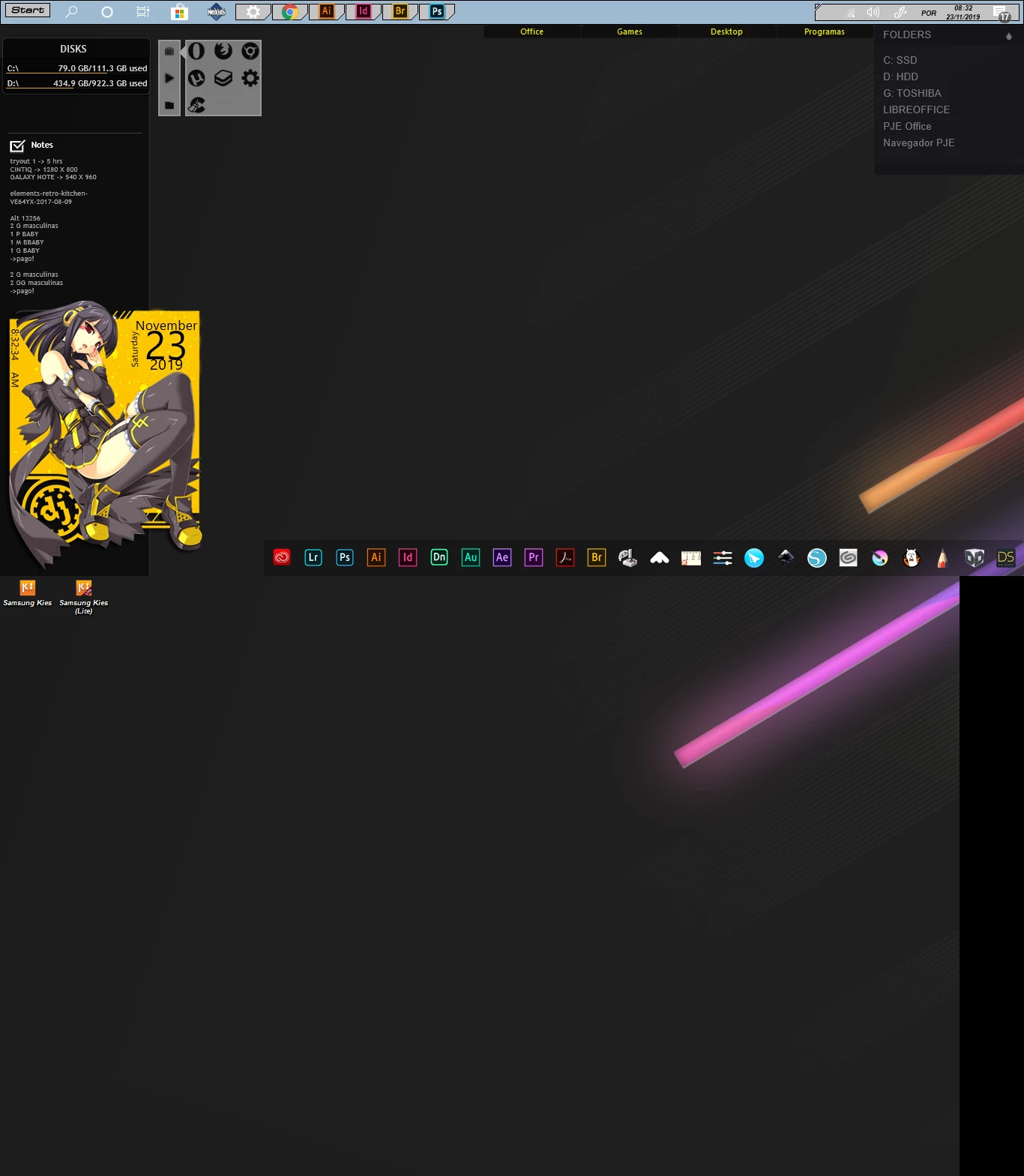
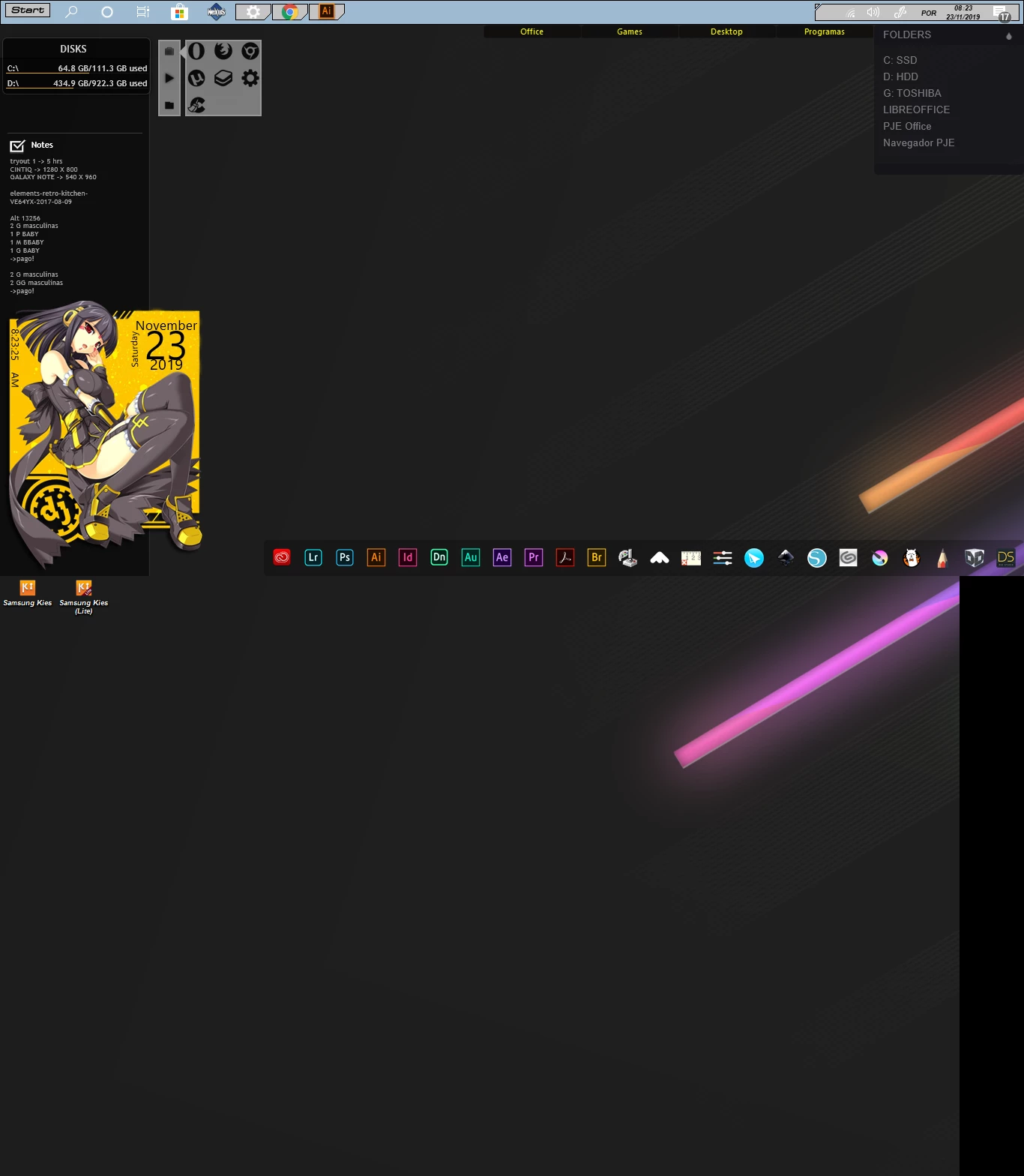
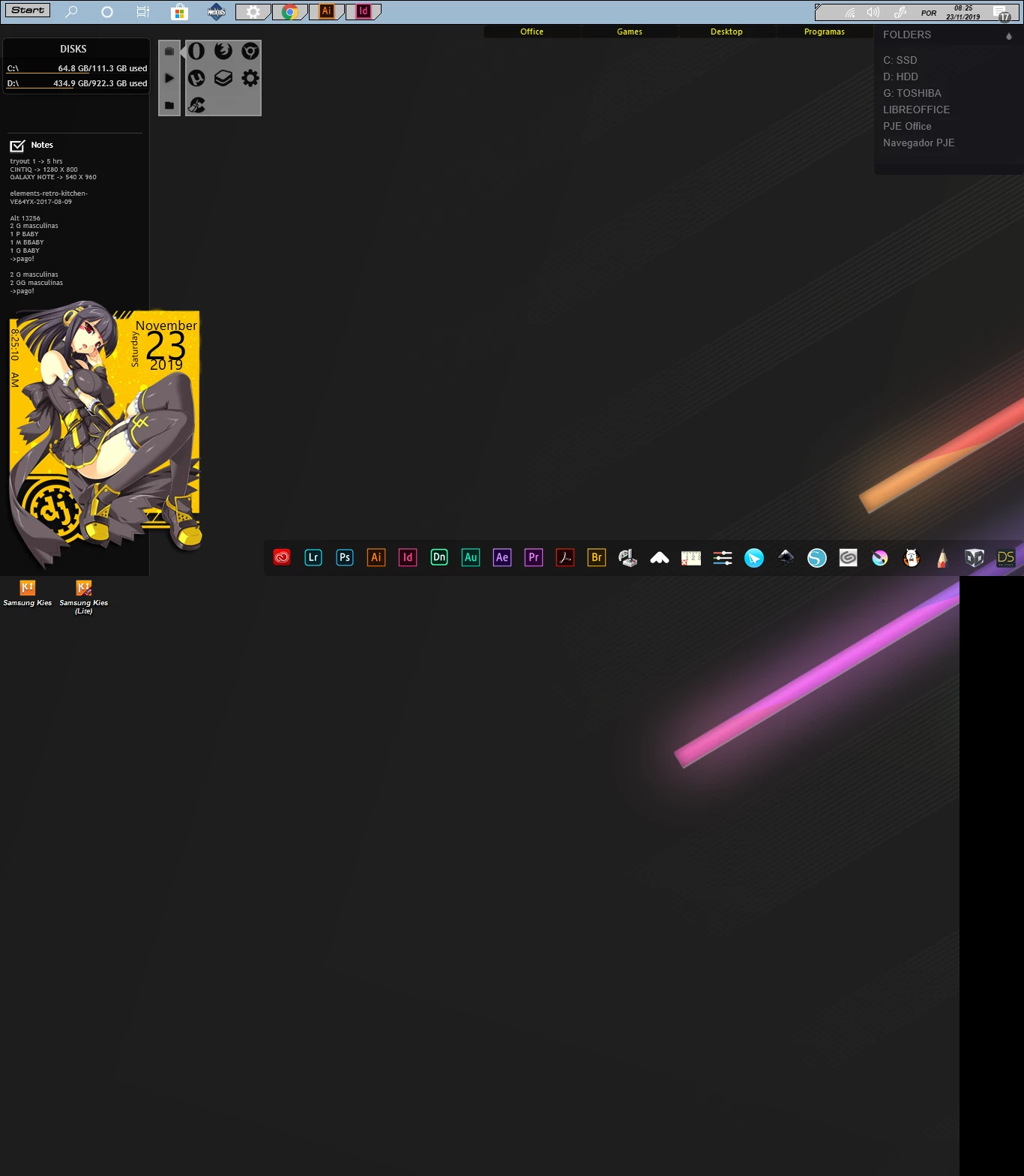
Check the disk usage meter at the left up corner of the screen. When I open photoshop, it eats a lot of disk space:
Correct answer Dautim Cartoons

Guess I found a solution! In preferences, it's possible to select another scratch disk. I've been playing around with photoshop for a while, and the disk space problem did not come back. What a relief!

1 reply

Dautim Cartoons
Dautim CartoonsAuthorCorrect answer
Inspiring
November 23, 2019

Guess I found a solution! In preferences, it's possible to select another scratch disk. I've been playing around with photoshop for a while, and the disk space problem did not come back. What a relief!

D Fosse
Community Expert
Community Expert
November 23, 2019

There's no point in blaming Photoshop for this. The real issue is that raster editing requires huge amounts of data to be moved around, and there is never enough RAM, no matter how much you have. So it has to go to disk.


Photoshop makes it easy for you in that it lets you choose where to put the scratch disk. Not all applications are so forthcoming.


BTW Illustrator has a scratch disk too, just look it up in Preferences. It just doesn't handle quite so much data. And Bridge has caches, which eat up gigabytes for breakfast too. Not to mention Premiere Pro, which can put your whole drive out of business in an hour.

Participant
June 7, 2024

That doesn't make sense. 1000 x 1000 pixels hardly makes a dent in the scratch disk, a GB or so at most, if all default 50 history states are filled and you have lots of layers.


Something else is going on here.


Agreed. I have no idea what's going on. Nothing shows up on Activity Monitor, however my OTHER Adobe programs aren't acting that way (except taking longer to open).