

Answered
Photoshop 2020 freezes after selecting Select and Mask... (grayed out menus)
Hello community,
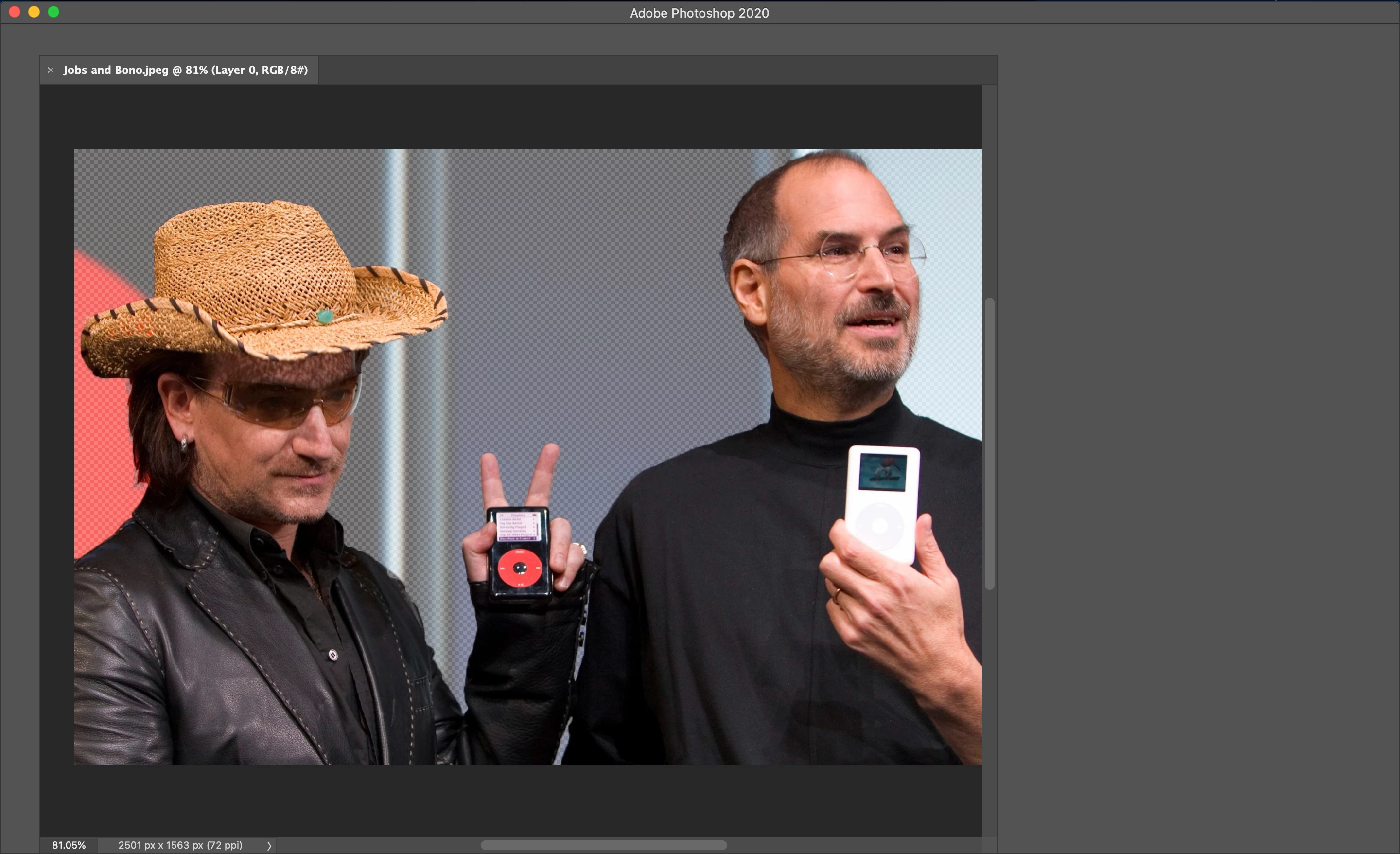
After using the Quick Selection Tool to select the portion of a photo that I wnat to mask, I hit Select and Mask and.... Photoshop greys out. The menus above and to the right of the photo are greyed out and Photoshop freezes. The only way out of it is force quitting. Any suggestions?
I've already tried resetting the preferences and uninstalling/reinstalling. Thanks!
Processor:
2 GHz Dual-Core Intel Core i5
Memory:
8 GB 1867 MHz LPDDR3
Graphics:
Intel Iris Graphics 540 1536 MB
 AdChoices