Exit
  • Global community
    • Language:
      • Deutsch
      • English
      • Español
      • Français
      • Português
  • 日本語コミュニティ
  • 한국 커뮤니티
0

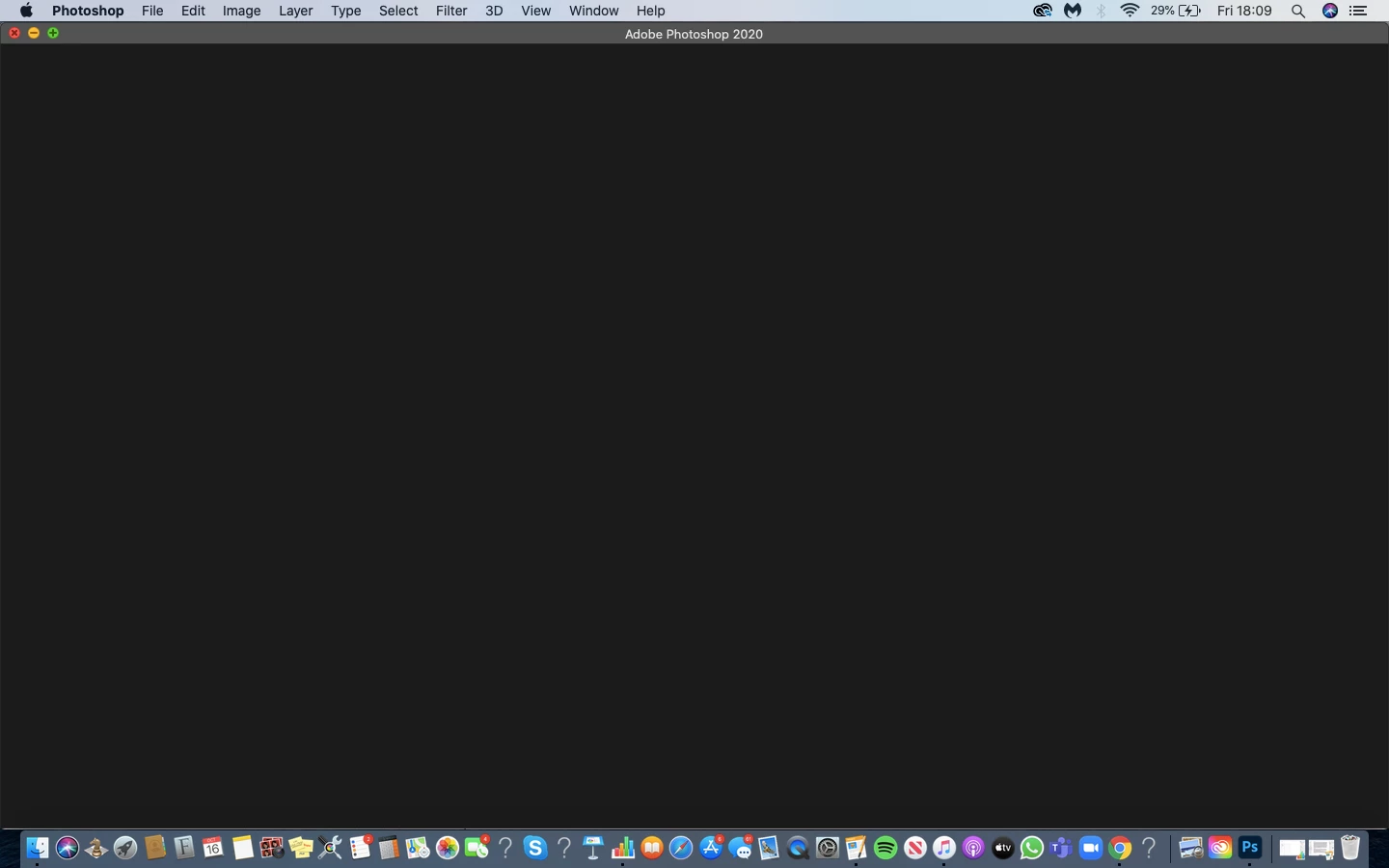
Photoshop 2020 opens but only a blank screen on macOS 10.15.7, please help
New Here ,
Oct 16, 2020 Oct 16, 2020

Screenshot 2020-10-16 at 18.09.09.png


{Thread title edited by moderator}

163
Translate
Report
Community guidelines
Be kind and respectful, give credit to the original source of content, and search for duplicates before posting. Learn more
community guidelines
Adobe
Community Expert ,
Oct 16, 2020 Oct 16, 2020

How much free space do you have on your Mac?  How much RAM and what kind of Mac are you using?  

Translate
Report
Community guidelines
Be kind and respectful, give credit to the original source of content, and search for duplicates before posting. Learn more
community guidelines
New Here ,
Oct 16, 2020 Oct 16, 2020

Screenshot 2020-10-16 at 18.26.13.pngScreenshot 2020-10-16 at 18.27.36.png

Translate
Report
Community guidelines
Be kind and respectful, give credit to the original source of content, and search for duplicates before posting. Learn more
community guidelines
Adobe Employee ,
Oct 16, 2020 Oct 16, 2020
LATEST

Hi,


We're sorry about the trouble with Photoshop. Would you mind telling us which macOS version are you using?


You can try the steps suggested here: https://helpx.adobe.com/photoshop/kb/troubleshoot-home-screen-issues.html


Please let us know if it helps!

Regards,

Nikunj

Translate
Report
Community guidelines
Be kind and respectful, give credit to the original source of content, and search for duplicates before posting. Learn more
community guidelines
