The language is different from me. However, you can roughly grasp it by the icon and position. Hold the pen tool, click the gear icon, and turn off the "rubber band" at the bottom of the options. I also don't like this feature.
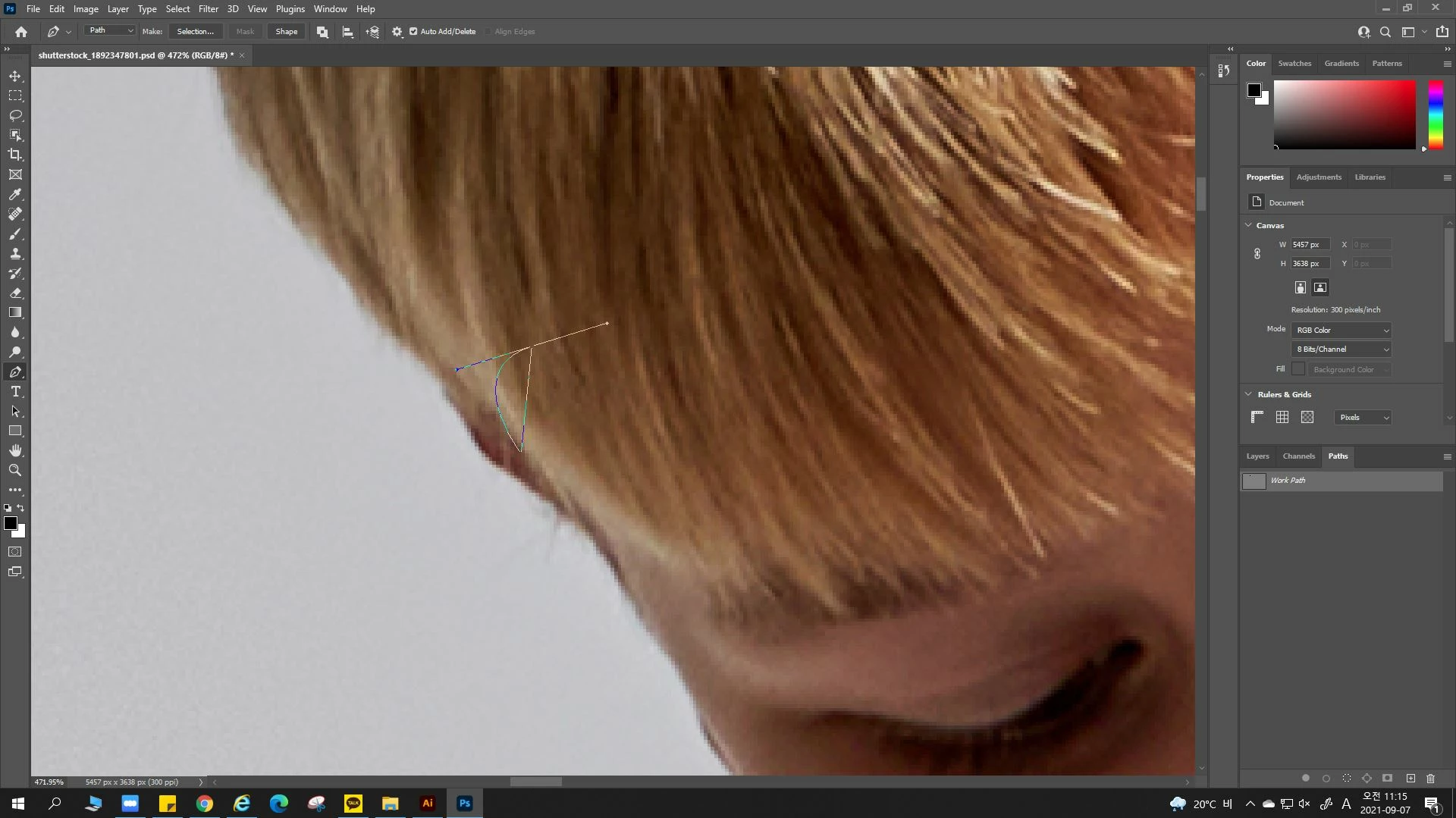
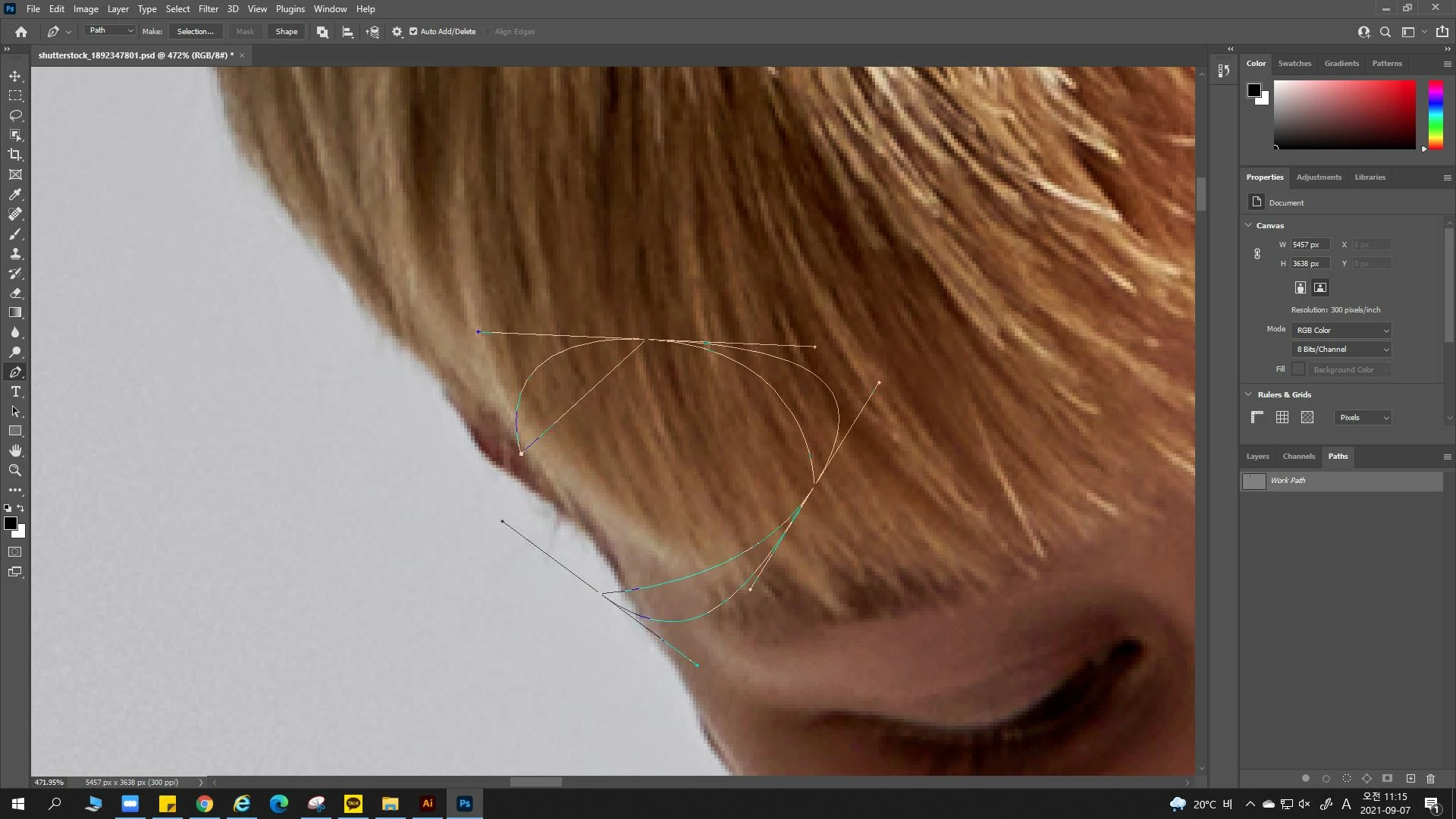
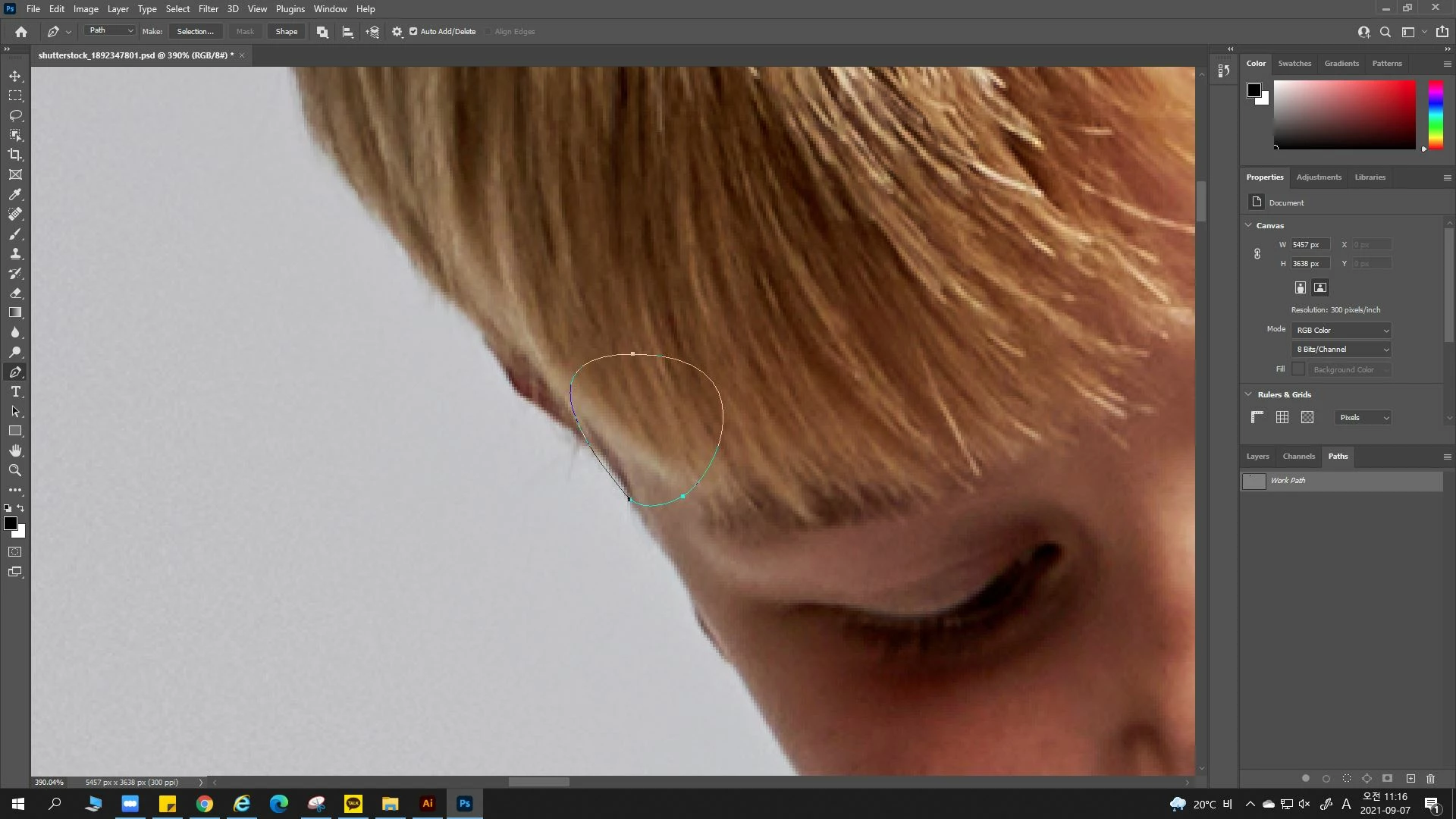
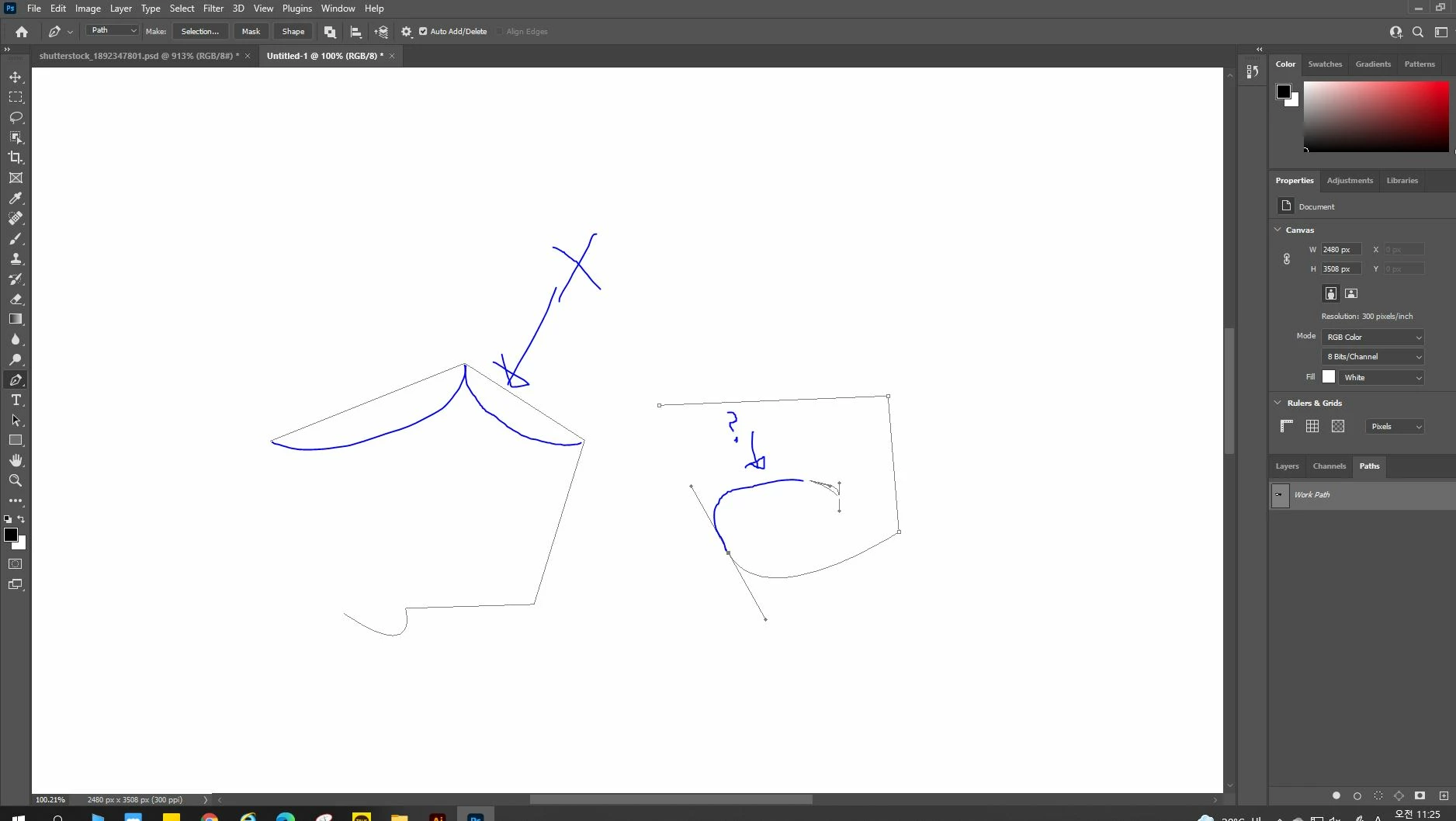
Thanks for the reply. However, the pentool path color floats with a strange gradient instead of the existing blue. Also, a strange straight line guide is created when creating a curve as shown in the attached photo.
I installed a new adobe program but I’m still seeing the error. It’s my first time seeing this kind of error.. I’m not sure if there’s a problem with my computer.
When I click the icon you mentioned, the rubber band is turned off, but the path settings cannot be changed. I'll post a picture in the question post again, would you have a look at it? Thank you.
Enter your E-mail address. We'll send you an e-mail with instructions to reset your password.
Scanne Datei nach Viren
Tut uns leid, wir prüfen noch den Inhalt dieser Datei, um sicherzustellen, dass sie gefahrlos heruntergeladen werden kann. Bitte versuche es in wenigen Minuten erneut.