
Participant
February 20, 2022
Question

Photoshop 2022 Export Layers Not working

  • February 20, 2022
  • 1 reply
  • 566 views

Hi,


I just purchased Abobe Photoshop 2022 and worked on my file and tried exporting the files as Layers via 

File ->Export->Layers to Files 


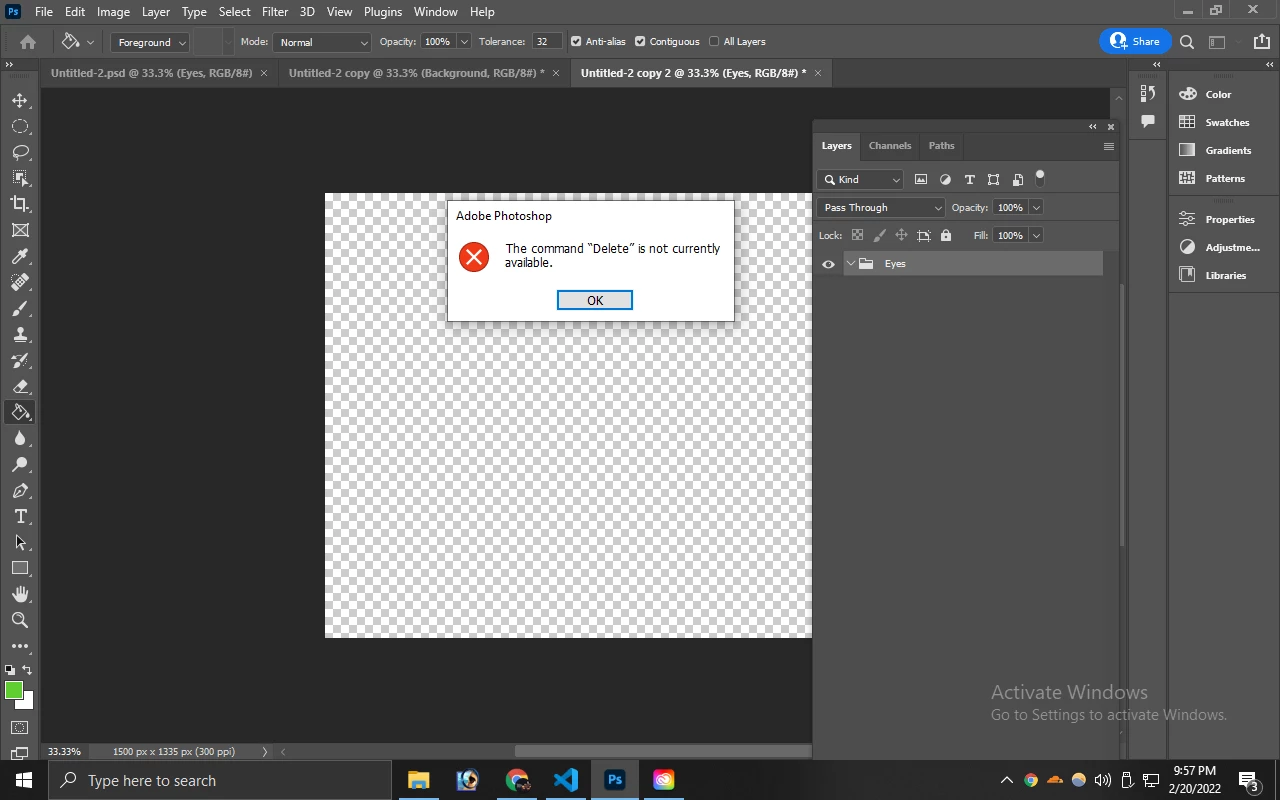
And I choose Visible layers only and choose PNG 24 as output and given the run command, after a few min the action script runs and end it shows COMMAND DELETE IS NOT CURRENTLY AVAILABLE and when we click on Ok, it shows User Cancelled.


This topic has been closed for replies.

1 reply

Legend
February 20, 2022

It's failing because it cannot delete the last group in a document.


Do you have the original document you're trying to run this on and can you share it? (use CC files or dropbox and share a link to download)


Also provide a screenshot of your settings in this dialog that produces the error: