Participant
January 5, 2024
Question

Photoshop 2024 gets stuck saving

  • January 5, 2024
  • 2 replies
  • 539 views

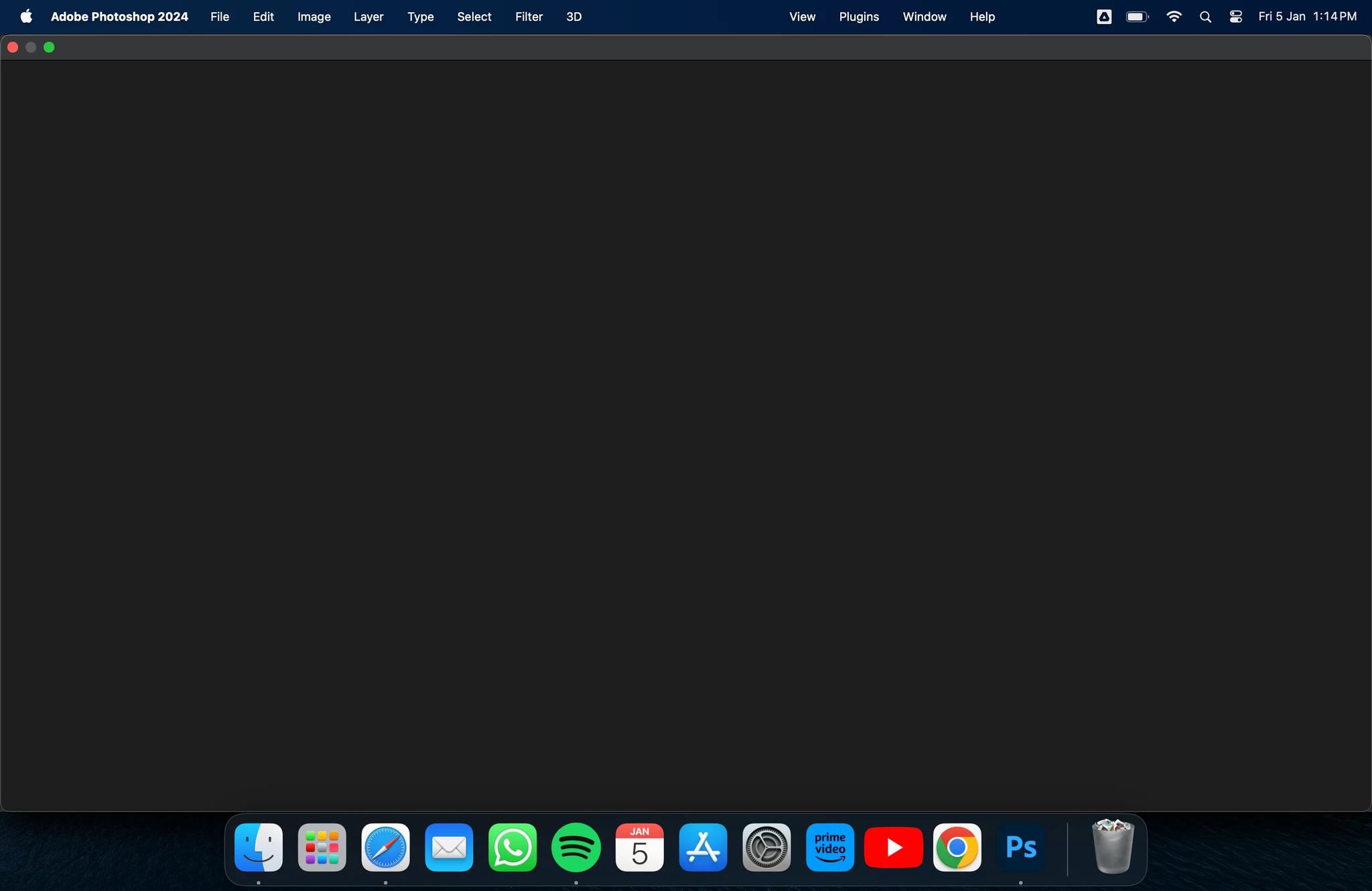
when i click on save for a new file then this happens and gets stuck here 


This topic has been closed for replies.

2 replies

Kevin Stohlmeyer
Community Expert
Community Expert
January 5, 2024

@jayant25635929uqtq your menu looks messed up with a huge gap between menus:

It should look like this:

I would start with a prefernece reset:

https://helpx.adobe.com/photoshop/using/preferences.html#reset-preferences

Second, I noticed you have a Google Drive icon - are you saving/trying to open files from the sync folder?

If so, save the file to your desktop and try opening again.

Participant
February 2, 2024

The gap is because he is working on a 14 inches Macbook with the camera island... nothing to do with the problem.

Myra Ferguson
Community Expert
Community Expert
January 5, 2024

The following Knowledge Base article has multiple solutions for issues when saving files that you could try:
