Copy link to clipboard
Copied
I created a file in PHOTOSHOP 2020 with a Gradient Mapping Adjustment Layer in it, but I opened and saved the file in PHOTOSHOP 2024 without changing the Gradient Mapping Adjustment Layer during that time.
Opening it again from PHOTOSHOP 2020 prompts an error that the Gradient Mapping Adjustment Layer is automatically converted to a normal layer 。。。。
Copy link to clipboard
Copied
Yes the Gradient Map Adjustment Layer is not backward compatible with ps versions older than
one of point updates in Photoshop 2022.
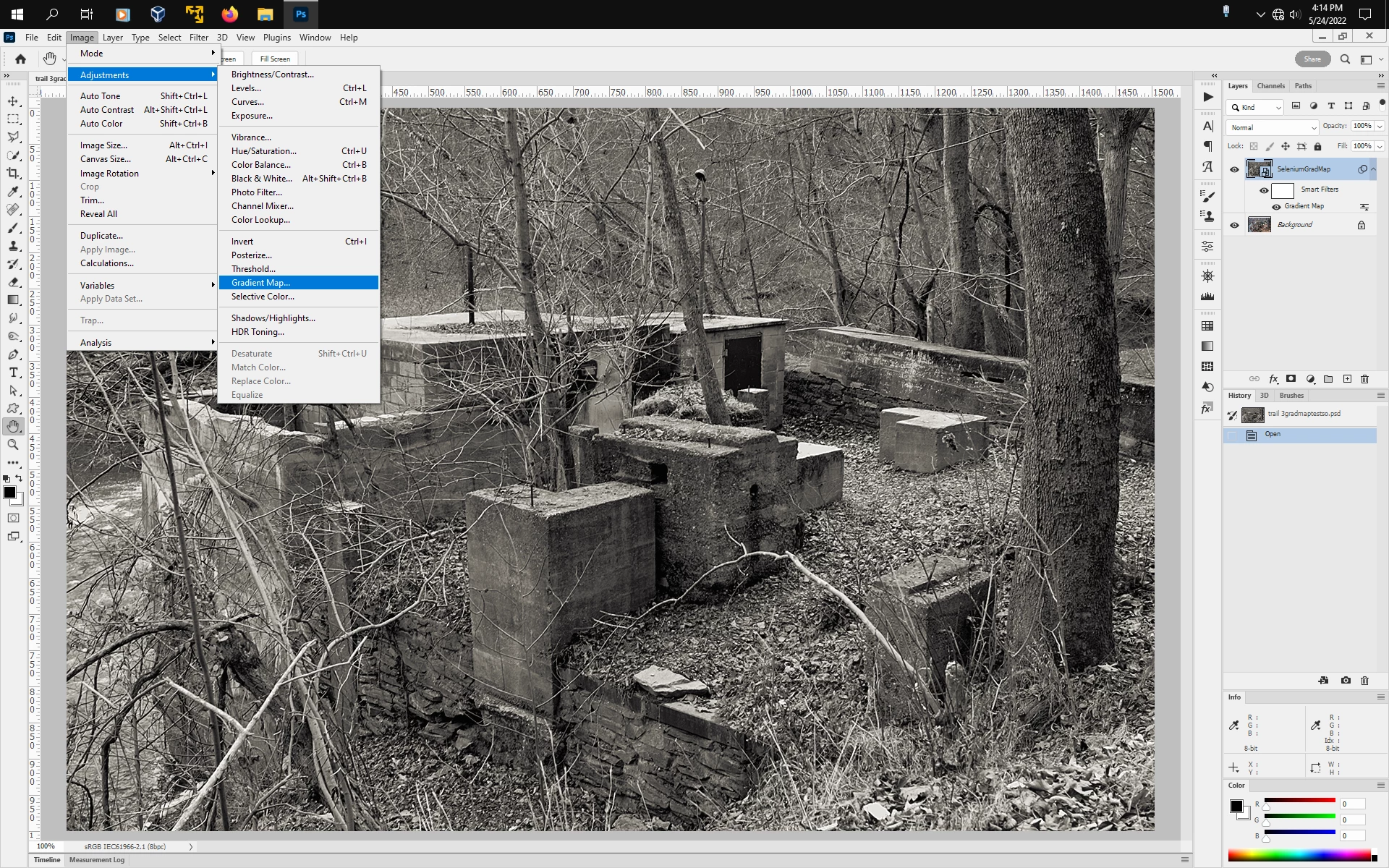
As far saving out the Gradient Map Adjustment Layer in Photoshop 2022/2023/2024, you can instead convert your layer to a Smart Object, then apply Image>Adjustments>Gradient Map as a Smart Filter using the Classic setting and users with photoshop versions as far back as cc 2015 should be able to modify the Gradient Map. Earlier photoshop versions will open the Gradient Map layer as a separate flattened layer with the Gradient Map Adjust intact or as a non editable smart filter layer.
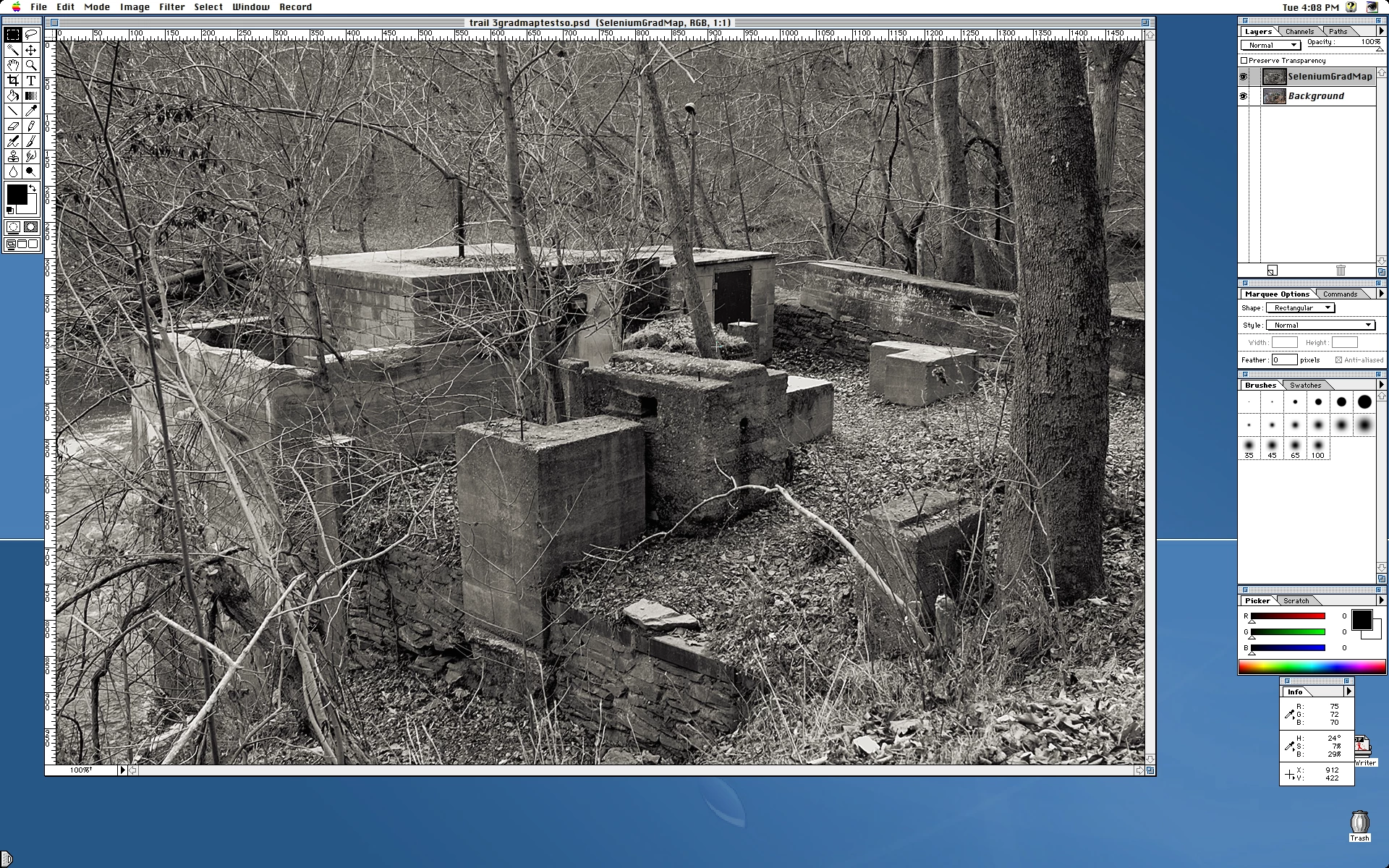
Photoshop 3.0.5
Copy link to clipboard
Copied
Oh, that's a terrible decision.
Find more inspiration, events, and resources on the new Adobe Community
Explore Now