Hi @PankFru Thank you for reaching out and welcome to our community ! We're here to help !
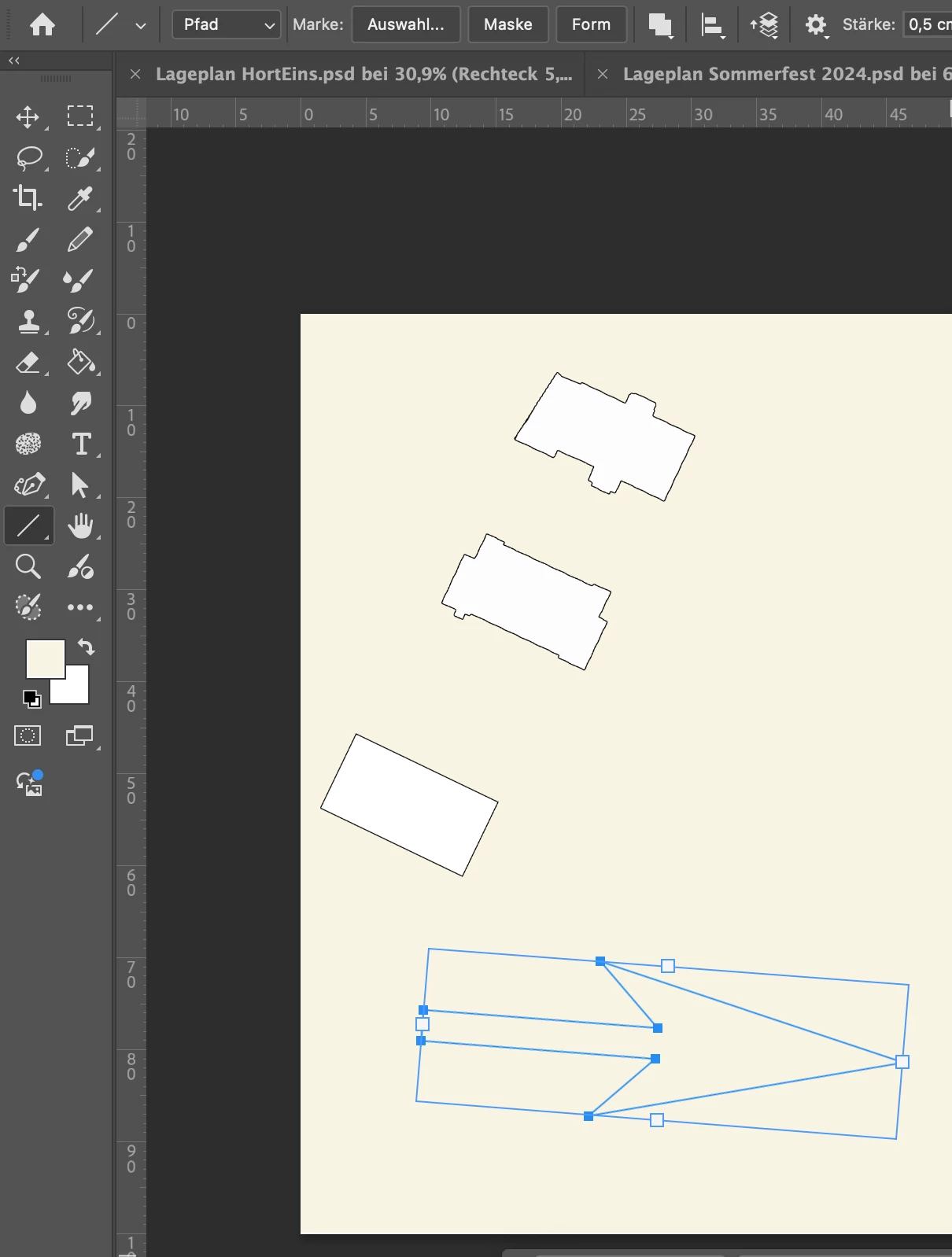
This usually happens because of the arrowhead settings in the Line Tool's options bar. Try out the options below and see if they fix the issue.
Uncheck Arrowhead Settings
- Select the Line Tool from the toolbar (it might be grouped with other shape tools).
- Look at the top options bar (just below the main menu).
- Find the arrowhead icon or the settings dropdown (sometimes represented by a gear or a small arrow).
- Uncheck both "Start" and "End" checkboxes. This disables arrowheads at both ends of your line.
- Now, drawing with the Line Tool will produce a simple line instead of an arrow
Reset the Line Tool
- If you can't find the arrowhead settings or the tool is still misbehaving:
- With the Line Tool selected, go to the top left of the screen.
- Click the dropdown arrow next to the Line Tool icon in the options bar.
- Click on the settings (gear icon or three lines), then choose "Reset Tool."
- This will restore the Line Tool to its default state, removing any unwanted arrowhead settings
Let us know how it goes. Cheers!!

 AdChoices