Participant
May 19, 2020
Question

Photoshop 21.1.2 Crashing and showing blank start screen

  • May 19, 2020
  • 1 reply
  • 695 views

Hi,

I am using PS 21.1.2 version, It was working fine until the trial version completed but yesterday I'm started using licensed version don't know what's wrong it crashing automatically. I have noticed two abnormal things. Details are below.

1. Its not showing the default home/landing page

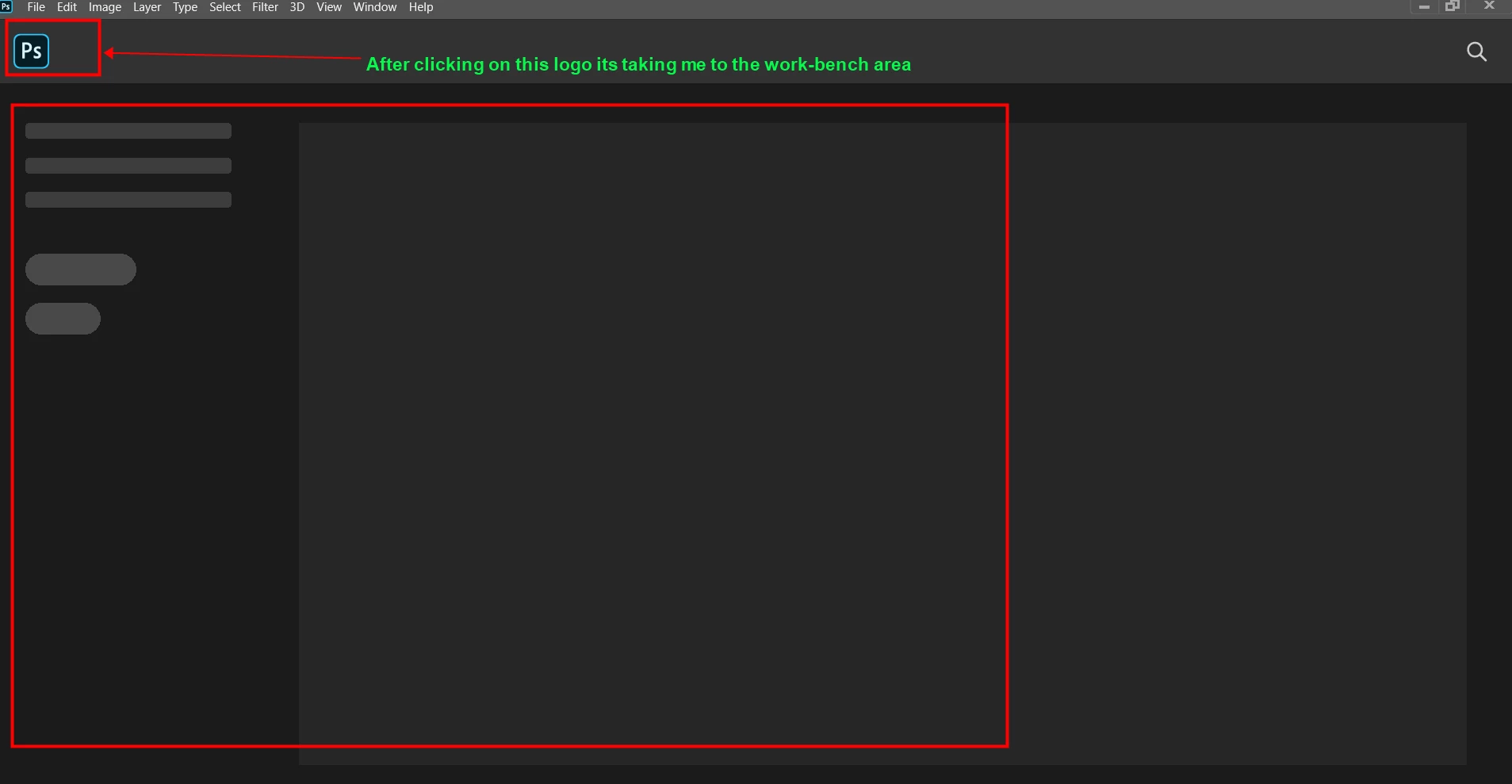
2. Its taking me to work bench area after I clicking on PS logo but after I started using the tool for 1 min its asking me to you want to save your work before you close then its closing.

3. If I wait for 1 min for the below black screen  then also automatically closing.
 

Looking forward to your response.


Thanks!


This topic has been closed for replies.

1 reply

Akash Sharma
Legend
May 19, 2020

Hi there, 


Sorry that you're seeing a blank workspace and home screen in Photoshop 21.1.2 and does not let you save your work. 


Would you mind checking the steps mentioned in this article https://helpx.adobe.com/photoshop/kb/troubleshoot-home-screen-issues.html and let us know if that helps? 


Thanks,

Akash

Participant
May 27, 2020

Hi Akash,


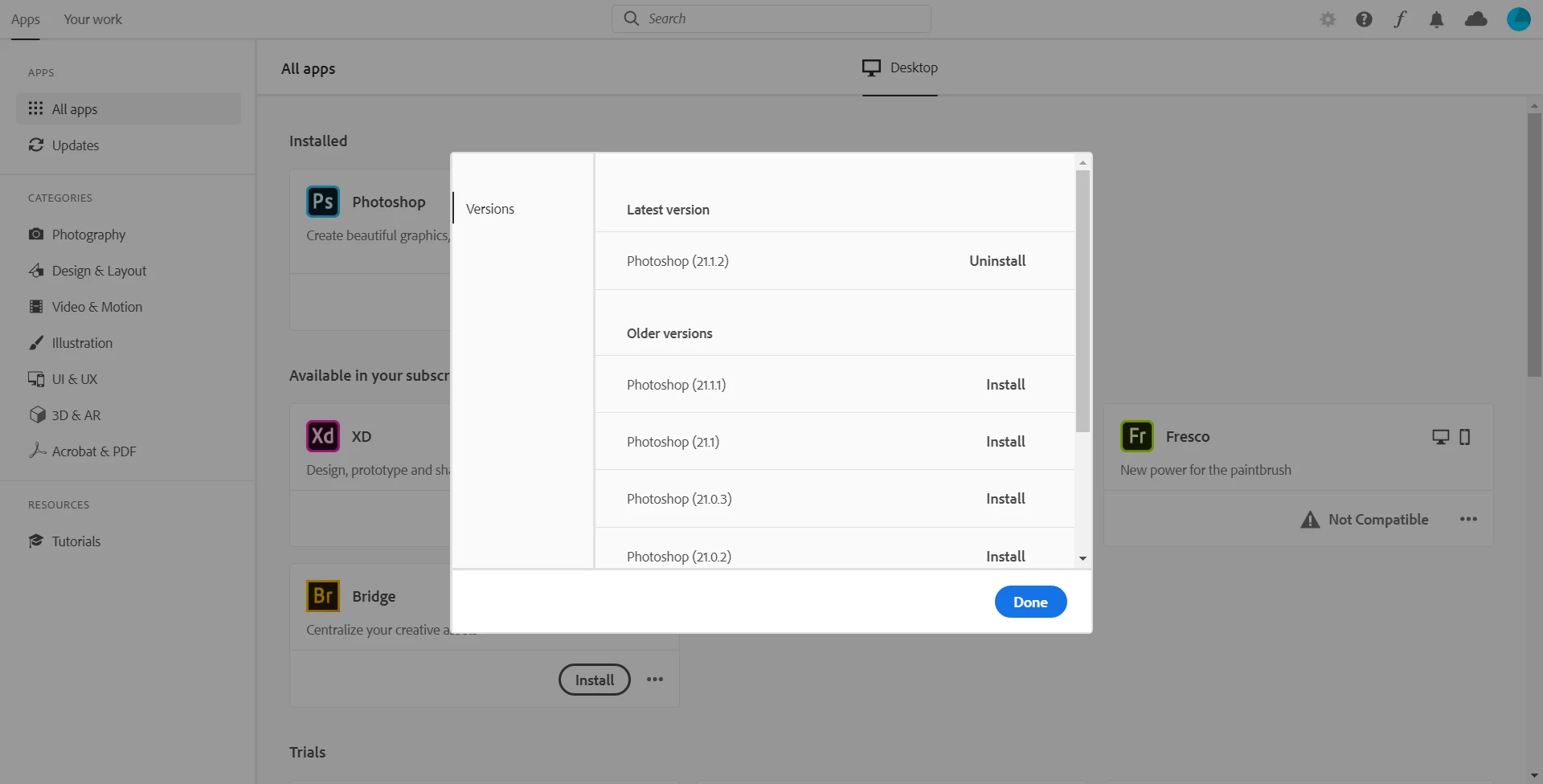
I have tried all the ways, unistall/reinstall PS, modifying log files..etc.  The only progress is sometimes its working fine and sometimes its not. Its so strange.


Thanks,

Kiran

Akash Sharma
Legend
June 2, 2020

Thanks for the update Kiran. Would you mind updating Photoshop to the latest version 21.1.3 from the Creative Cloud desktop app and let us know if that helps? See https://helpx.adobe.com/photoshop/kb/uptodate.html


~Akash