
Exit
  • Global community
    • Language:
      • Deutsch
      • English
      • Español
      • Français
      • Português
  • 日本語コミュニティ
  • 한국 커뮤니티
1

Photoshop 21.1.2 gray screen when edit text

New Here ,
Jun 23, 2020 Jun 23, 2020

I updated photoshop to the lastest version and when i edit the text the artboard goes gray and then comes back to normal. I already changed the performance preferences to basic and nothing change. The Photoshop v20 never gave me problems like that:
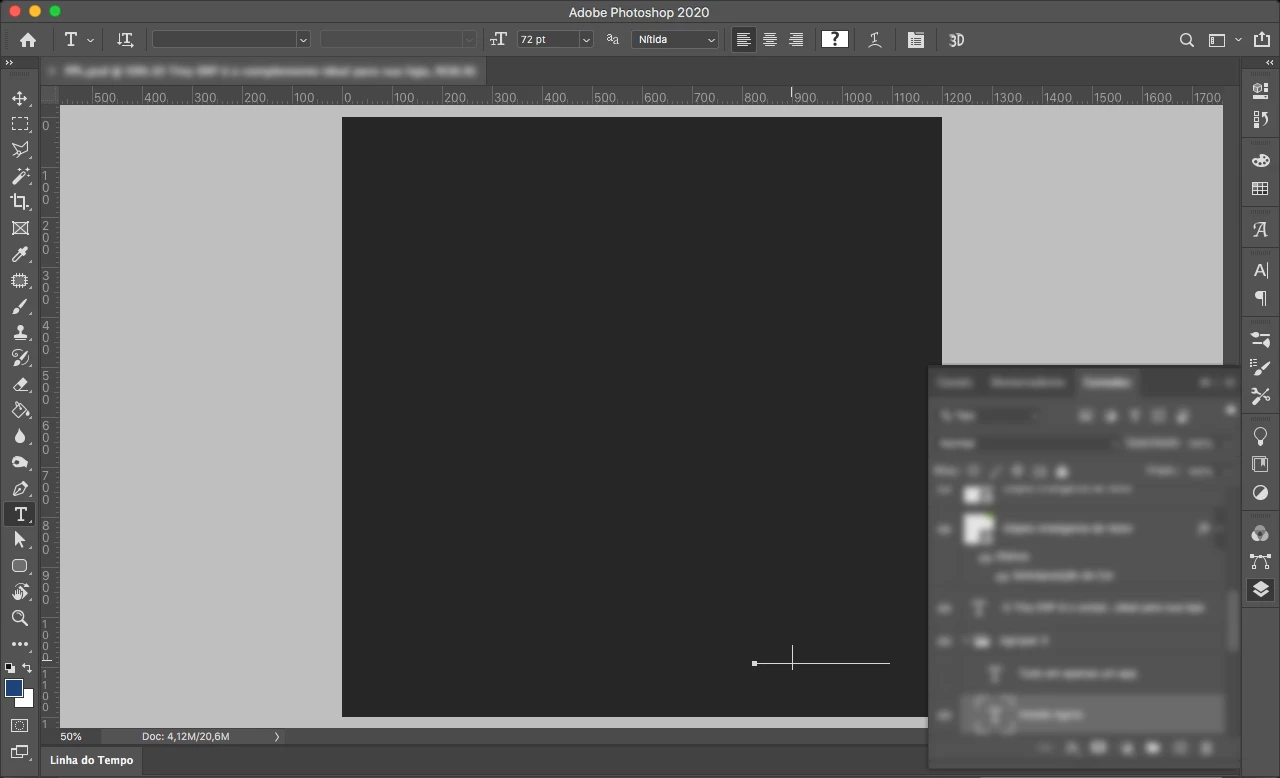

Captura de Tela 2020-06-23 às 16.29.08.png

144
Translate
Report
Community guidelines
Be kind and respectful, give credit to the original source of content, and search for duplicates before posting. Learn more
community guidelines
Adobe
Community Expert ,
Jun 23, 2020 Jun 23, 2020
LATEST

Does turning on (or off, depending on the current settings) Photoshop > Preferences > Performance > Legacy Compositing and restarting Photoshop have any bearing on the issue? 

Does turning off »Use Graphics Processor« in the Performance Preferences (Photoshop > Preferences > Performance > Graphic Processor Settings) and restarting Photoshop have any bearing on the issue? 

Translate
Report
Community guidelines
Be kind and respectful, give credit to the original source of content, and search for duplicates before posting. Learn more
community guidelines