

Question
Photoshop 21.2.0 layer glitching on macOS Catalina 10.15.5
Hi, I updated my CC subscriptions recently and Photoshop keeps glitching out now. It tiles my workspace image when I zoom in or out. I'm including a screenshot of what it looks like below. It doesn't seem to affect the file or image itself but is really disorienting when trying to establish a workflow for a project. The tiling disappears only if I restart PS or activate the 'crop' tool. I'm running PSCC 21.2.0 on a Macbook with OS Catalina 10.15.5. Does anybody know what's going on and how I can fix this? It's really throwing me off. Thanks!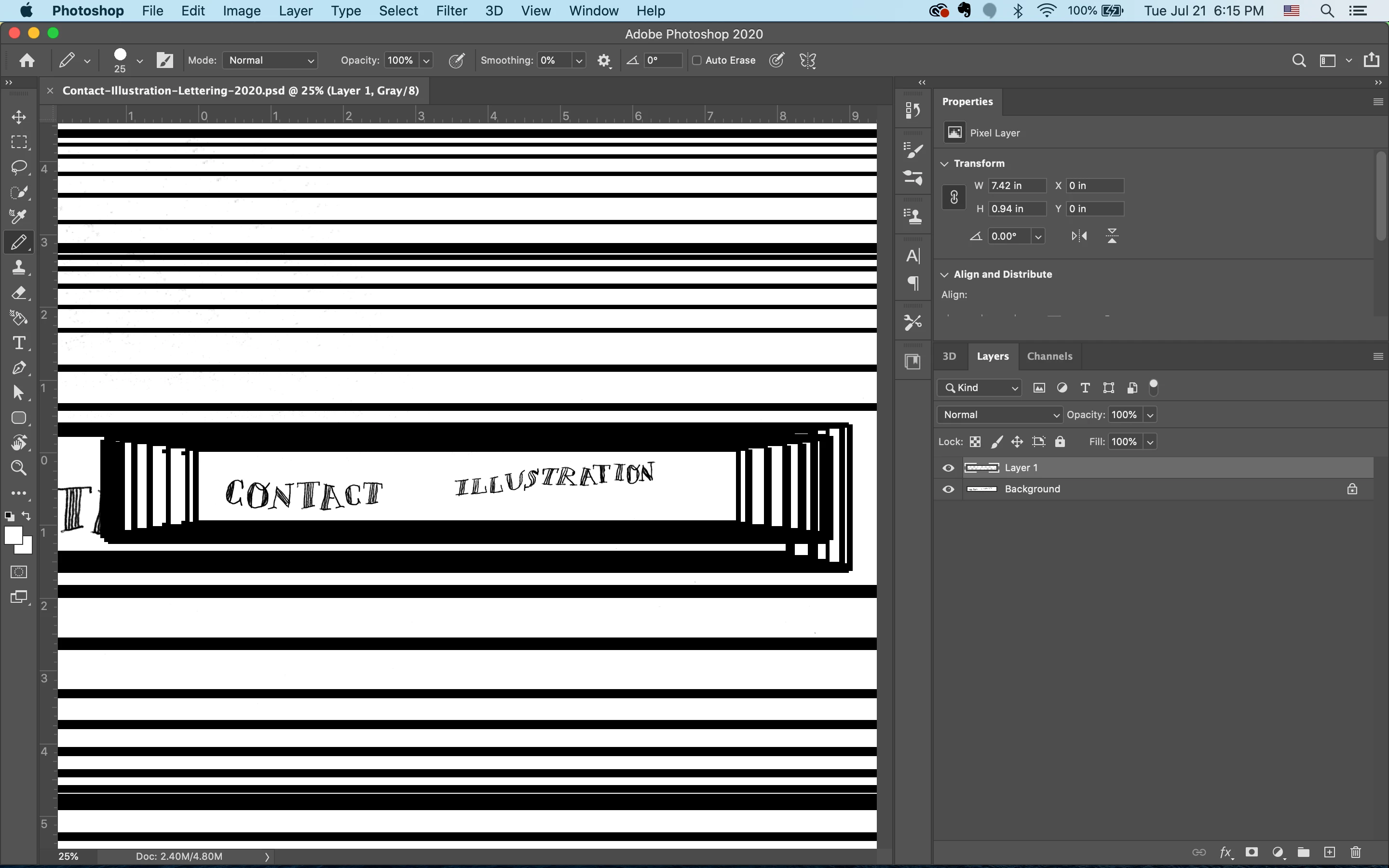
{Thread renamed by moderator}
 AdChoices