
maelync97715865
Participant
June 24, 2020
Question

Photoshop 21.2 artboard gets covered with a grey screen and the the app runs slower

  • June 24, 2020
  • 2 replies
  • 4250 views

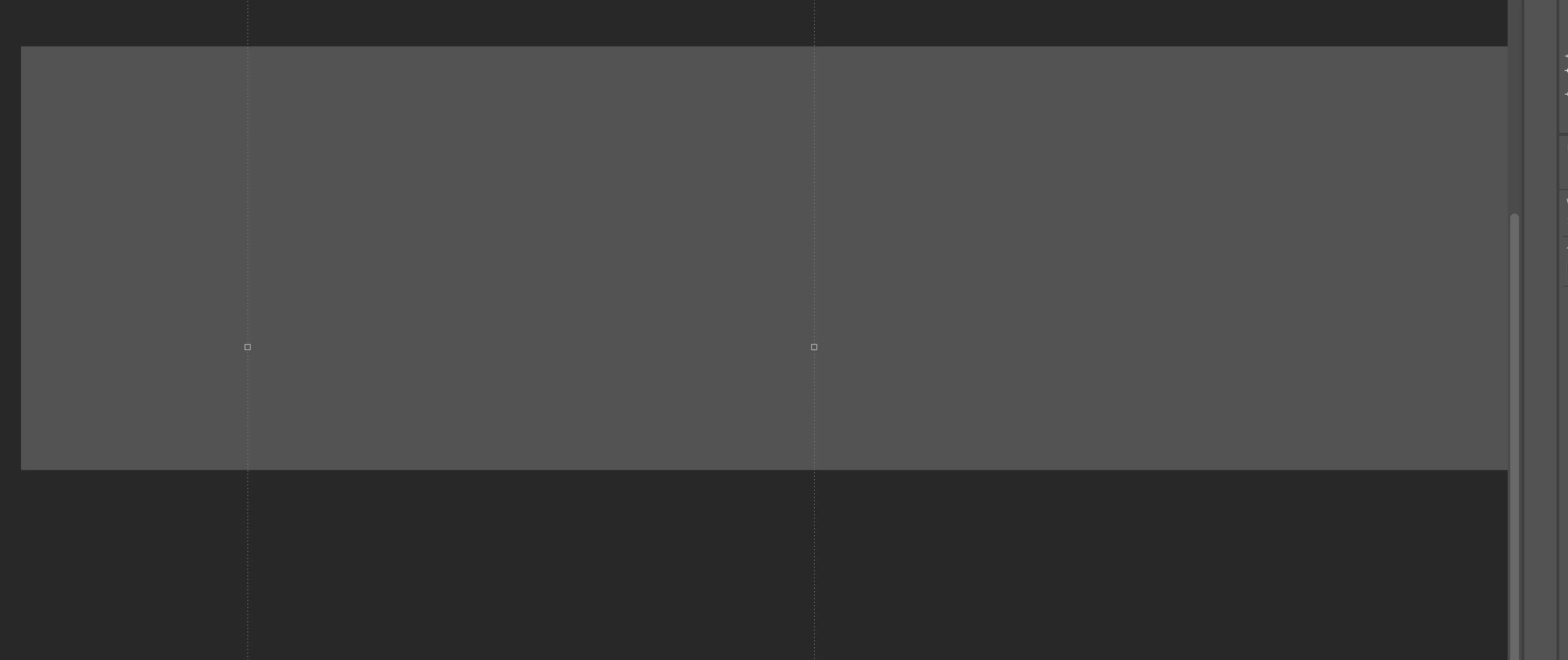
Is anyone else having an issue of Photoshop running super slow and a grey appears after each click? There is a lag after every click and this happens to my workspace each time I click around in the program or in a different application. It makes working impossible. I use artboards pretty regularly and the entire workspace gets covered up by a grey box after every click. It goes away but stays for about 2 seconds. There are three artboards under the box. 
This topic has been closed for replies.

2 replies

Participant
December 21, 2020

I am having the same issue with Adobe Photoshop 2021. I followed the instructions Akash Sharma provided and hit a road block when 2021 no longer includes a Legacy Compositing check box! Its gone, due to modernization. I havent a clue where to look towards now!

Akash Sharma
Legend
June 25, 2020

Hi there,


Sorry that a grey box appears on the Artboard workspace in Photoshop 21.2.0 and the app is running unexpectedly slow.


Would you mind unchecking the option "Legacy compositing" from the Preferences> Performance menu in Photoshop and let us know if that helps? Also, what is your operating system and its version?


If it does not helps, try unchecking the option "use graphics processor" in the same Preferences> Performance menu and share the outcome with us.


To improve the app performance, you may checkout the steps mentioned in this article https://helpx.adobe.com/photoshop/kb/photoshop-slow-lags.html


Thanks,

Akash

maelync97715865
Participant
June 25, 2020

Thanks! When I first had the issue the first thing I did was uncheck "use graphics processor". It actually helped to turn ON "Legacy compositing" and then turn"use graphics processor" back on. Things seem to be back to normal now. 

Akash Sharma
Legend
June 30, 2020

Thanks for the update. Glad to know that the workaround has helped the cause.


Feel free to get back to us in case you have any additional queries.


Regards,

Akash