
prideg42890163
Participant
December 2, 2020
Question

Photoshop 22.0.1 - Unknown error while trying to Save for Web since macOS Big Sur Update

  • December 2, 2020
  • 4 replies
  • 3355 views

Ever since I updated my mac to BigSur Photoshop won't let me export my GIFs through save for web (legacy). My photoshop is up to date but I keep getting this error. I've restarted my computer multiple times as well. 
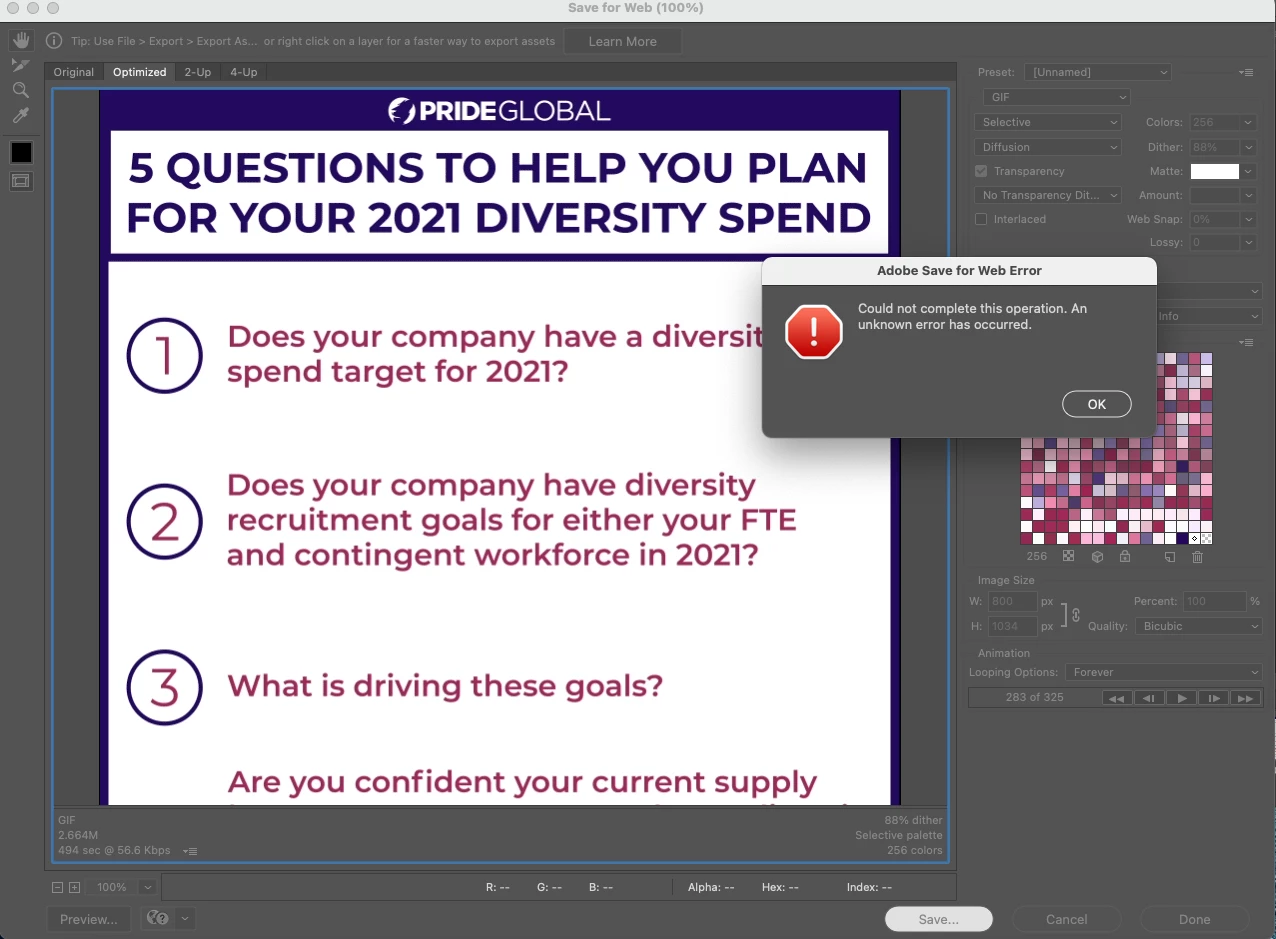


{Thread title edited by moderator}

This topic has been closed for replies.

4 replies

Participant
September 15, 2021

Same thing is happening for me...any one have a solution yet??

Participant
June 25, 2021

I am also experiencing this inconvenience....... grrrrrrr - makes the work flow stutter . Not impressed. Treid all the fixes and nothing works.

JJMack
Community Expert
Community Expert
December 2, 2020

Perhaps it related toe the known issue


JJMack
Participant
January 12, 2021

I have a different problem while trying to save for web (with Big Sur 11.1). Why is it happening and how can I fix it? 


Participant
January 21, 2021

hi, facing the same here, may i know any updates of solving this in Big Sur?

nikunj.m
Community Manager
Community Manager
December 2, 2020

Hi,


We're sorry about the trouble with Photoshop while trying to save GIFs.


Please go to the System Preferences for your Mac, then Security and Privacy, then select the Privacy tab. Then select Accessibility from the list to the left and check if you see Photoshop added to the list with a check mark in front of it. If Photoshop is not a part of the list, please add it by unlocking the window first using the lock at the bottom left, then clicking the + icon and navigating to the Applications folder. Also, grant permissions to Photoshop under Full disk access located in the same list as Accessibility. Once done, restart the Mac and check if it helps.


You can try to reset the preferences of Photoshop using the steps mentioned here: https://adobe.ly/2Qzc0K3

Please backup your settings prior to resetting the preferences. You can check: https://adobe.ly/2vNz6FG


Let us know how it goes!

Regards,

Nikunj

Participant
December 3, 2020

Hi!


I completed these steps and it still won't export for me either. I have a low image size and I still can't get this to work, I don't understand what the issue is. I have tried many other ways to work around this.