
Participant
December 16, 2020
Question

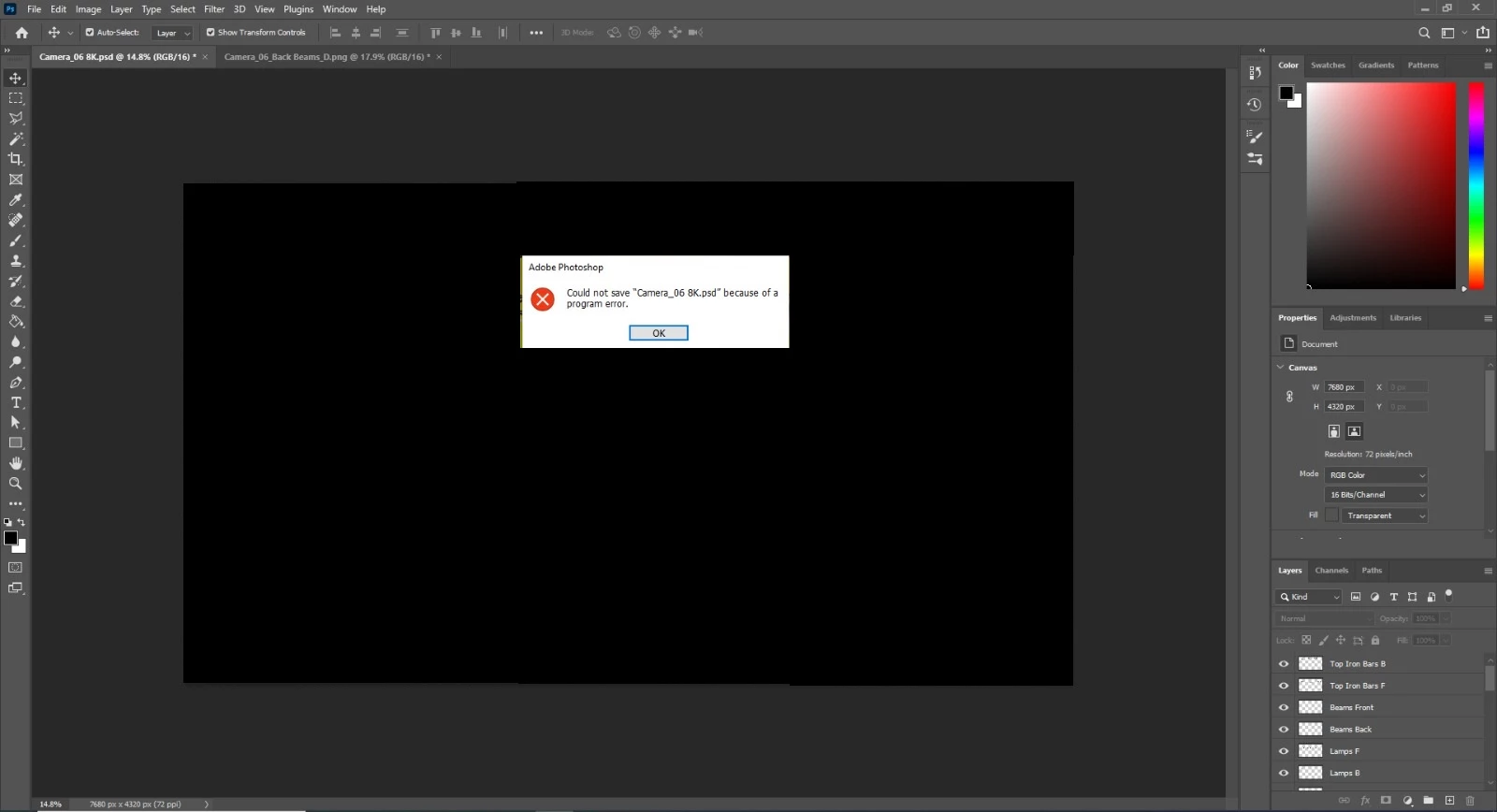
Photoshop 22.1 "program Error"

  • December 16, 2020
  • 1 reply
  • 362 views

Hey after i did the update i can't save my work, and latterly i can't do anything on Photoshop.

adobe service said that they know about this problem but they can't fix right now.

anyone can help and solve it?
I didn't change anything on my work flow it happens on 8K Scene and Half HD so i have no idea what happening 

i have lost so many projects until now and they are not going to help me so please i need a savior!!!
This topic has been closed for replies.

1 reply

Derek Cross
Community Expert
Community Expert
December 16, 2020

Which version of your OS?

How much RAM and spare disk capacity?

Have you tried resetting the Photoshop preferences?

SegevCGIAuthor
Participant
December 16, 2020

Hey I using Windows 10 Pro 
*16 GB Ram DDR 4
* 750 GB Free SSD Storge And ANother 1.5 Tra of Hdd
and yes ofcursei tried that i did reinstall to the software  

PECourtejoie
Community Expert
Community Expert
December 16, 2020

Hello, resetting the preferences is not the same as reinstalling, the latter keeps existing preferences:

You can reset Photoshop's preferences by holding down Ctrl+Alt+Shift (Pc) Cmd+Opt+Shift (Mac) as you click on Photoshop's icon to start it up.

See: https://helpx.adobe.com/photoshop/using/preferences.html

If you do have access to the menu Edit>Preferences (Pc) or Photoshop>Preferences (Mac), it is possible to reset them from the General submenu.