Participant
June 9, 2022
Question

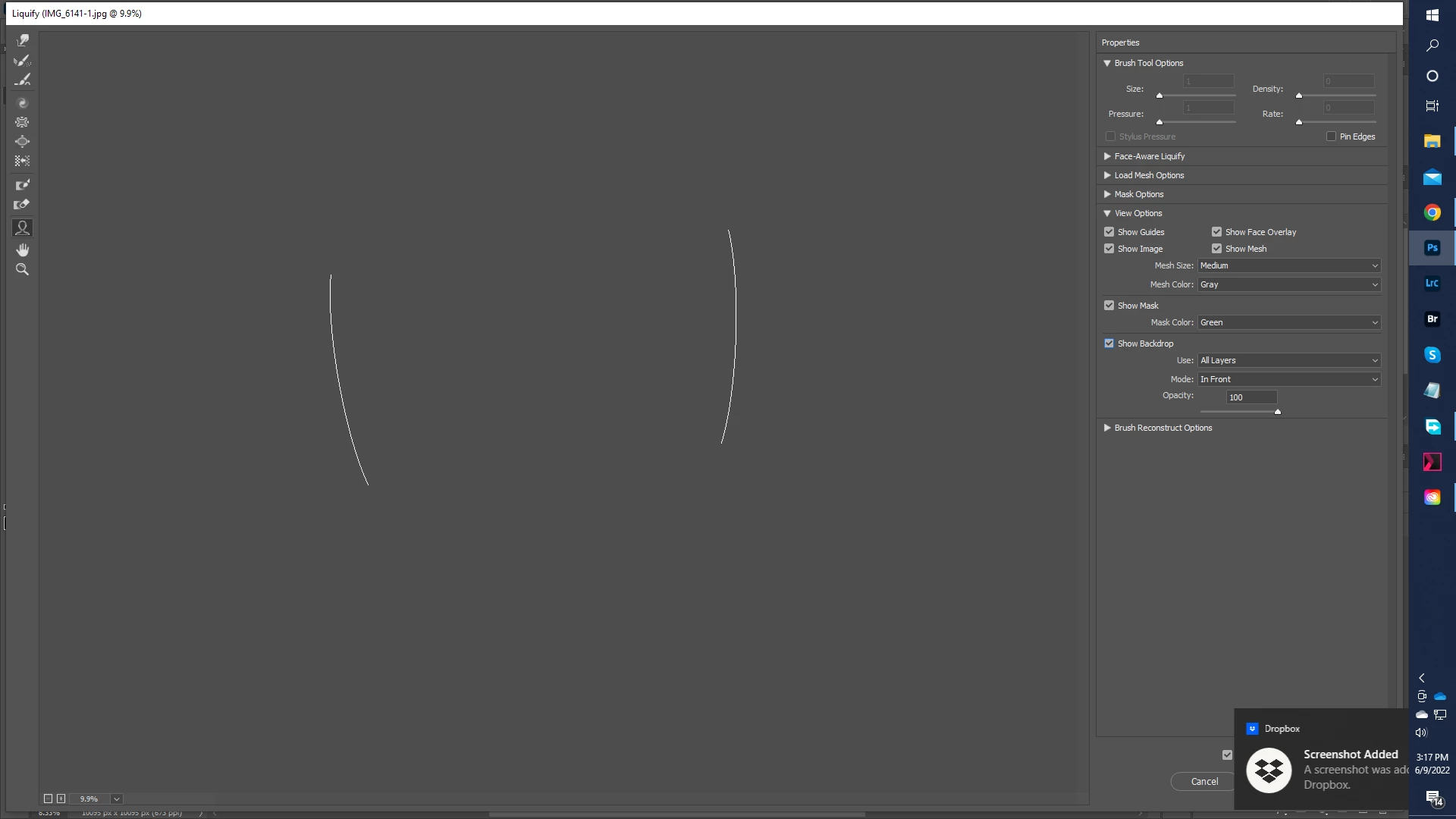
Photoshop(23.3.2) Liquify tool doesn't show any image in Windows

  • June 9, 2022
  • 2 replies
  • 1291 views

Photoshop(23.3.2) Liquify tool doesn't show any image. 


{Title edited by Moderator}

This topic has been closed for replies.

2 replies

Mohammad.Harb
Community Expert
Community Expert
June 9, 2022

Make sure you have the most recent Graphic card driver update 

Ranjisha Sengupta
Legend
June 9, 2022

Hi there,


Sorry to see that Photoshop's liquify filter is not working. We're here to help.

What is your Windows version? Are your graphic drivers up to date? Can you try re-installing them once?

Is it happening with a particular file format? What is your system specification?


Edit> preferences> performance and untick 'Use Graphics Processor.' Restart Photoshop and check if that helps.

You can also go to Filter, hold down the Alt key, then click Liquify. 

If neither of these work,

Try enabling this option in preferences

Restart Photoshop once the changes are made.


Let us know how it goes,


Thanks.

Ranjisha


[Image removed by Moderator]

Ged_Traynor
Community Expert
Community Expert
June 9, 2022

@Ranjisha Sengupta 

Nice to see you're using some of my old screenshots from my old PC 😁 but the second one is not applicable to the most recent versions of Photoshop!