Memorialie Muzeji
Participant
November 22, 2022
Answered

Photoshop 24.0 crashes Ctrl+P, Win 10

  • November 22, 2022
  • 3 replies
  • 1574 views

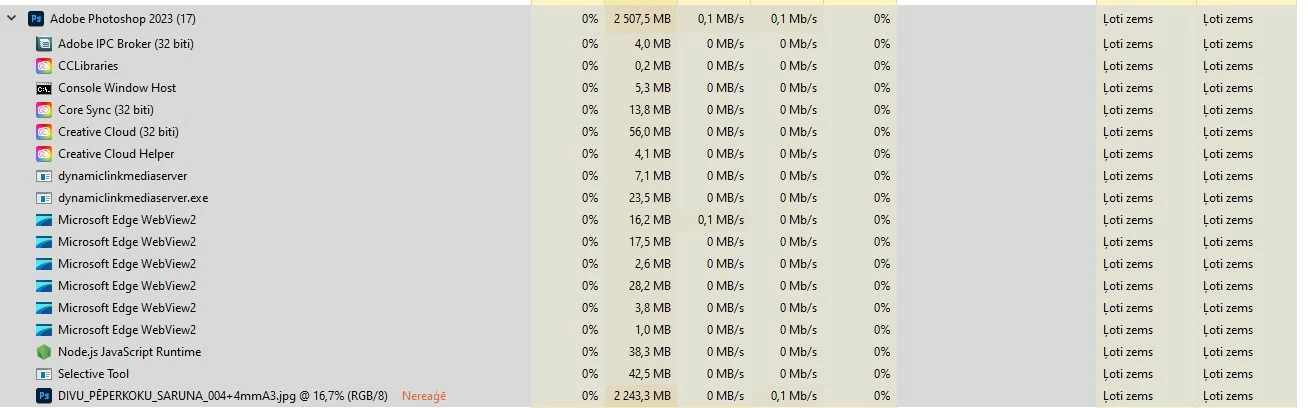
Photoshop 24.0 on Ctrl+P (print) not responding then chrashes, look images below.
Please help!

This topic has been closed for replies.
Correct answer Memorialie Muzeji

Thanks, thedigitaldog and kevin stohlmeyer,
Reset all Photoshop preferences and restart PC was resolve Print ability!

3 replies

TheDigitalDog
Inspiring
November 22, 2022

If resetting print preferences doesn't work, try resetting your Photoshop preferences. Press and hold Alt+Control+Shift (Windows) or Option+Command+Shift (macOS) immediately after launching Photoshop. You will be prompted to delete the current settings. You can also reset preferences upon a quit if Photoshop is running by going into General Preferences>General>Reset on Quit.

(macOS only) Open the Preferences folder in the Library folder*, and drag the Adobe Photoshop CS Settings folder to the Trash.


Author “Color Management for Photographers" & "Photoshop CC Color Management/pluralsight"
Memorialie Muzeji
Memorialie MuzejiAuthorCorrect answer
Participant
November 28, 2022

Thanks, thedigitaldog and kevin stohlmeyer,
Reset all Photoshop preferences and restart PC was resolve Print ability!

Memorialie Muzeji
Participant
November 28, 2022

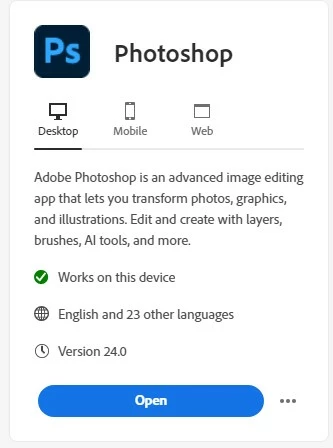
Forgot, that start happening just after latest update, image below.

Memorialie Muzeji
Participant
November 22, 2022

Thanks, kevin stohlmeyer, for answer, will try!

Kevin Stohlmeyer
Community Expert
Community Expert
November 22, 2022

Hold the space bar down when choosing print - it will reset the print preferences.