Photoshop 25.1 (and Beta 25.2) not supporting multiple GPU
Ps latest version (25.1) doesn't detect my GPU.
Upon starting the application I get this warning:
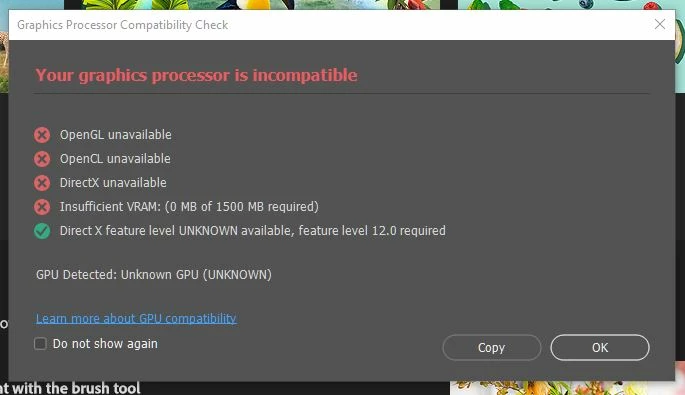
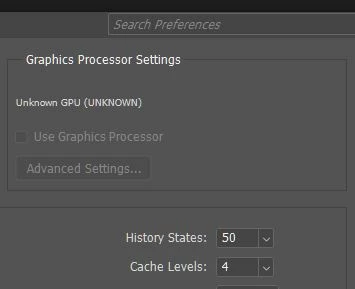
And when going to Preferences > performance, there is no GPU detected at all:
My Nvidia drivers are up to date (Studio driver 537.58), and I performed a clean install to make sure it was not driver related. I also did a complete cleanup of all Adobe apps, using the Adobe cleaner tool, and only reinstalled the creative cloud app and Photohsop to isolate the issue.
If I disable one of my GPUs in the device manager, then Photoshop runs fine and detects my GPU. If I rollback to the previous version (25.0), Photoshop runs fine with both GPUs enabled, no issues. All other apps run perfectly fine with both GPUs enabled as well.
That seems to indicate Photoshop 25.1 (same behavior in Beta 25.2) does not detect a GPU when there are multiple GPUs installed, or at least it doesn't support my specific configuration:
Windows 10 PC
Core i9-10900K
64GB ram
RTX 3090 (Main)
RTX 3080
I've spoken to several adobe agents, over 3 remote support sessions and nothing was resolved.
 AdChoices