Participating Frequently
April 26, 2024
Answered

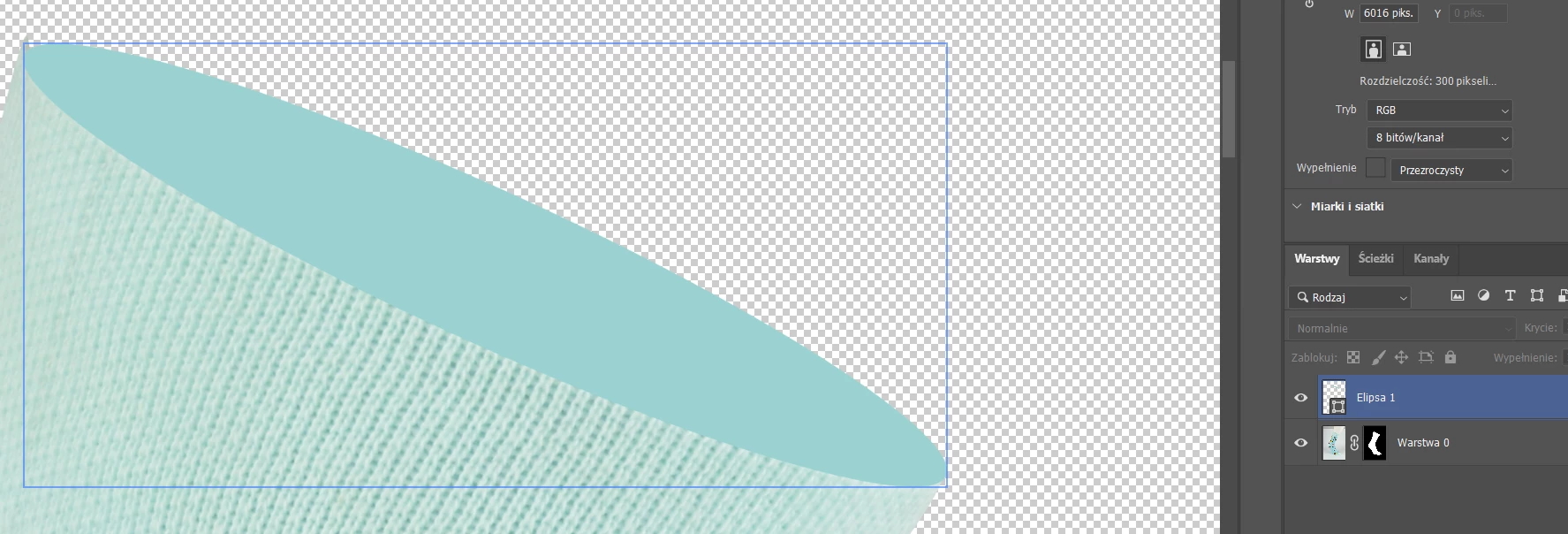
Photoshop 25.7 (Move tool) how to hide Blue frames?
  • April 26, 2024
  • 4 replies
  • 1849 views

How to hide the blue frames and layer highlighting. They appear when I hover over any layer.

Correct answer Ged_Traynor

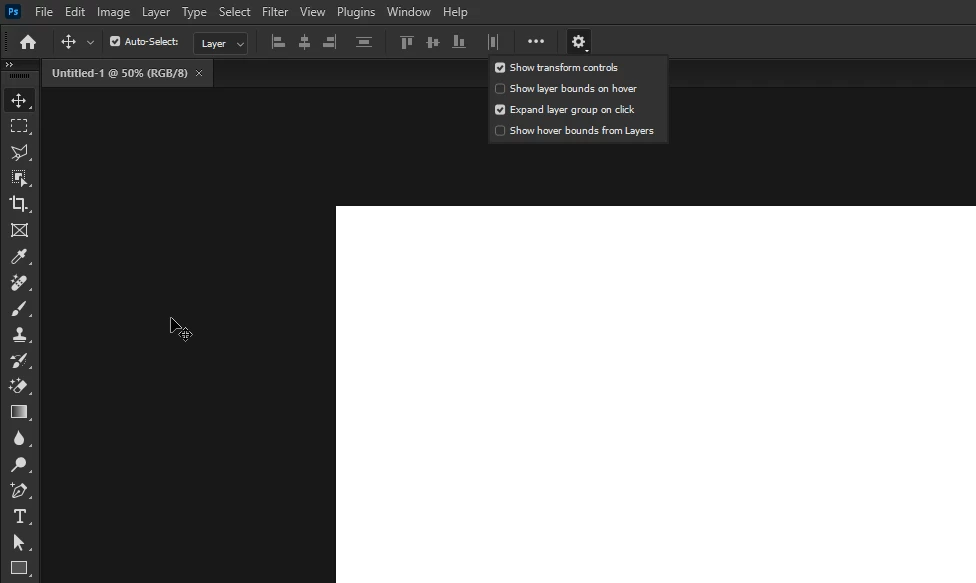
@Spox35301804o0vq you can do that from the options bar
4 replies

Participant
May 4, 2024

I see that Ged_Traynor answered your question below - but how do you get it so when you use the Move tool is doesn't automatically engage the Transform? It makes it so the keystrokes don't work the same. I got so aggravated with this latest update combined with the gradient/pattern pallet stutters and no visuals that my work progress was slowed considerably and I ended up rolling back the version I'm using.

FreeTime
Known Participant
April 28, 2024

РАЗРАБОТЧИКИ! Этот новый синий контур выключается, а потом включается автоматически, я уже устал его переключать с помощью ctr+h. Исправьте пожалуйста этот хрень


Конечно, компания с миллионным доходом не может позволить себе избежать подобных упущений. 

Браво! 

Ged_Traynor
Community Expert
Community Expert
April 28, 2024

@FreeTime you can turn it off in the options bar

Ged_Traynor
Community Expert
Ged_TraynorCommunity ExpertCorrect answer
Community Expert
April 26, 2024

@Spox35301804o0vq you can do that from the options bar

alastairb96726136
Participant
May 2, 2024

Thank you so much!
It was super annoying

Participant
April 26, 2024

Hey great ones.. I have Photoshop 2024 and my move tool continues to make auto selecting. I have un-checked the "Auto-Select" in the toolbar, I have treid to close and re-open the app and also been throug all settings to see if there is anything that I can change. I work only on my macbook pro with no extra monitor, no extra keyboard and I only sometimes use an external mouse. It drives me insane that the curser always select a layer... Please help