
Participant
May 28, 2025
Answered

Photoshop 26.7 Image Size Tool Triggers 'Program Error' About Smart Objects

  • May 28, 2025
  • 1 reply
  • 351 views

Hello, I'm using the latest PS update 26.7 but I'm not sure when this happened - before or after the update as I haven't used the software for about 2 weeks.

When I open any image no matter how big or small and I go to the top "Image" menu and select "Image size" a pop-up window appears saying "Could not update smart object files because of a program error." What smart objects? I'm literally opening a simple image in PS and not doing anything else but wanting to resize it and this appears. It has never happened to me before so I'm not sure what to do about it.
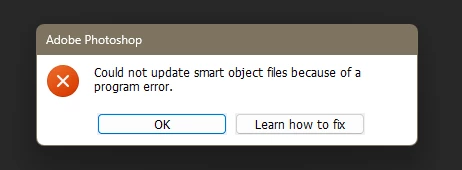
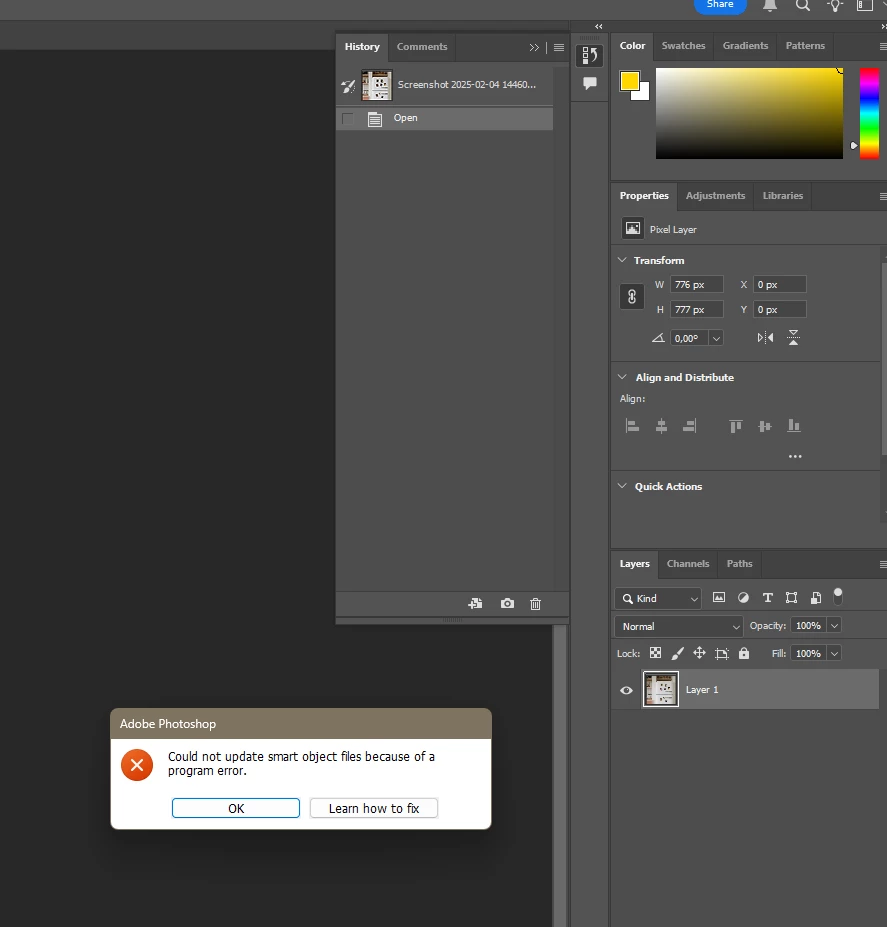
Image>Canvas size works but Image size doesn't.

Correct answer aleksandar_mk

Hello again, quick update from me - none of this worked unfortunately so I resorted to reinstalling the software which fixed the problem. Thank you anyway for your time and suggestions!

Best,
Alex

1 reply

CMass
Community Manager
Community Manager
May 28, 2025

Hey @aleksandar_mk,

Thanks for reaching out! Even if you’re opening a simple image, Photoshop may treat it as a Smart Object in some cases, which can cause this error.

Please try these troubleshooting steps out: 
1. Check the Layers panel: If the layer has a Smart Object icon, right-click it and select “Rasterize Layer”, then try Image > Image Size again.


2. Reset Photoshop preferences: Go to Edit > Preferences > General and click “Reset Preferences on Quit.” Restart Photoshop afterward

3. Test with a different file: Open a plain JPEG or PNG to see if the issue persists.

If the problem continues, feel free to share a sample file or screen recording so we can assist further.


^CM

aleksandar_mkAuthorCorrect answer
Participant
May 30, 2025

Hello again, quick update from me - none of this worked unfortunately so I resorted to reinstalling the software which fixed the problem. Thank you anyway for your time and suggestions!

Best,
Alex

Claire H.
Community Manager
Community Manager
May 30, 2025

Hi @aleksandar_mk, I'm glad to hear reinstalling Photoshop worked! Please feel free to reach out if you need help with anything else. Thanks! ^CH