
Participant
April 25, 2023
Question

Photoshop 3D Gif Exporting Issue

  • April 25, 2023
  • 3 replies
  • 2319 views

I am using PS 22.2 on a Macbook to create an animated gif of a 3D mockup of a can. I know that the newer PS has disabled its 3d features. I am trying to export this mockup as a gif but the exporting either glitches the animation or isn't fully transparent. This is trying to go on a website. Please see attached for reference. Any ideas of how to get the result to rotate smoothly without the white rectangle at the bottom? 


Also, can rotating the can be done in After Effects? If so, how could I import the 3d mockup from PS into AE and make it spin? 
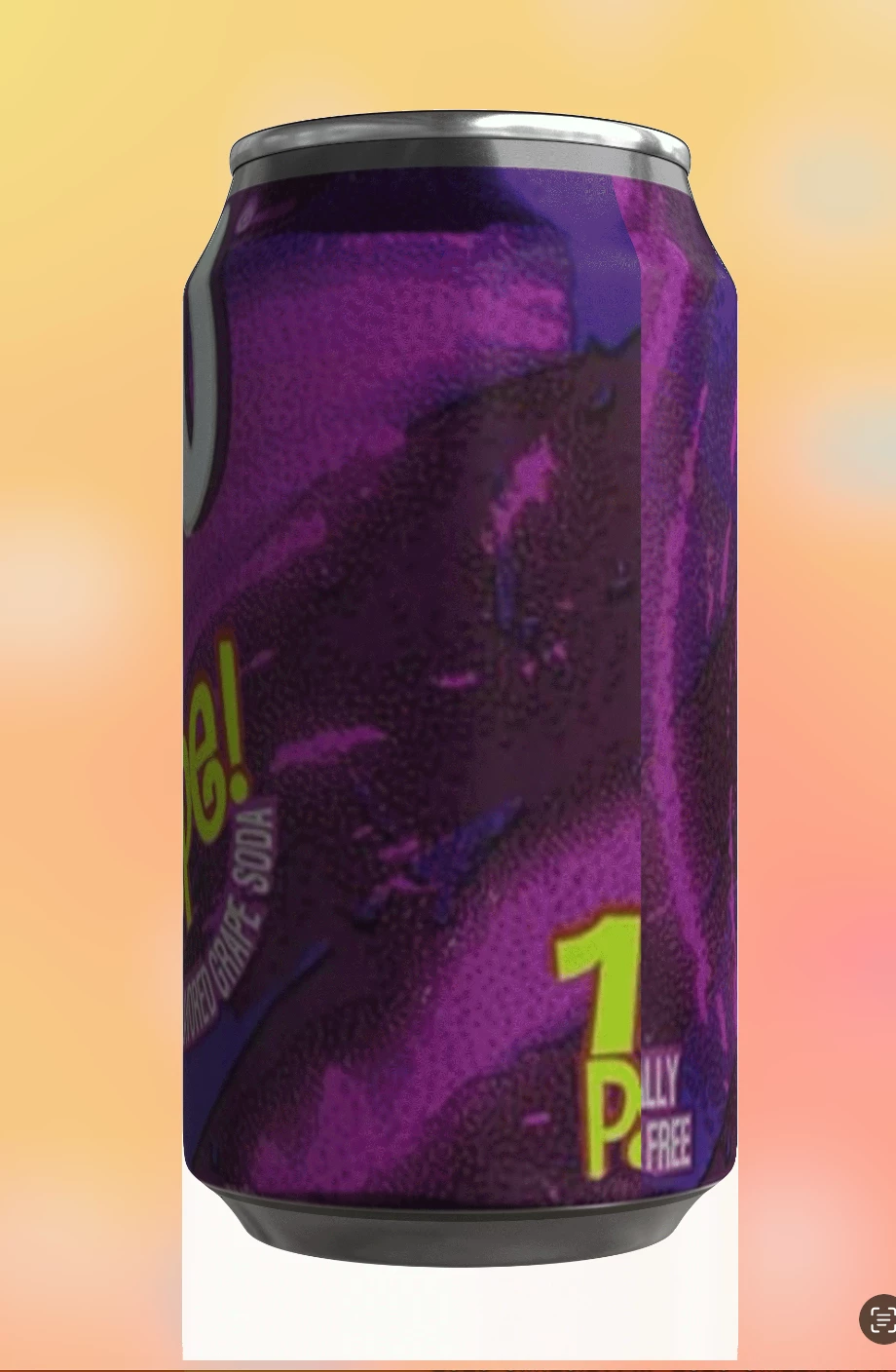


This topic has been closed for replies.

3 replies

davescm
Community Expert
Community Expert
May 1, 2023

What format is your 3D object? Where best to go instead of Photoshop depends on that answer.


Dave

Participant
May 2, 2023

Attached includes the layer panels, timeline, and save for legacy panel. I'm trying to drop a can label on an already used 2d mockup and somehow the 3d effects are on. Idea is to swap out the can labels and animate it by rotating it. The result is ideally make it a GIF and put multiple of them on a website. If I can't get it to work in PS, what other progams allow me to do this? 


The video attached shows the desired result (minus the white box at the bottom).

Kevin Stohlmeyer
Community Expert
Community Expert
May 1, 2023
jane-e
Community Expert
Community Expert
May 1, 2023


@Olivia29058223ob0z wrote on 25 April 2023 

Any ideas of how to get the result to rotate smoothly without the white rectangle at the bottom? 


I've tagged our 3D Expert @davescm to look at your question. Can you post a screenshot of your Layers panel?


Apologies for not seeing your post for a week.


Jane