
Photoshop 3D type + skin questions
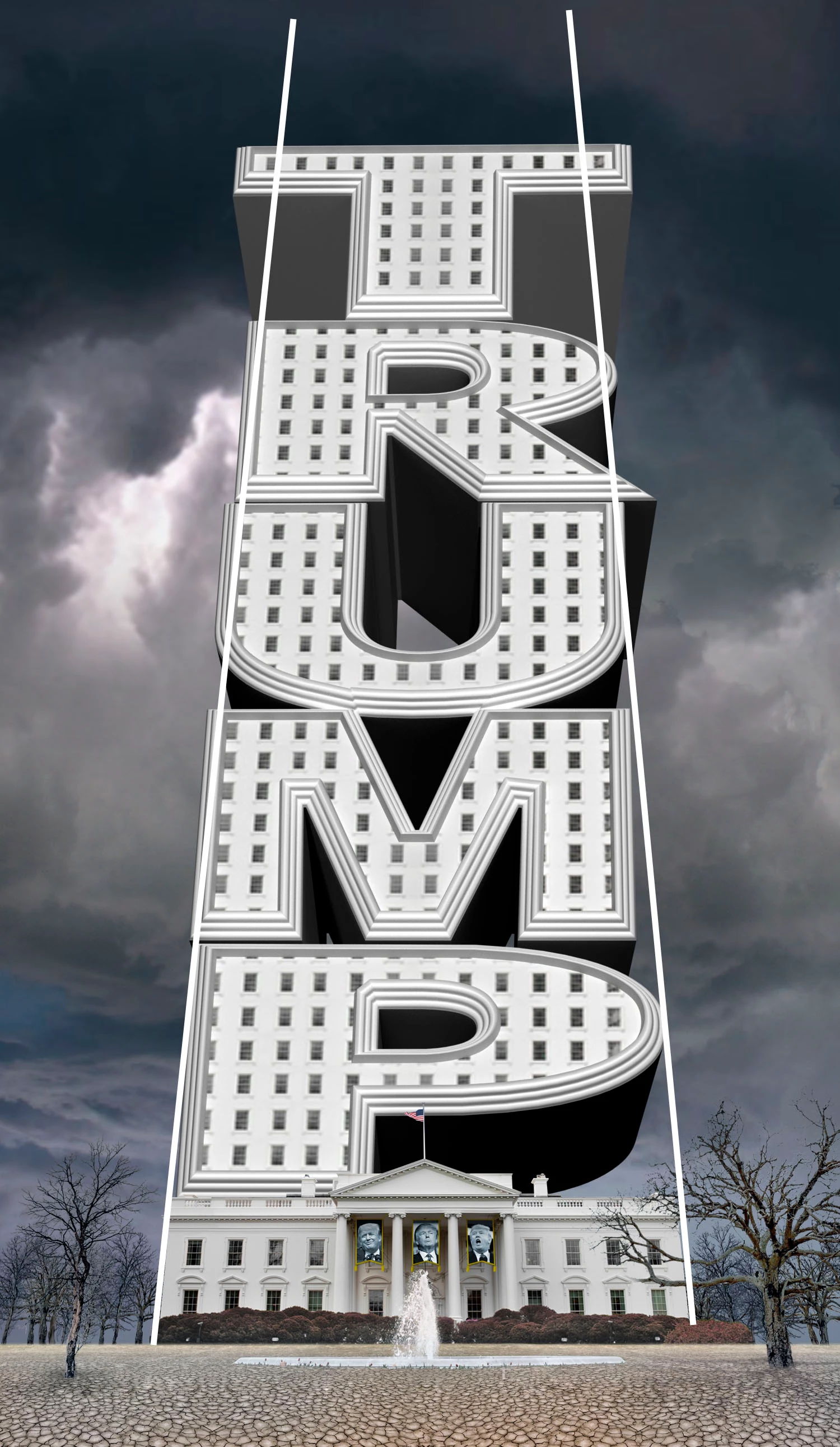
New to PS 3D - experimenting with this art using an extrusion pre-select and can't fine tune it like i want.
How to perspective-ize the type to match the lines? (attached jpg) I dont want the type to "lean back" more.. just to manually distort it.
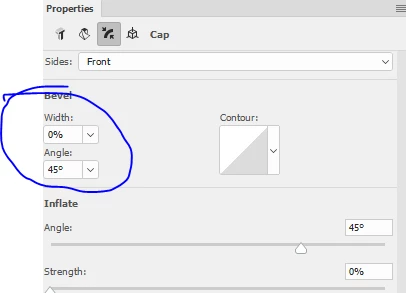
How to adjust the 3 bevel edge "frame" surrounding each letter to be smaller / thinner / less deep ?
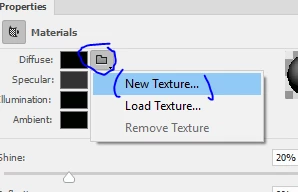
How to add fill color (or photo, eg the sky) into black/dark shadows beneath letters. Tried with Property/Materials Diffuse, Specular, Illlumination, Ambient - none let me change color. I added a photo via Diffuse but PS stretches it around the shadow areas until it looks like a bunch of lines - like the rings of Saturn. How to make it appear unstretched? (for a reflecting the sky effect)
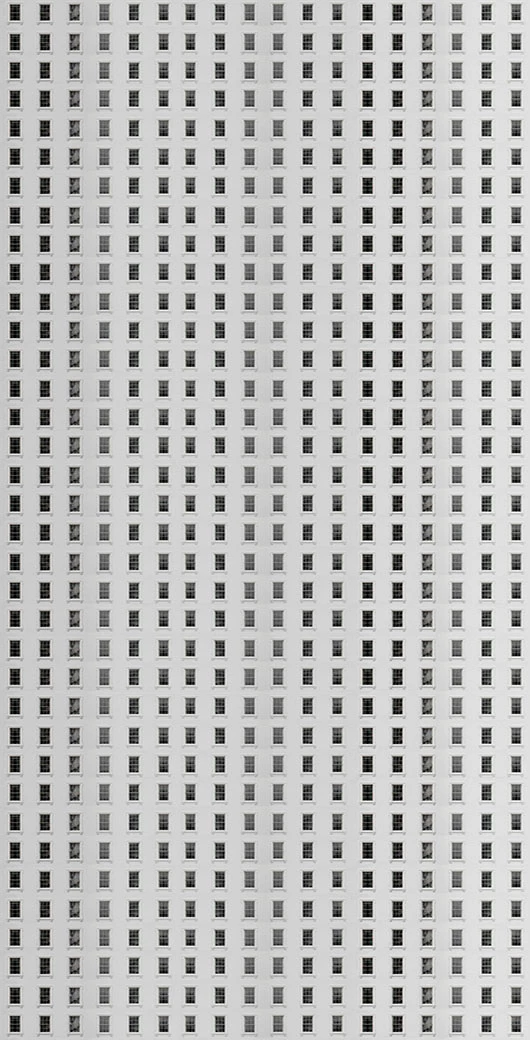
Dont' know if you'll be able to see on the forum, but the windows in the text are all blurry even though the window jpg isn't. I tried a dozen jpg sizes to make the windows fit but struggled to change the scale of the windows once they're added into the model. Eg, I made a much smaller windows image to tile at first and couldn't make it work.
I'm probably not being as descriptive as I hope.. LMK if I can clarify anything.
Thanks in advance!
 AdChoices