Answered
Photoshop 7 disable info mouse cursor
HI i recently used the info navigator and noticed that my cursor has changed and want the tools to look the way they used to prior to using the info navigator. How can i revert to this?

HI i recently used the info navigator and noticed that my cursor has changed and want the tools to look the way they used to prior to using the info navigator. How can i revert to this?
Hey thanks for the tip, but this did not solve the issue.
Do you know if there is a list of all registry entries for Photoshop 7 install that I could delete for a clean install?
I'm thinking this is my only hope
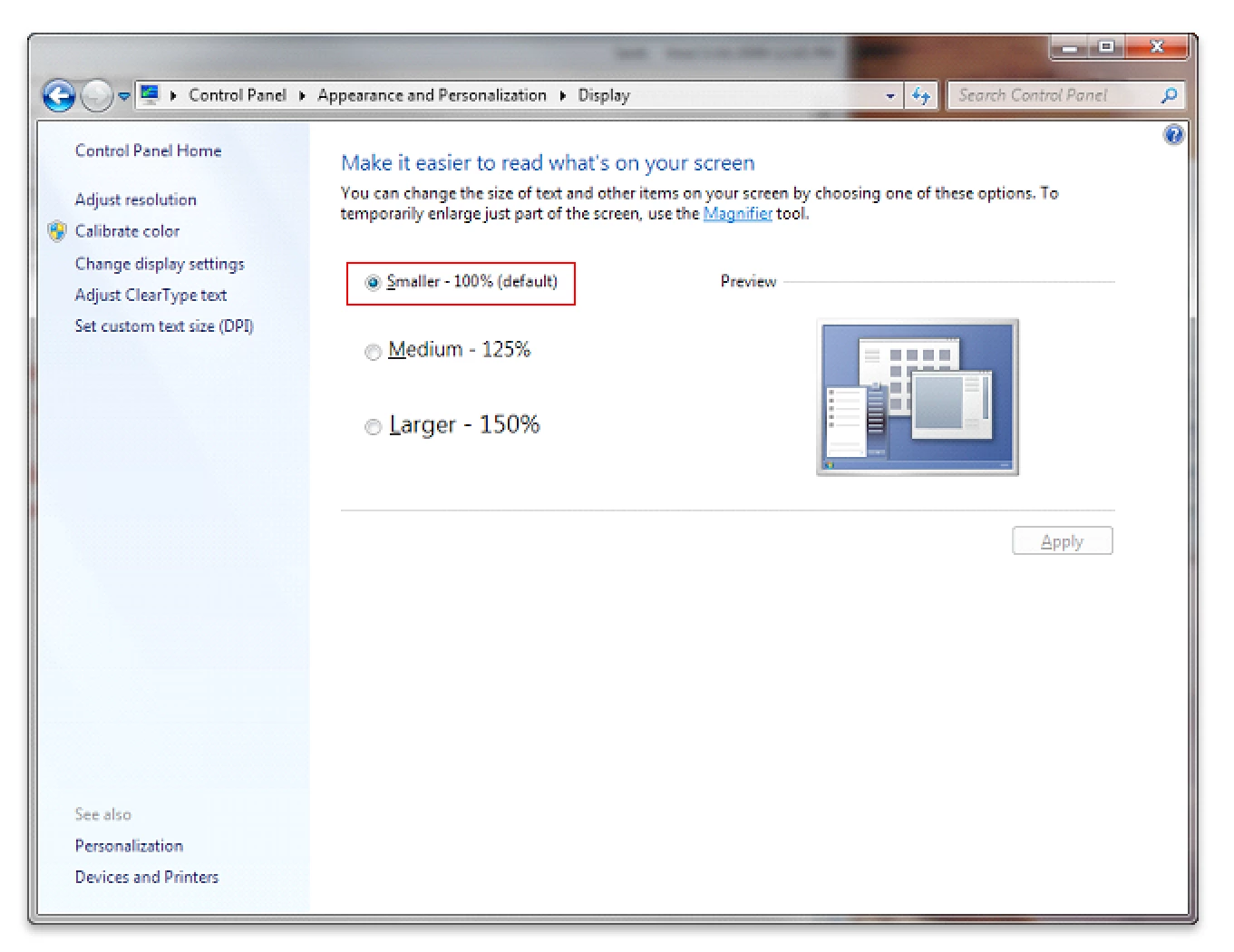
Try setting the dpi scaling to Smaller-100% (default) and then restart windows and check ps 7.
Change DPI Settings in Windows 7
Already have an account? Login
Enter your E-mail address. We'll send you an e-mail with instructions to reset your password.
 AdChoices