
Answered
Photoshop action to apply area determined by selected color range to layer mask
Hi
I have a Photoshop action that creates an adjustment layer, inverts the mask, selects a color range, and fills the selected area of the layer mask with white.
By default, Photoshop fills the entire layer mask with white if the color range is not found. I’d like to leave the mask black if the selection is empty.
Similarly, if I create a new layer via copy, Photoshop copies the selected pixels if the color range is found and copies the entire layer if the color range is not found.
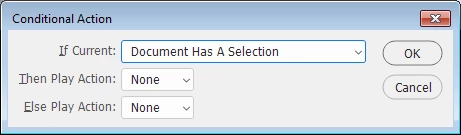
What’s the correct way to set up this action 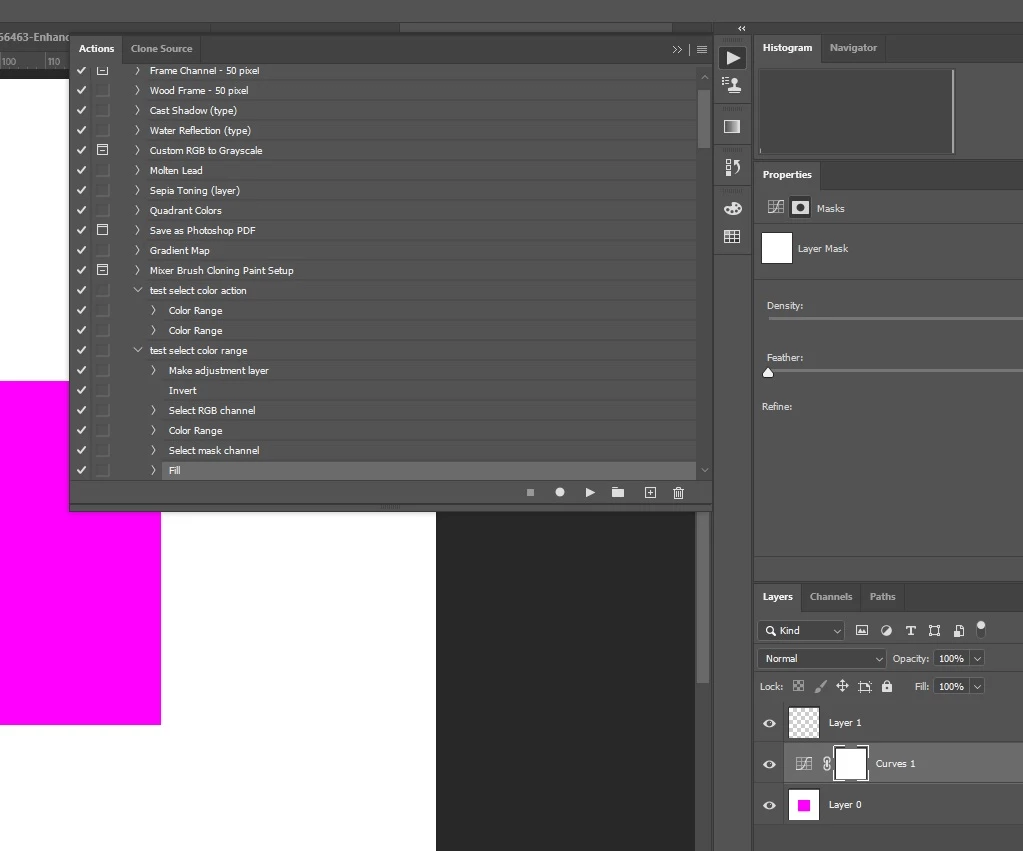 so that the mask only reveals pixels if the color range is found in the image?
Or can I create a new layer that is only filled with pixels of the selected color range, and apply that image to the layer mask?
Thanks!
 AdChoices