
Титан
Known Participant
November 7, 2023
Question

photoshop alpha (transparency) gradation is too step at low values

  • November 7, 2023
  • 7 replies
  • 285 views

With low transparency values, transparency is still too high. There's the minimum transparency I can get with 1% eracer's opacity. Totaly doesn't look like 1%! For comparison, there's 10% (TEN!) in GIMP. Totaly does look like 10%.
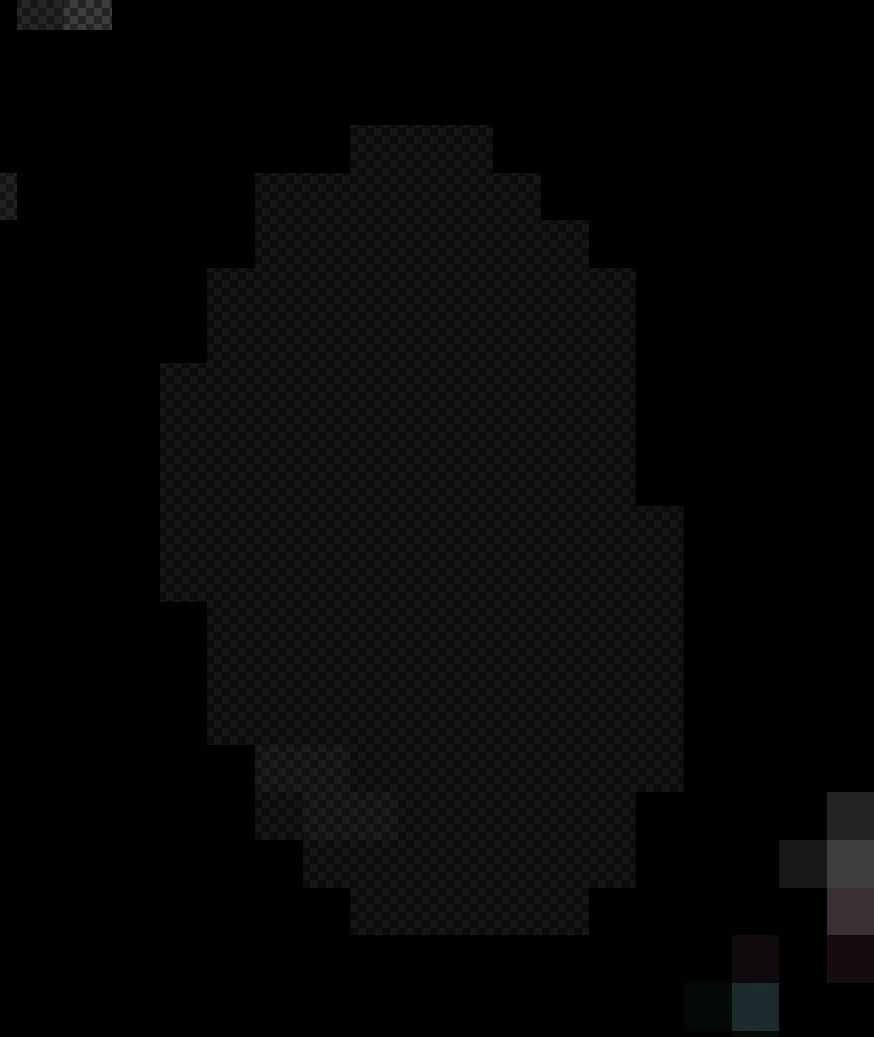
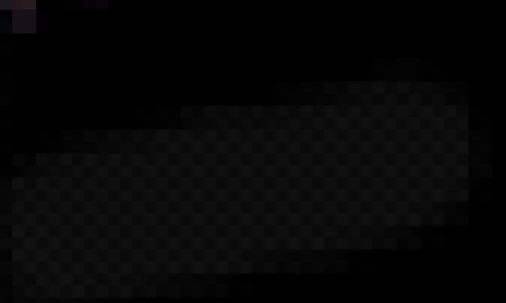
How can I fix it?


UPD: The problem is not how Photoshop paint transparency, but how it displays it. So, it displays transparency way incorrectly and it's a clearly a bug since there's no option of "overexaggerated transparency" I can turn off.

This topic has been closed for replies.

7 replies

Титан
Known Participant
November 9, 2023

D Fosse,

I tried to set it to 1.0, to 2.20 and I don't see any changes. I also clicked "set profile", "current profile" and again, no changes. By default it's turned off and set to 1.0

D Fosse
Community Expert
Community Expert
November 9, 2023

This is Blend Gamma in Color Settings (the curve from fully transparent to fully opaque). Read the description at the bottom:

Титан
Known Participant
November 9, 2023

Jeff Arola, there's nothing I can change in Edit>Preferences>Transparency & Gamut to fix this issue.

It's absurd that even the preview shows the transparency right.

If you mean to make mesh/grid more dark, that is not this type of issue. I can set transparency color to pure white in other programs and it will still not look as overtransparnced at low values as in Photoshop

Jeff Arola
Community Expert
Community Expert
November 7, 2023

I think it's just a difference in how each application is set to view transparency.


In photoshop go to Edit>Preferences>Transparency & Gamut


In Gimp go to Edit>Preferences>Interface>Display

Титан
Known Participant
November 7, 2023

Hm, I see there are some issues with how Photoshop displays transparency


Титан
Known Participant
November 7, 2023

Hm, I see there are some issues with how Photoshop displays transparency


Jeff Arola
Community Expert
Community Expert
November 7, 2023

They look and measure about the same here using the Eyedropper Tool measuring Opacity in both Photoshop and Gimp.


This is with Photoshop 2024 (ps ver 25.1) and Gimp 2.10.34 rev3 running on macOS Sonoma 14.1 Apple Silicon.