Photoshop and Illustrator crash my iMac 2020, Monterey, when external display is connected
For months now I have had the same problem. Very soon after opening Photoshop and beginning to work my computer shuts down and automatically restarts. Upon restart I am presented with a 'your computer shut down because of a problem' screen which I then always prompt to submit a report to Apple and take a screenshot of the problem details. I attach the latest screenshot.
My computer is a 2020 iMac Retina 5K, 3.6GHz 10-Core Intel Core i9 with 64GB Ram and AMD Radeon Pro 5500 XT 8 GB. I am running OS Monterey 12.0.1. I am running Photoshop v 23.0.2 by subscription to Creative Cloud.
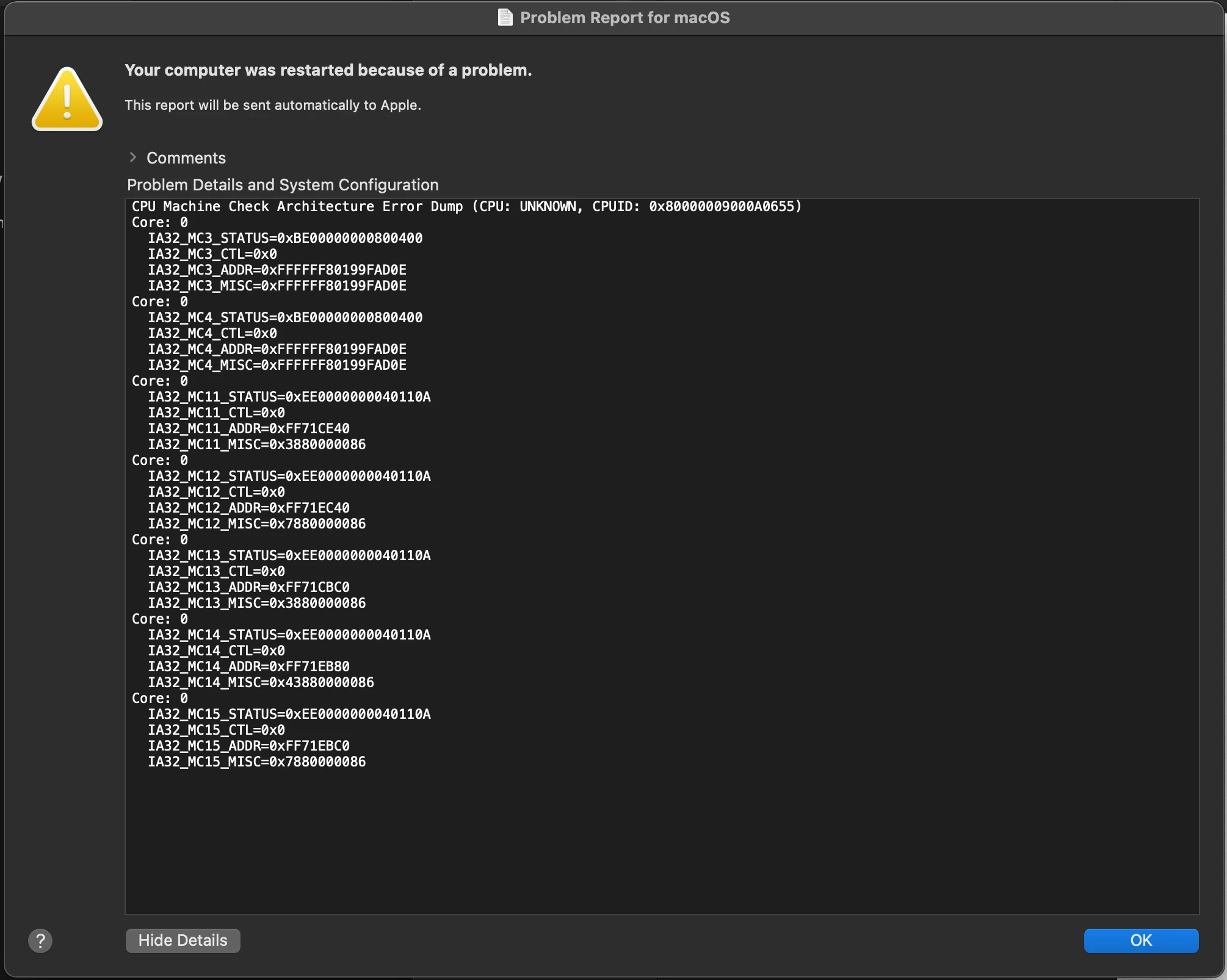
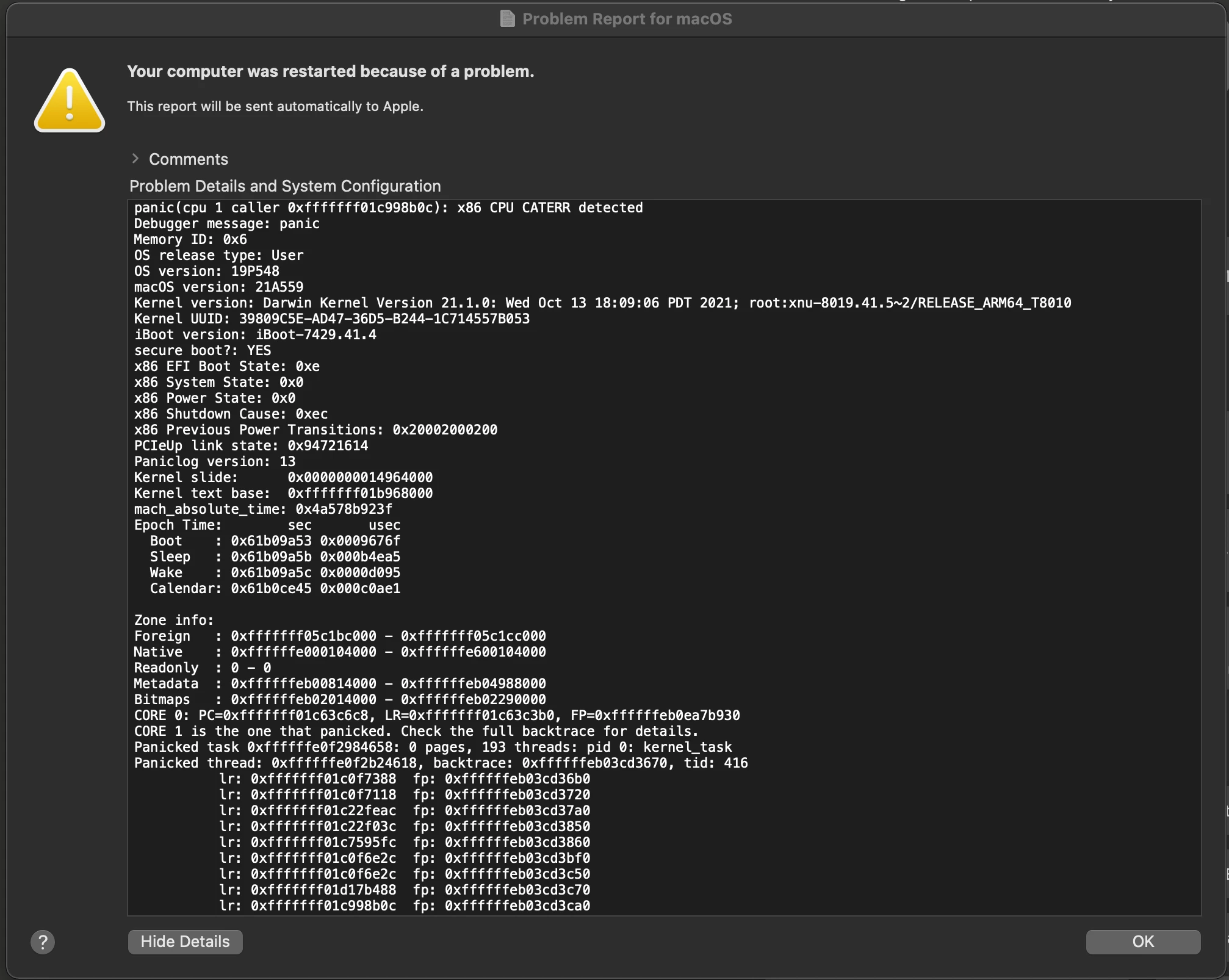
I have had extensive communications with both Apple support and with the tech team at the reseller where I purchased the computer. The computer has been in to the tech team there where they performed a full factory reset and reinstall of the OS but the problem persisted. The computer also went into the Apple Store where they performed diagnostic tests that showed no hardware issues whatsoever.
By process of elimination I arrive at the sole cause of the problem being the Adobe software. The problem does not occur with any of the other programs I use. I am a creative professional using 3d modelling and drawing software daily and am reliant upon the external display as an essential part of my set-up. Photoshop is an important part of my workflow and as such presents me with great frustration that I can't use it without it crashing my computer. It is important to note that the problem DOES NOT occur without the external display connected but this is not a good way for me to work to have to connect and disconnect the external display all the time.
This never used to happen with my old Macbook Pro running Catalina but that was with older editions of Photoshop too. I am at my wits end!
Please help!
 AdChoices