

Participant
January 7, 2022
Question

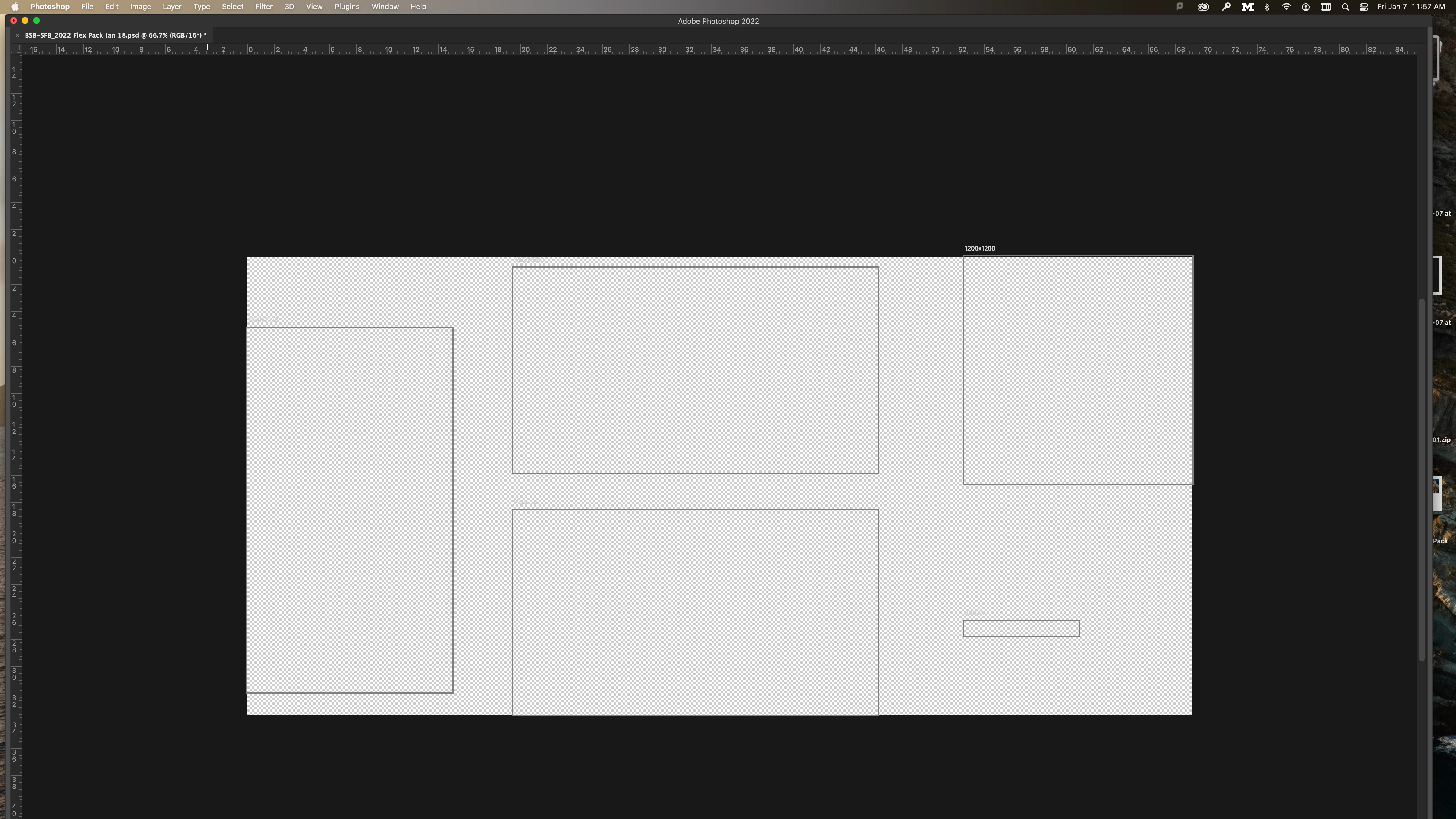
Photoshop artboard bug

  • January 7, 2022
  • 2 replies
  • 248 views

Using photoshop 23.1


When using artboards, anytime i zoom in, the artboard goes grey or a giant checkerboard shows up?

This topic has been closed for replies.

2 replies

Legend
January 8, 2022

After gathering the info in Daniel's request for system info:


Restore your preferences using this manual method:
https://helpx.adobe.com/photoshop/using/preferences.html#Manually
Does it work correctly?
If that doesn't solve it, you can quit Photoshop and put the Settings folder back.
If it does solve the problem, I would like to get the bad Settings folder to try and figure out what is wrong with them.

Dramenon
Inspiring
January 7, 2022

Please provide information in Photoshop, select Help > System Info.


To help solve the issue in Photoshop, select Help > System Info.

  1. In the System Info dialog, click Copy.
  2. Attach or copy the info here to this thread. 
/end of line/
