
Known Participant
November 30, 2021
Answered

Photoshop Automatically Cycles Full Screen options

  • November 30, 2021
  • 5 replies
  • 633 views

Hi, super frustraing and annoying issue I have. Photshop seems to be automatically cycleing full screen options.


For instance when I have a project in full screen mode and I switch layers the window will cycle to full screen mode without the tools, if I select another layer it will cycle back to regular full screen.


Also while in full screen if I click something in the menu bar eg. "Image" or "Layer" it cycles to full screen without tools... even the menu bar disappears. Among it happening selecting other items... eg adjustments like , levels hue+sat.... Or even moving/selecting panels.


It's not even technically the second full screen mode, since I have to hit the "F" key three more times to get back to full screen...


Is this a bug? Or is it some silly "AI" option I can turn off? Any suggestions would help please, it's pretty annoying.
This topic has been closed for replies.
Correct answer J453

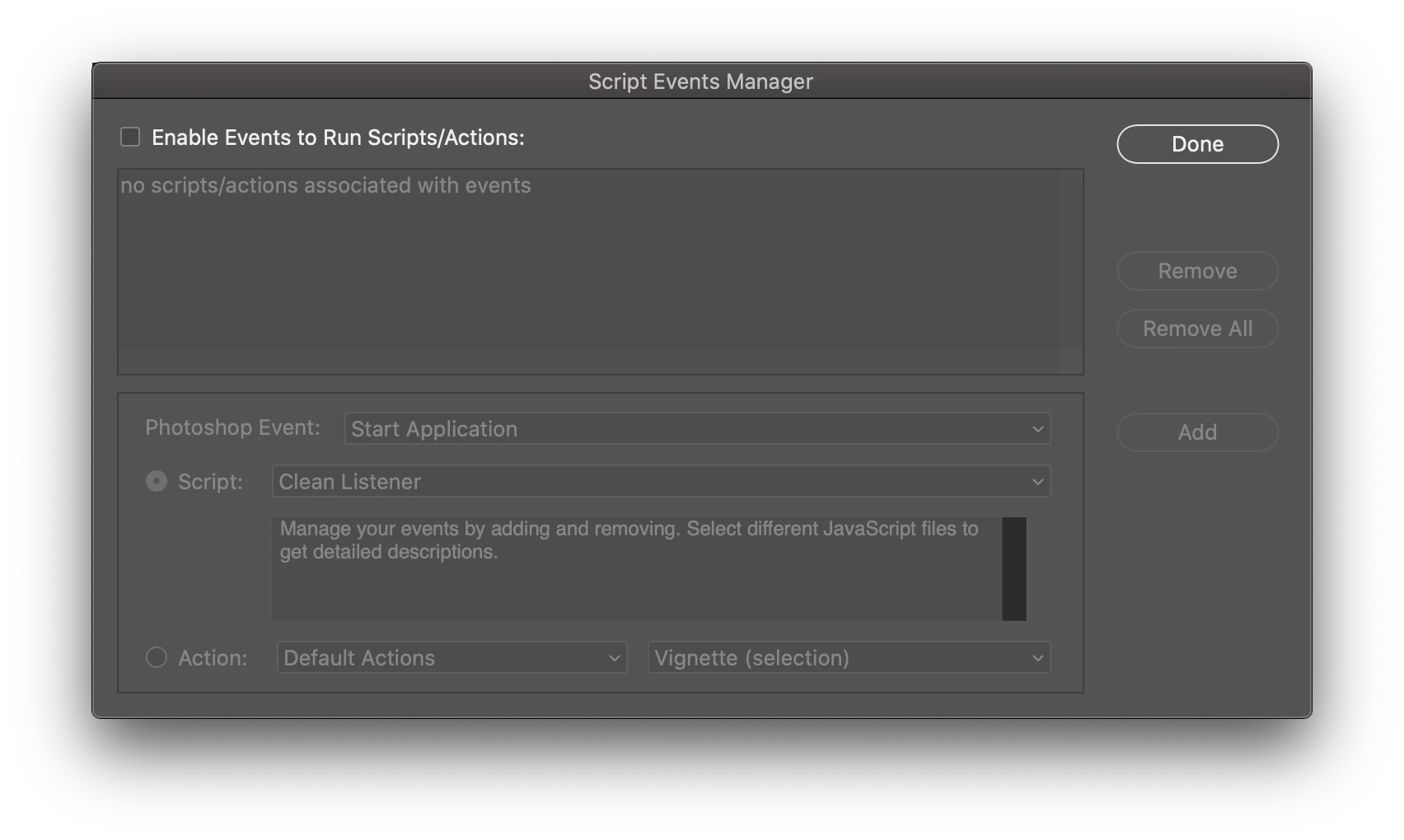
It almost looks like you have something set up under File > Scripts > Script Events Manager...

Is anything enabled in this dialog?


If not, if you restore your preferences using this manual method does it work correctly?
https://helpx.adobe.com/photoshop/using/preferences.html#Manually
If that doesn't solve it, you can quit Photoshop and put the Settings folder back.

5 replies

Legend
November 30, 2021

Can I get a copy of the settings folder? I can take a look at it with engineering to see what might be the culprit.

ThomsonxAuthor
Known Participant
November 30, 2021

*Setting

ThomsonxAuthor
Known Participant
November 30, 2021

Thanks, resetting prefs worked, I always regret doing so. seetting everything back up to remove nonsense features,updates and layouts take a bit.


Not sure why it happend, least its know now. Thanks again for replying.

J453Correct answer
Legend
November 30, 2021

It almost looks like you have something set up under File > Scripts > Script Events Manager...

Is anything enabled in this dialog?


If not, if you restore your preferences using this manual method does it work correctly?
https://helpx.adobe.com/photoshop/using/preferences.html#Manually
If that doesn't solve it, you can quit Photoshop and put the Settings folder back.

ThomsonxAuthor
Known Participant
November 30, 2021

I also forgot to mention, it centers the image!!!