Inspiring
December 13, 2019
Answered

Photoshop Basics - Change Colour

  • December 13, 2019
  • 2 replies
  • 3345 views

How do I make the white logo the pink colour I have selected ?

Thanks in advance...

This topic has been closed for replies.
Correct answer colinm60245142

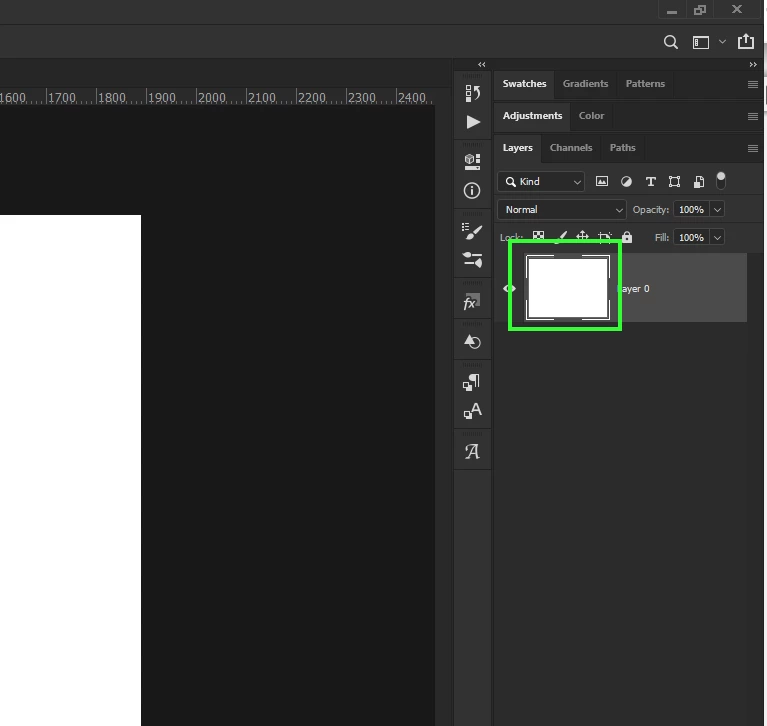
Did you double click this

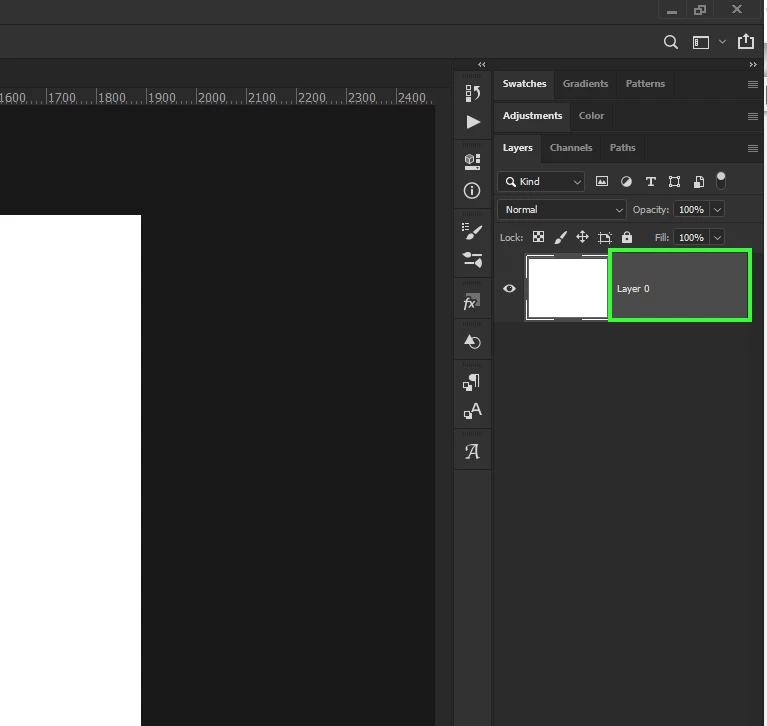
If you double click here it will bring up the layer style


I got there. Thanks Guys. I used colour overlay from the layer style menu.

Learning as I go...

Many thanks.


2 replies

PECourtejoie
Community Expert
Community Expert
December 13, 2019

Hello, if you want to experiment with the colors, you could add a Color Overlay layer style (the Fx button on the bottom of the layes panel)

December 13, 2019

Hi

Double click on the layers thumbnail and the logo will open in a new window, Ctrl Click on the layers thumbnail to make a selection hit Shift + Backspace and select Foreground from the Contents menu then click OK

Close out of the window and select yes to save

Inspiring
December 13, 2019

Thanks, Ged. Where is the "layers thumbnail"? 

December 13, 2019

OK. Double clicking on the layers thumbnail brings up the layer style menu box.


Did you double click this

If you double click here it will bring up the layer style