
Question
Photoshop bounding box changed when selecting text
I was working with two artboards and I double-clicked the text to type a new word and my bounding box changed from solid to dotted, plus the document has lost some quality. Any idea how I can revert this?
Edit: seems to only happen when I select the text tool.
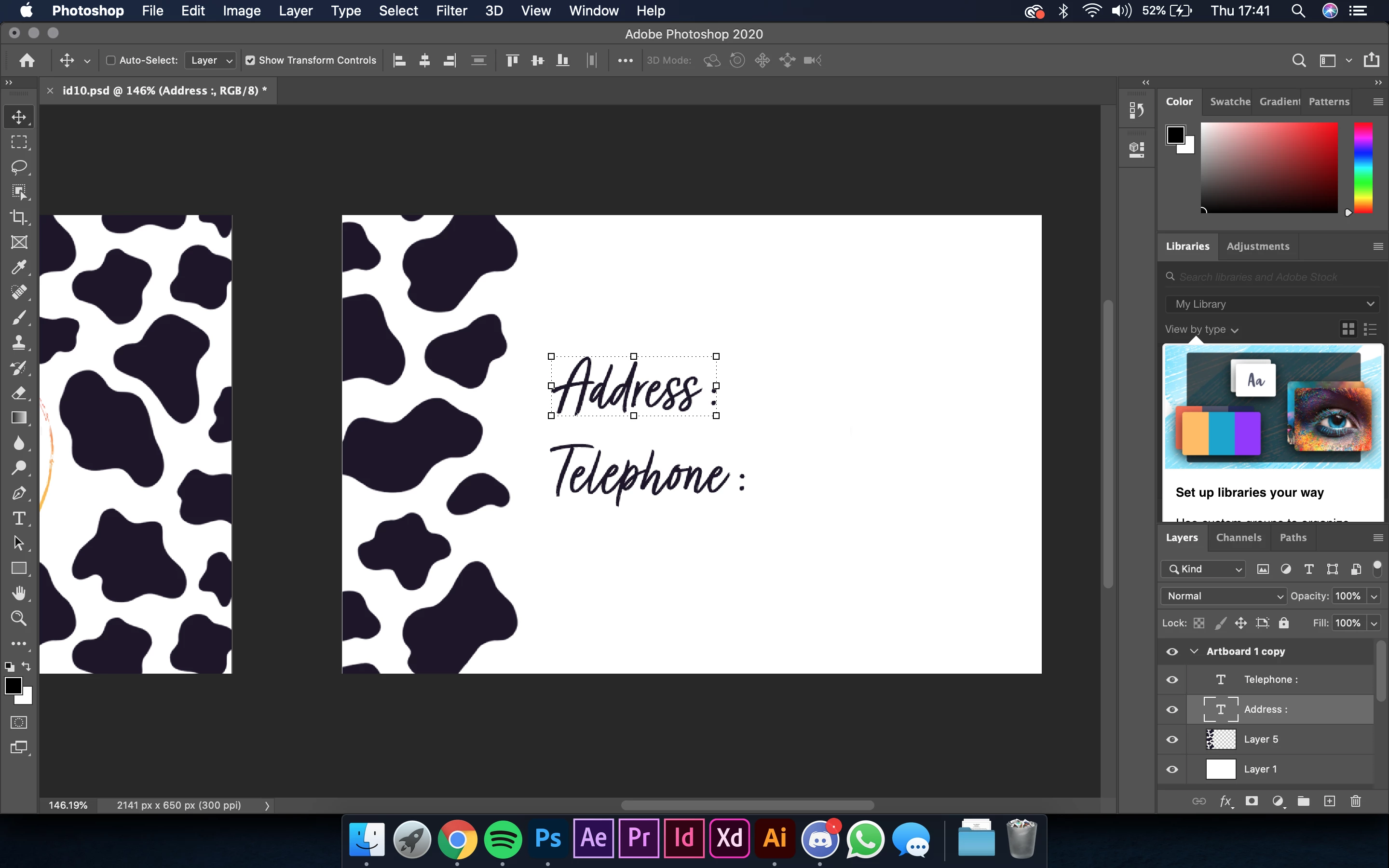
I have no idea if I've accidentally pressed a shortcut. Any help would be appreciated!
 AdChoices