
Participating Frequently
May 8, 2020
Question

Photoshop bug: hand tool keeps snapping to the same spot

  • May 8, 2020
  • 14 replies
  • 6147 views

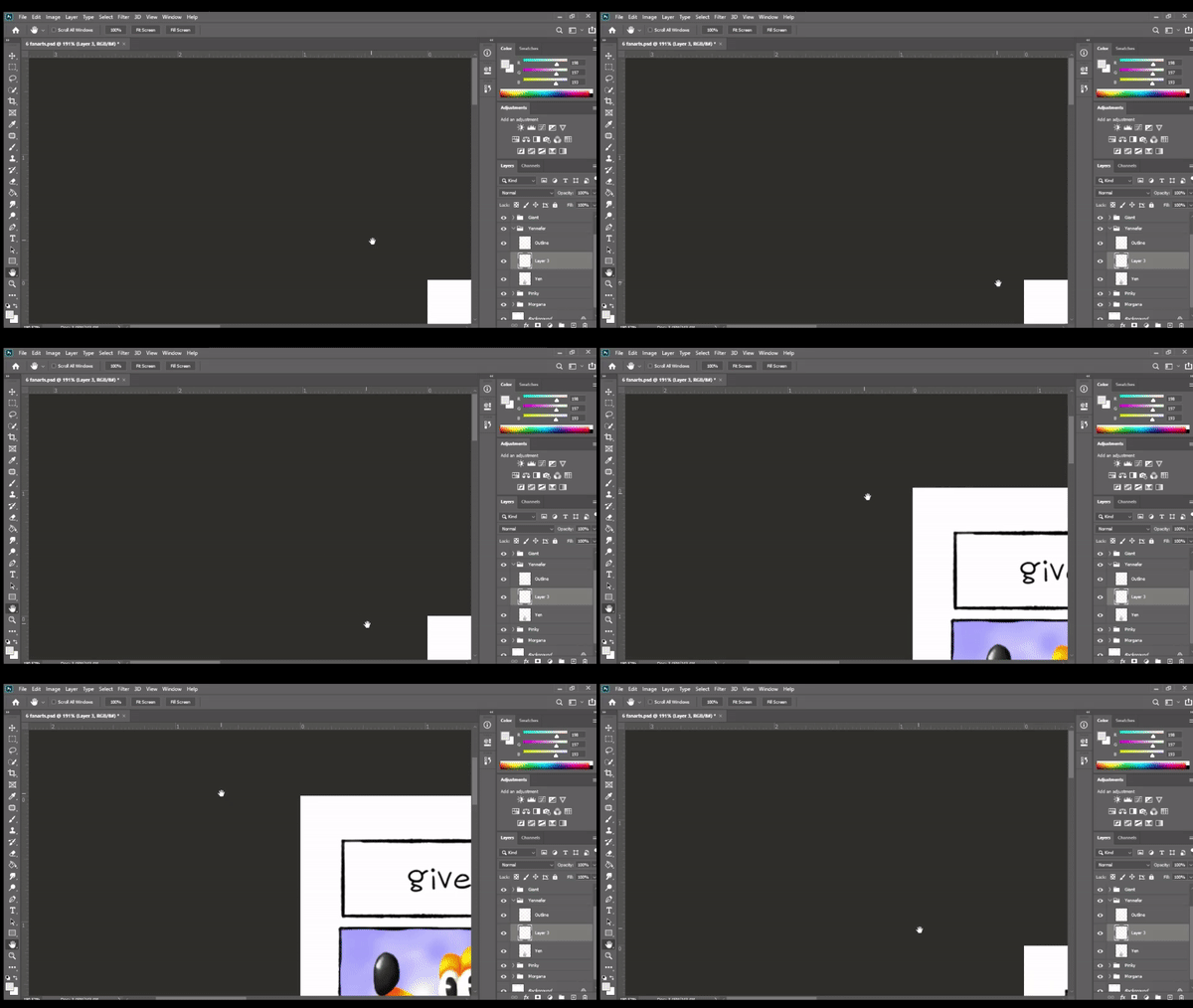
I'll use the space bar to temporarily activate the hand tool. When I let go, the screen snaps me to a different spot and then it gets stuck there. No matter what I do, it won't "unstick" itself. It's like the view is locked on that one particular spot on the pasteboard. 


I updated to version 21.1.2 and it's still doing it. Closing and opening Photoshop tends to help but it only takes a minute or so before it starts doing it again.


I tried googling this but no one else seems to have this issue. Any help would be much appreciated!
 

This topic has been closed for replies.

14 replies

Participant
June 18, 2020

This is happening for me too. After it snapped back three times the scrollbars disappear, as if the image is smaller than the window, so I can't even go to the area I want to work on, except through clicking on the area on the navigator. Or I have to restart PS.  This is really not good.

Participant
May 21, 2020

I'm also experiencing this... I'm on a Cintiq... but it doesn't matter... does this with a pen or a mouse. If I create a new layer and left click on the workspace with a brush tool... The brush develops a mind of its own and draws all over my screen... only when the hand tool is malfunctioning like this.

Inspiring
May 21, 2020

"The brush develops a mind of its own and draws all over my screen..."


Yes this behavior is also happening to me but only occasionally.  It happens with many of the tools,  Clone stamp, lasso, etc.  Only way to fix it is to exit Photoshop and get back in. 

Participating Frequently
May 22, 2020

I've tried closing and reopening but it does it almost as soon as I start up again. Then I have to reboot my computer and hope it works. I'm just gonna hope it doesn't do this is the next update I guess.

Inspiring
May 20, 2020

I am having the same problem only mine snaps to the upper right.  Both with Wacom and mouse.  Still doing it in version 21.1.3.  If I exit and come back in it is OK for a while then does it again.

Participating Frequently
May 21, 2020

I'm sorry that's happening to you but I'm also glad I'm not the only one! I hope someone has an answer soon.

JJMack
Community Expert
Community Expert
May 8, 2020

Are you using a pen or a mouse?

JJMack
Participating Frequently
May 9, 2020

Both. I've tried it with my tablet and I've tried it without and it does it regardless.