
Photoshop can't create new canvas [Black Screen]
I've seen this problem posted in several places, but I've spent a while trying to work through most of the other solutions with no luck.
When I first open up Photoshop, this is what I get:
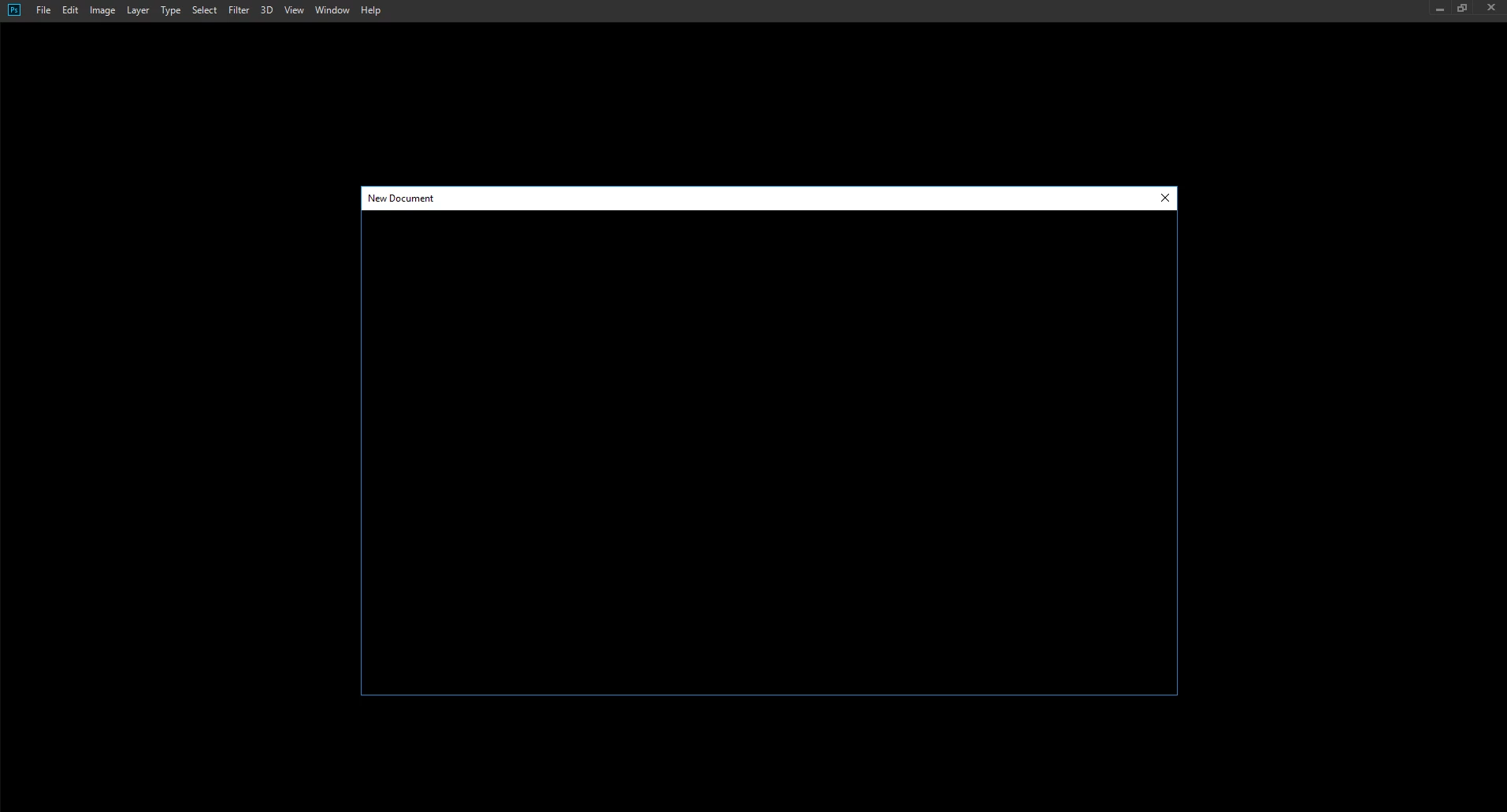
And when I hit ctrl-n or go to file-new I get this:
I can open my old projects, but again:
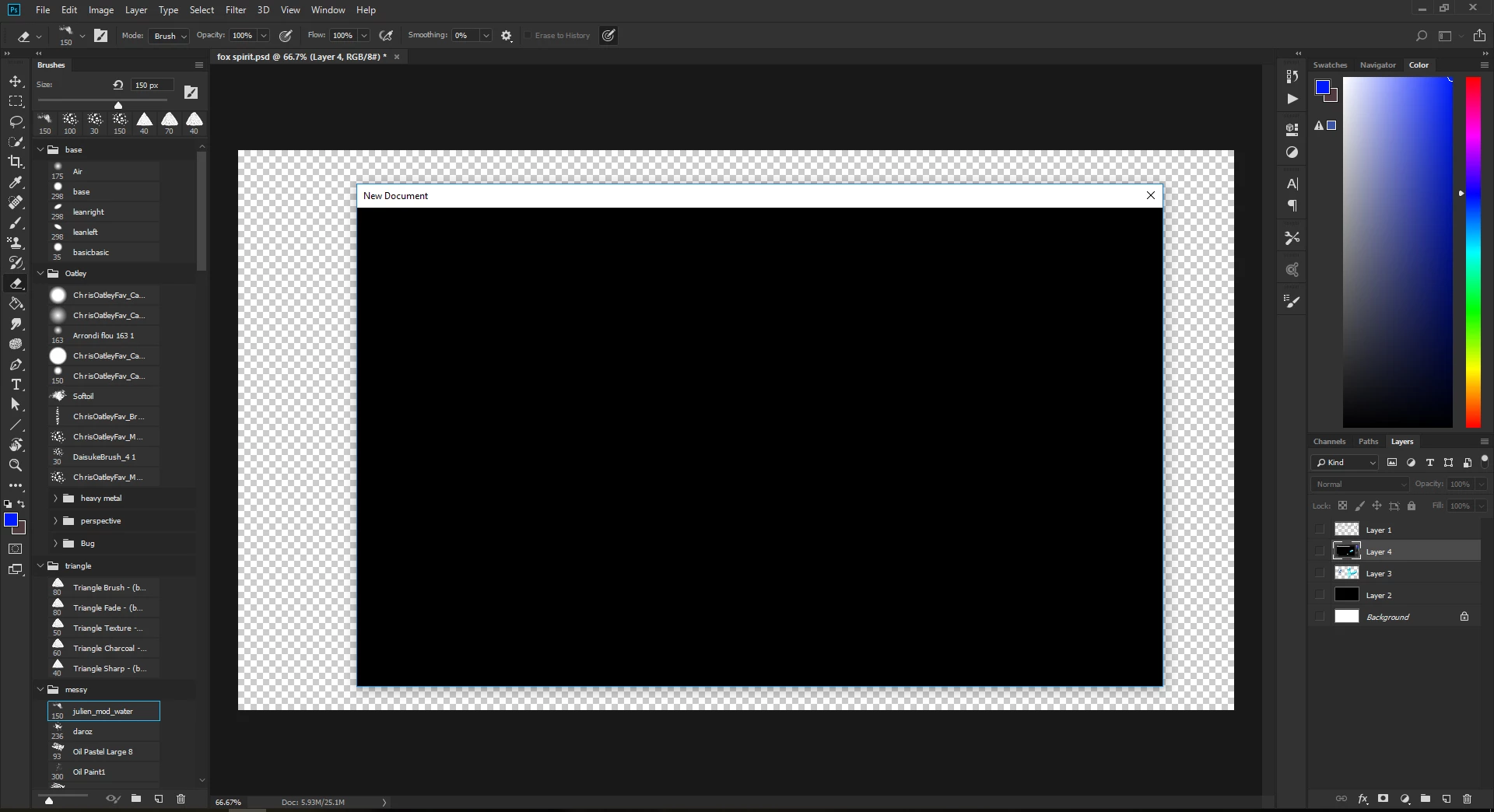
Recently I've been using my old files and just resizing and resaving the canvas to what I need, but this has been a huge issue.
I've tried disabling GPU in performance settings, Uninstalling/reinstalling Visual c++ 2015 and 2017, and Uninstalling/reinstalling Photoshop. I've also tried rolling back my graphics drivers, but the option was greyed out, then I tried updating them and I found that I'm having the same issue with Geforce Experience:
I'm running a Windows 10 64bit Acer Predator g9-591 with a Geforce GTX 980M and an Intel i7 6700HQ. Version 1.11 Acer BIOS.
Pease help ._.
 AdChoices