Answered
Photoshop Can't Detect My GPU (AMD)
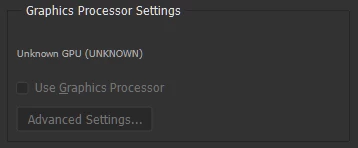
After the last update Photoshop shows me this
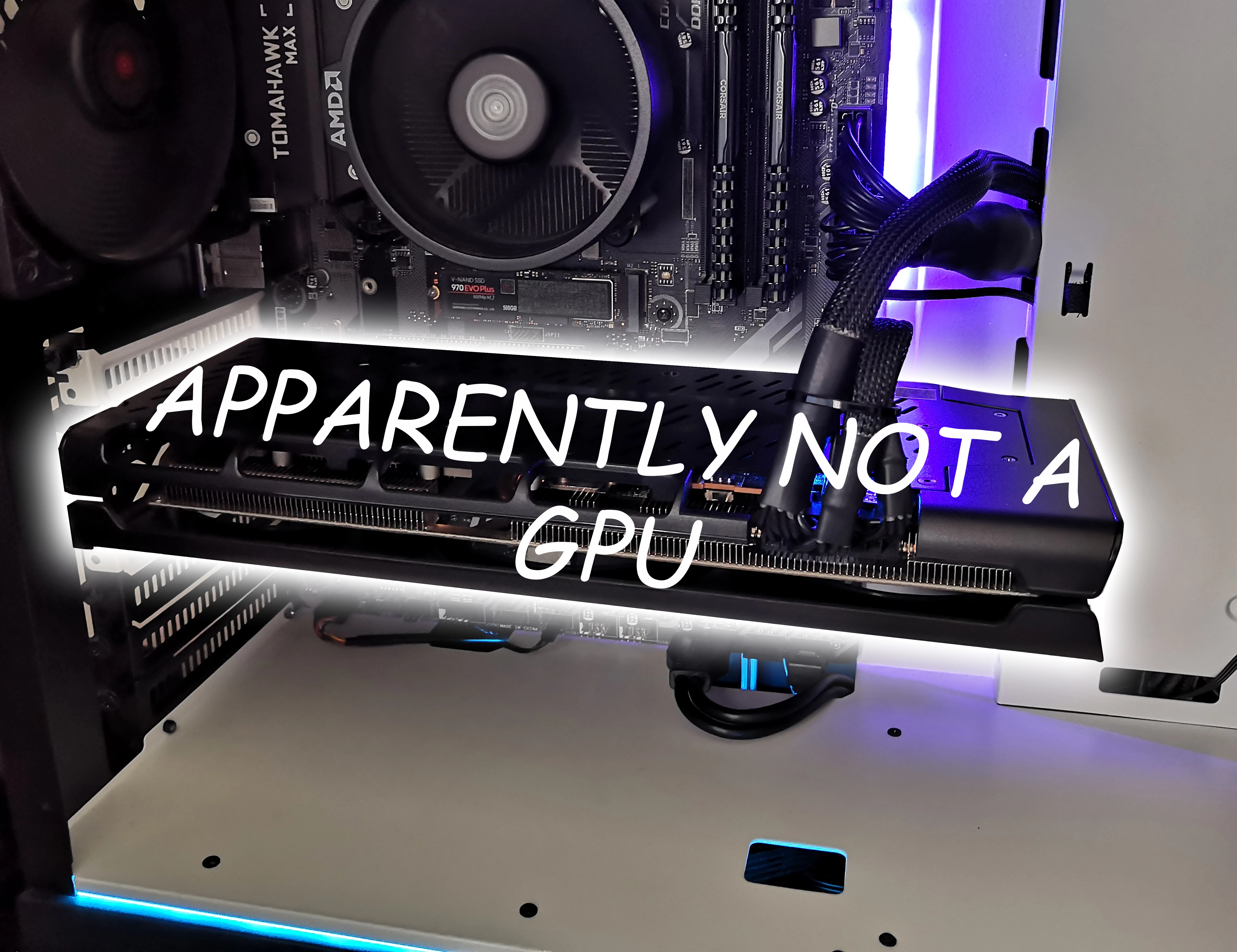
Now, This is my computer
How do I solve this?
Photoshop Version: 22.3.1 20210406.r.122 990be2c x64
Amd Driver: 21.4.1
GPU: Amd Xfx rx 5600 xt thicc III ultra

After the last update Photoshop shows me this
Now, This is my computer
How do I solve this?
Photoshop Version: 22.3.1 20210406.r.122 990be2c x64
Amd Driver: 21.4.1
GPU: Amd Xfx rx 5600 xt thicc III ultra
It a known problem. There are several posts for this issue.
Gelöst: P: Graphics card not detected in Photoshop 22.3.1 ... - Adobe Support Community - 11972040
[Edit by AxelMatt]
[Deleting two links to the Photoshop Feedback forum, because the forum is no longer available.]
Already have an account? Login
Enter your E-mail address. We'll send you an e-mail with instructions to reset your password.
 AdChoices