Answered
Photoshop CC 2017 Brush Preset Picker opens unexpectedly
Have been using Photoshop CS6 for several years and have recently upgraded to CC 2017. I am currently using a Wacom Bamboo Create tablet and pen. Whenever I make a small movement with the pen on the canvas the Brush Preset Picker opens. Very annoying!
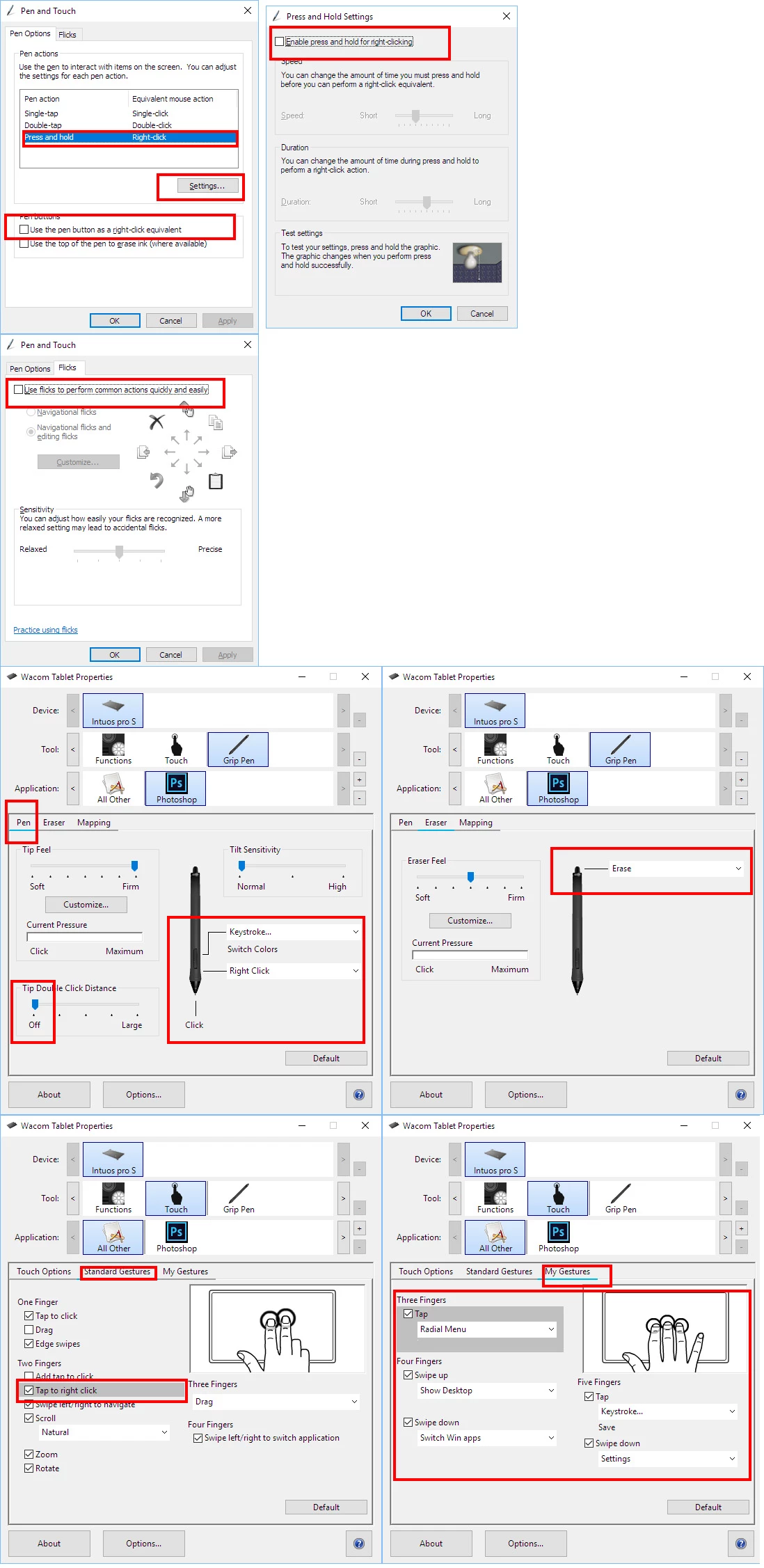
I have gone to Windows 10 'Pen and Windows Ink' settings and turned off everything except 'Ignore touch input when using my pen'.
I have also disabled all pen buttons and touch options in Wacom Preferences.
I have searched Adobe forums and the internet without success.
Thank you for your help.
 AdChoices