
Photoshop cc 2018, memory problem
Hi, I have this problem since I upgraded new photoshop 2018 with previous version all works fine.
When I go to configuration (ctrl+k) I can modify every item except Performance, when I click on performance it sends a message An integer between 96 and 8 is required. Closest value inserted. So any solution has to be different to try to modify parameters on Performance because Photoshop doesn't allow me to enter to that dialog.
I have tried the following procedures, but none of them have worked:
- I hold ctrl+alt+shift when I started Photoshop to delete the configuration file, but the problem persist.
- I deleted the folder : C:\Users\Fernando Molina\AppData\Roaming\Adobe\Adobe Photoshop CC 2018
- I copied from a previous photoshop backup the configuration folder and it didn't work.
- I deactivated XMP on my bios and tried again points 1, 2 and 3 but it didn't work.
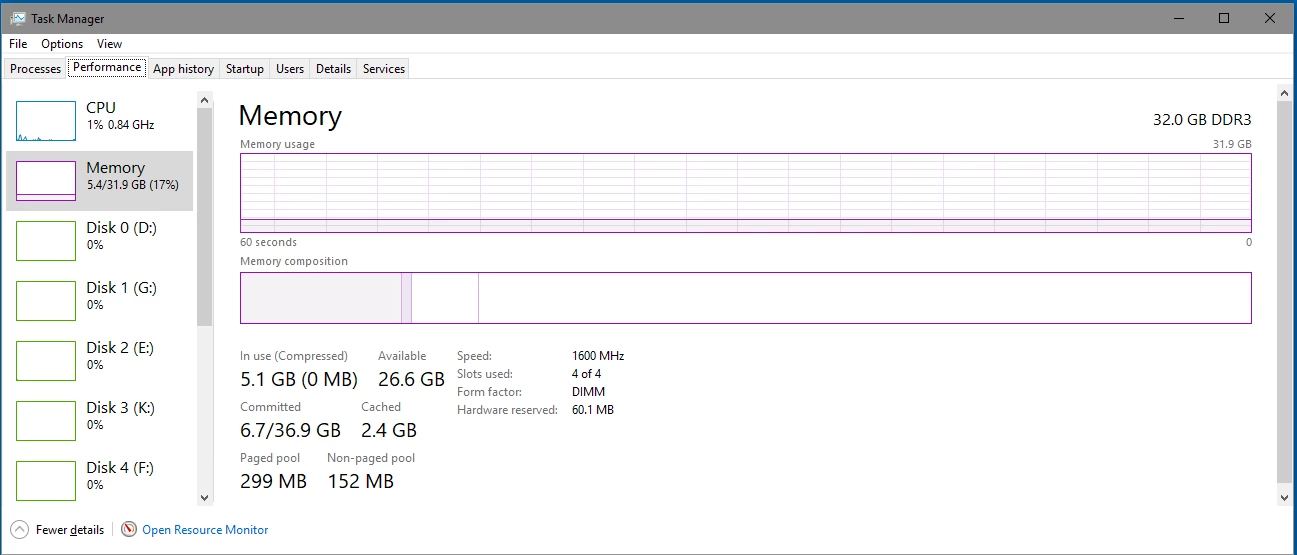
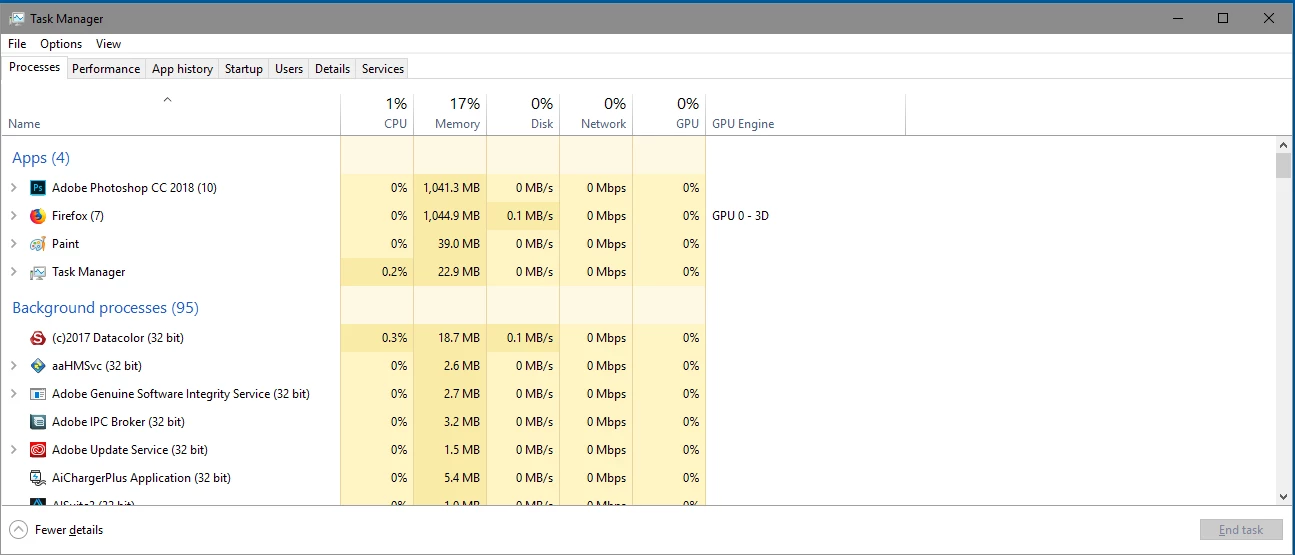
My system has 32GB RAM and from Photoshop System Info it indicates that Ps is using only 8MB RAM:
Adobe Photoshop Version: 19.0 20170929.r.165 2017/09/29: 1138933 x64
Number of Launches: 0
Operating System: Windows 10 64-bit
Version: 10 or greater 10.0.16299.15
System architecture: Intel CPU Family:6, Model:12, Stepping:3 with MMX, SSE Integer, SSE FP, SSE2, SSE3, SSE4.1, SSE4.2, AVX, AVX2, HyperThreading
Physical processor count: 4
Logical processor count: 8
Processor speed: 4000 MHz
Built-in memory: 32708 MB
Free memory: 2 MB
Memory available to Photoshop: 8 MB
Memory used by Photoshop: 70 %
Surface Dial: Enabled.
Alias Layers: Disabled.
Modifier Palette: Enabled.
Highbeam: Enabled.
Image tile size: 128K
Image cache levels: 4
Font Preview: Medium
TextComposer: Latin
OpenCL crashed on 10/31/2017 at 18:55:13 (Initializing OpenCL and OpenCL enabled features)
Display: 1
Display Bounds: top=0, left=0, bottom=1200, right=1920
Display: 2
Display Bounds: top=0, left=1920, bottom=1080, right=3840
 AdChoices